
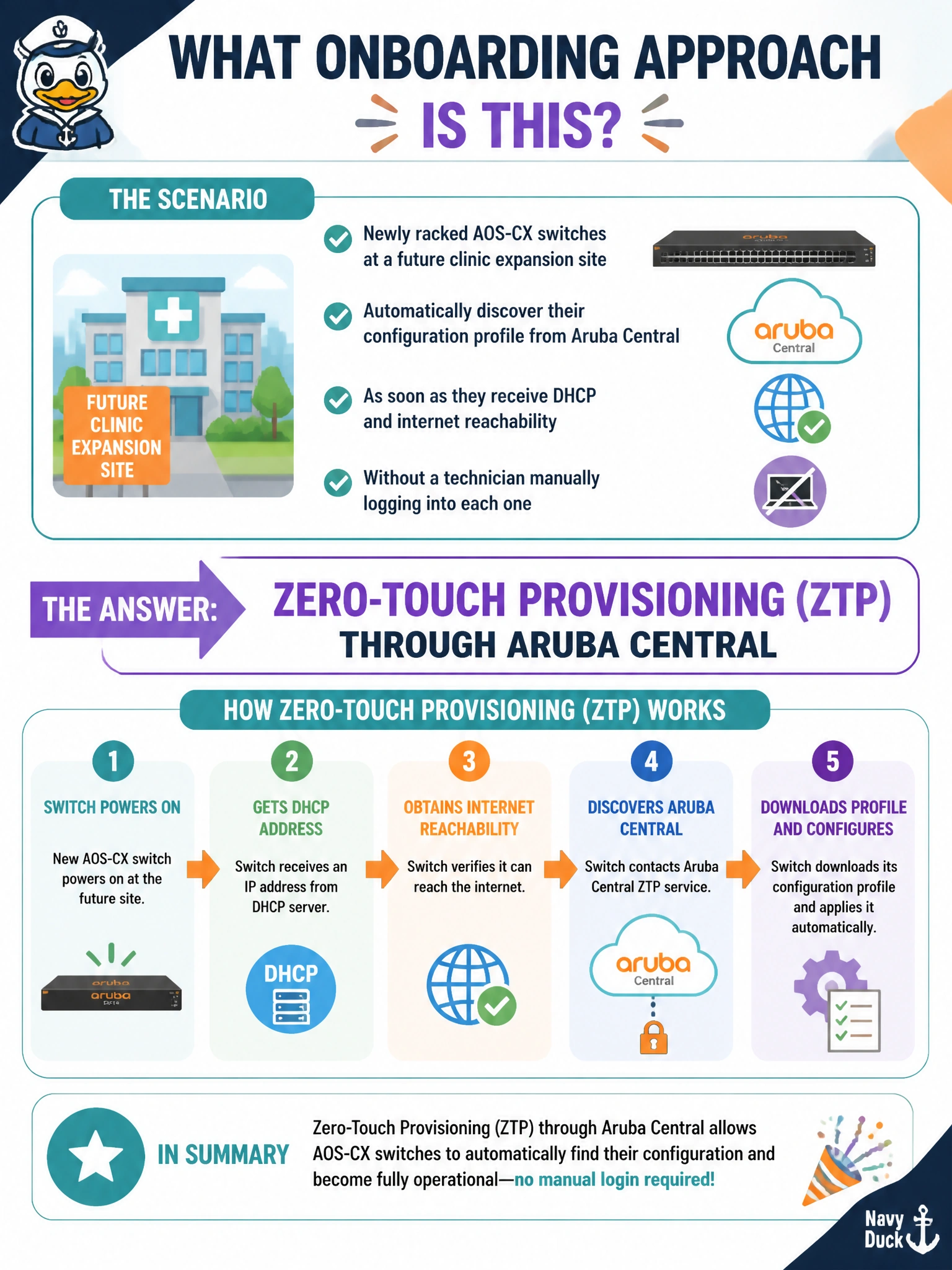
The hospital IT team wants newly racked AOS-CX switches at a future clinic expansion site to automatically discover their configuration profile from Aruba Central as soon as they receive DHCP and internet reachability, without a technician manually logging into each one. What onboarding approach does this describe?
Select an answer to reveal the explanation.
Short Explanation
Rack it, plug it in, and let the network do the rest — that's the promise of zero-touch provisioning. As soon as the switch gets an address and can reach Aruba Central, it checks in and pulls down its intended configuration automatically, no console cable required.
Full Explanation
Zero-touch provisioning through Aruba Central is designed for exactly this scenario: once a new switch has basic IP reachability via DHCP and can reach Central over the internet, it checks in automatically and receives its configuration profile without a technician needing to manually configure it on-site. Manual CLI provisioning via console cable is the opposite of what is being described — it requires a technician physically present at each switch, which is precisely the manual effort the hospital wants to eliminate at scale across a new site. Copying a startup-config via USB drive is also a manual, per-device process requiring physical technician involvement at each switch, and it does not involve any centralized, automatic discovery mechanism. VSX pairing is a redundancy technology that synchronizes two switches' forwarding state with each other; it has no defined role in importing configuration from Aruba Central and does not describe an onboarding workflow at all. Caveat: ZTP depends on the switch reaching Central over the network, so basic DHCP, DNS, and outbound connectivity must already work before ZTP itself can proceed — it is not a substitute for having those fundamentals in place. Operational check: confirm the new switch appears online and assigned its intended group/profile in the Central dashboard shortly after being powered on and cabled.