
Several HCP Terraform workspaces were set to always use the newest Terraform release. After a new release came out overnight, plans in those workspaces began showing different behaviour, and nobody had approved an upgrade. What change prevents this from happening again?
Select an answer to reveal the explanation.
Short Explanation
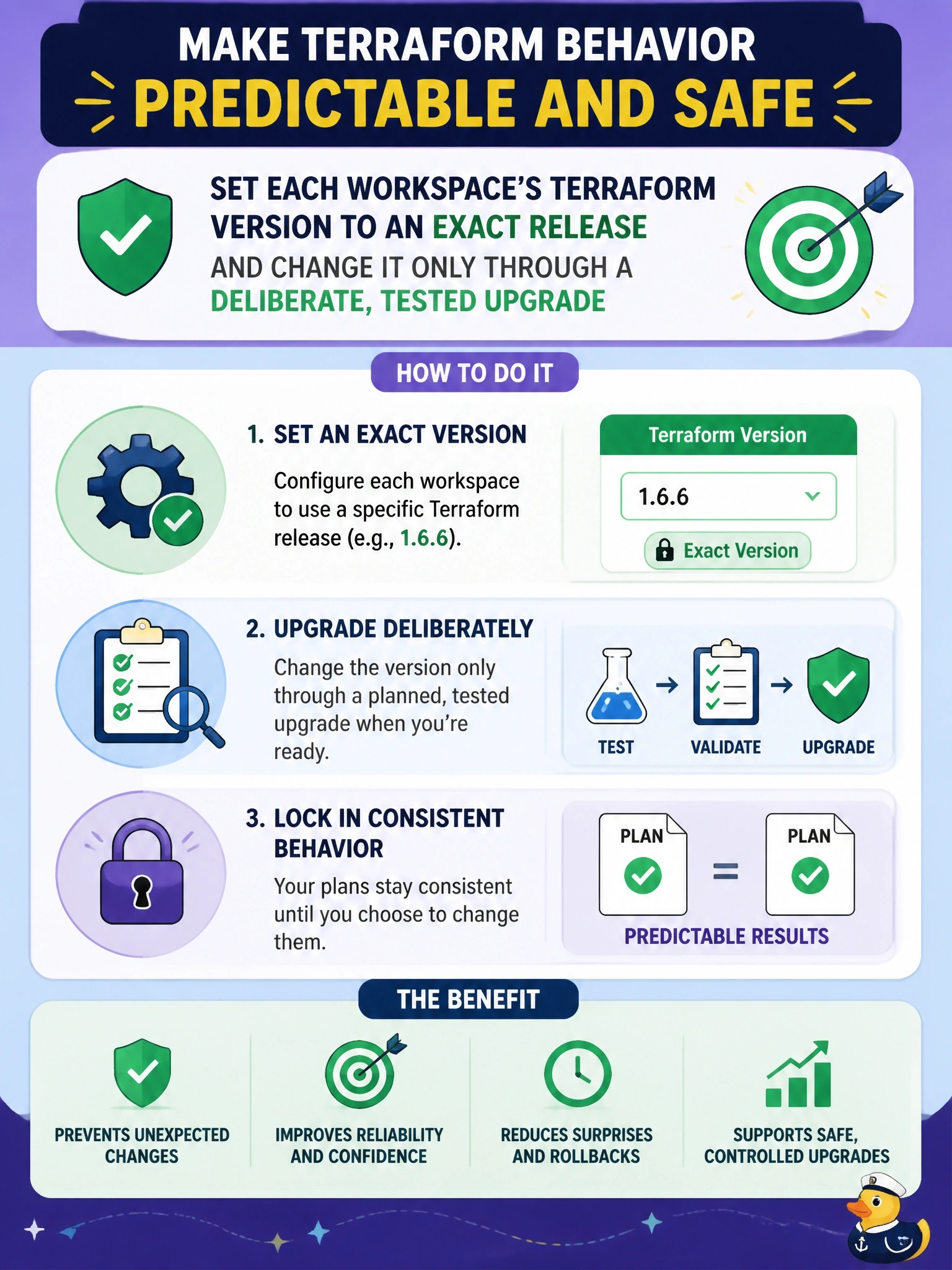
A workspace that follows the newest release is a car on cruise control down a road you've never seen. Pin it to an exact version, and you decide when to take the next exit.
Full Explanation
The workspace's Terraform version setting determines which binary HCP Terraform uses for every remote operation. When it tracks the newest release, or uses a loose constraint, each new release can change the version under the workspace without any review, which is what happened here. Setting an exact version makes the environment reproducible, and upgrades become a deliberate change to that setting, ideally tested on a speculative plan or non-production workspace first. A required_version of >= 1.0 constrains which versions may run the configuration, and every new 1.x release satisfies it, so the workspace would still move forward. The dependency lock file pins provider versions and checksums; it records nothing about the Terraform version, so committing it does not stop the binary changing. Disabling auto-apply adds an approval step before apply but does not change which Terraform version produces the plan; the different behaviour would still appear, merely awaiting confirmation. Exam caveat: an exact pin should be paired with an upgrade routine, because staying pinned forever leaves workspaces on unsupported releases. Operational check: after pinning, open a recent run and confirm the version in the run details matches the pin, then check the explorer's Terraform versions view for any remaining unpinned workspaces.