
A production workspace is pinned to Terraform 1.9.8 and must move to 1.15. The configuration's required_version allows both releases. The team wants the change done with the least risk of surprise infrastructure changes. Which approach is best?
Select an answer to reveal the explanation.
Short Explanation
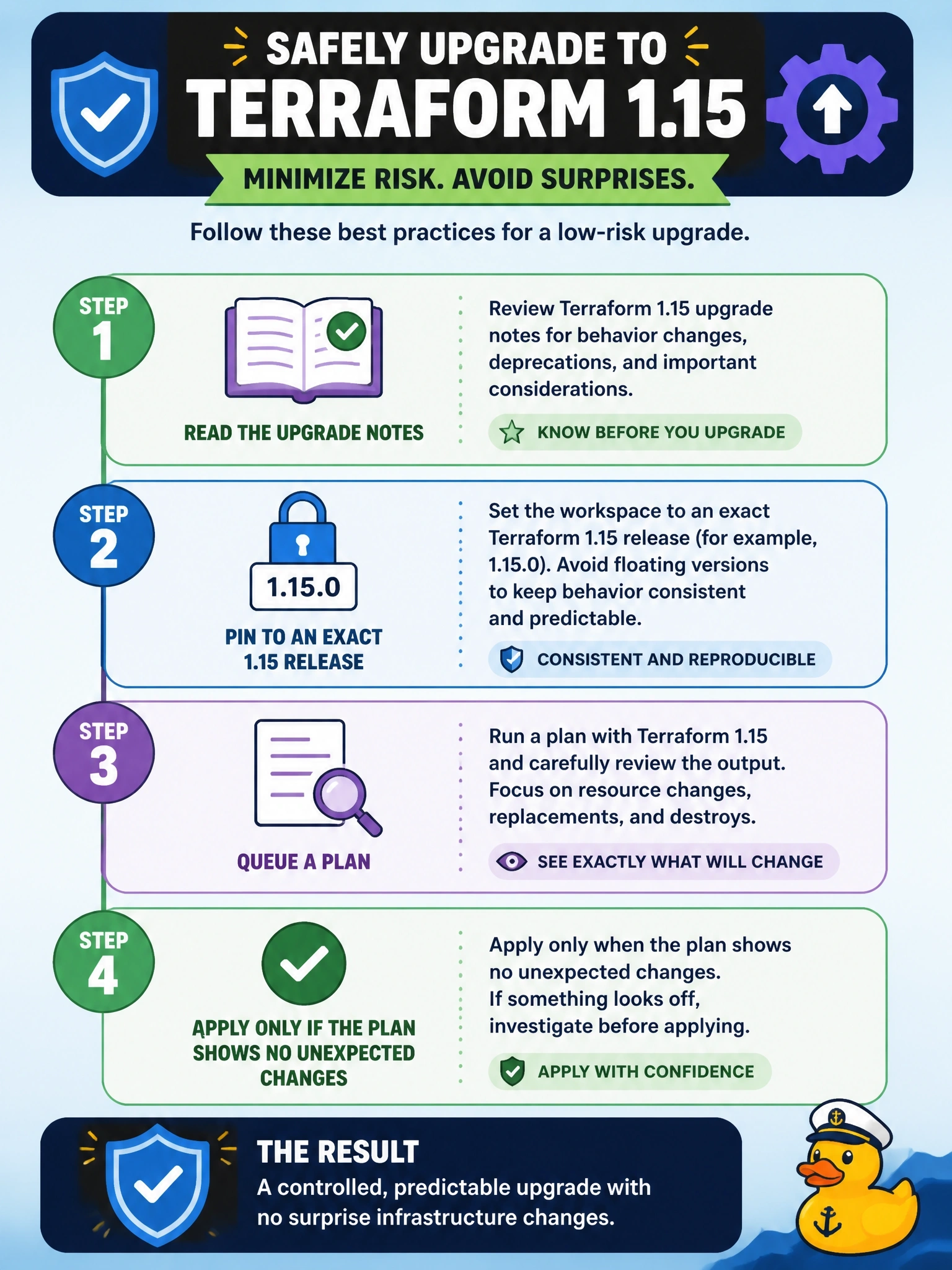
Upgrades should be boring. Read the notes, pin the exact new version, and let a plan prove nothing moves before you apply. The traps are loose constraints that keep moving and hand-editing state, which is never safe.
Full Explanation
A workspace's Terraform version can be an exact version or a version constraint, and HCP Terraform uses it for all remote operations. The lowest-risk upgrade reads the upgrade notes for the releases being skipped, sets the workspace to an exact 1.15 release, and queues a plan. A plan with no unexpected changes confirms the configuration behaves the same under the new version; applying then writes state with the new version. Any unexpected diff is investigated before anything is applied. A loose constraint such as >= 1.9 makes the workspace move to newer releases without a deliberate change, so behaviour can shift between runs with nobody reviewing the upgrade. Choosing the latest release with auto-apply turns the first run into an unreviewed production change and leaves no point at which a surprising diff can be stopped. Hand-editing state is unsupported and dangerous: the recorded version does not change how the workspace runs, and malformed state can break the workspace. Exam caveat: once state has been written by the newer version, switching back to 1.9 is not guaranteed to work, so the upgrade should be treated as one-way and tested before prod. Operational check: after saving the setting, confirm the run header shows 1.15, the plan reports no changes, and the new state version records the new Terraform version.