
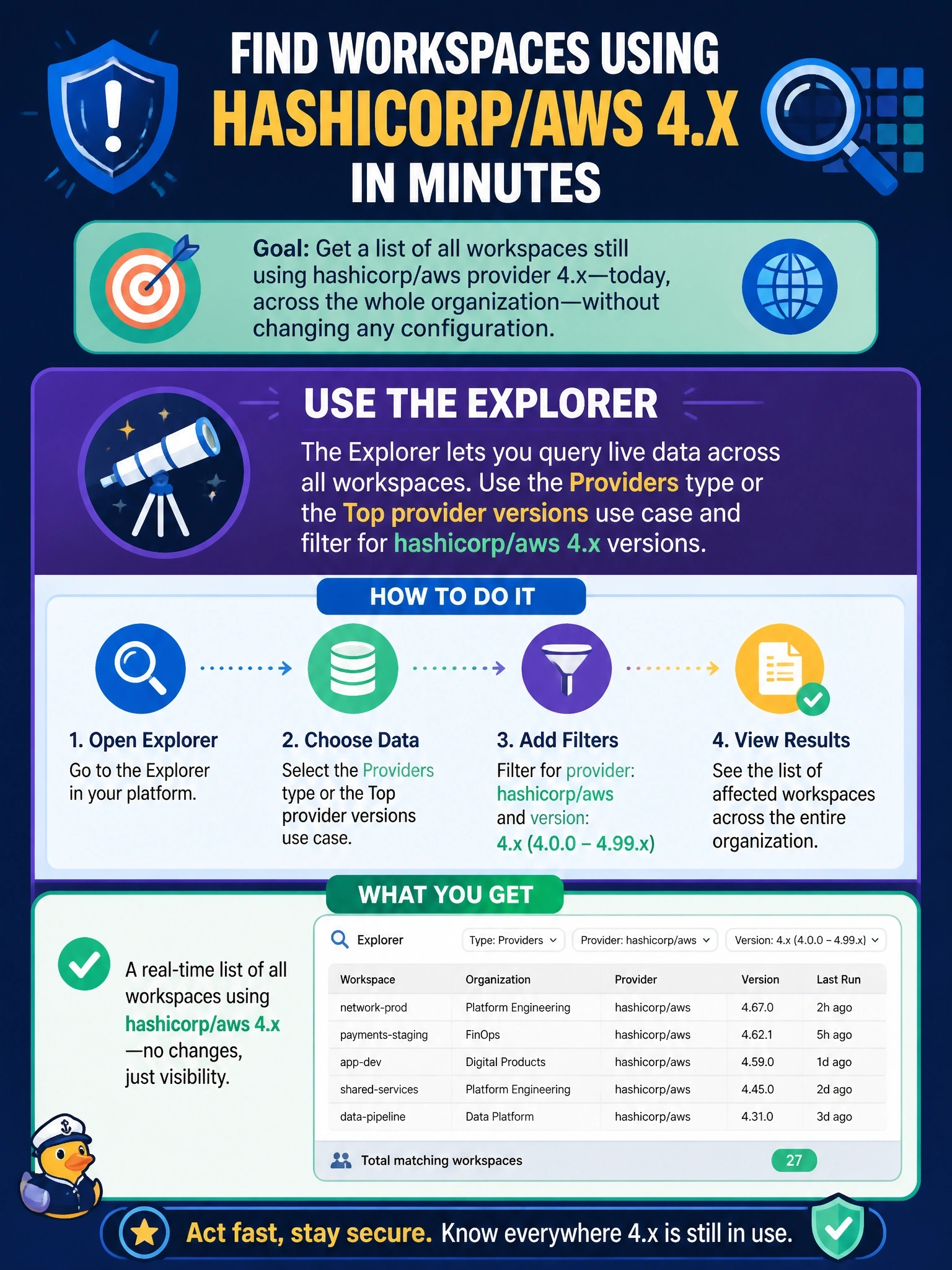
A security advisory requires upgrading the hashicorp/aws provider in every workspace that still uses a 4.x release. The platform team needs a list of affected workspaces across the whole organization today, without changing any configuration. What should it use?
Select an answer to reveal the explanation.
Short Explanation
The explorer is your inventory scanner: it already knows which provider versions each workspace uses. A policy only sees workspaces when they run, so it can't give you today's list.
Full Explanation
The explorer for workspace visibility queries data across the organization for four types: workspaces, modules, providers and Terraform versions. The Top provider versions use case lists providers by usage frequency, and the query builder can filter the Providers type by name and version and drill down to the workspaces that use each version, so the platform team gets an organization-wide list immediately without touching any configuration. Views can be saved and re-run later to track progress as teams upgrade. The Usage page reports counts of managed resources, projects, workspaces and applies plus plan limits; it does not break down provider versions. A Sentinel policy is evaluated only when a run occurs in a workspace in its scope, so idle workspaces would never appear, and attaching a policy changes enforcement rather than producing an inventory. Reading every workspace's state with terraform_remote_state would require remote state sharing to be opened to a reporting workspace, exposing all outputs, and root module outputs do not include provider versions. Exam caveat: the explorer requires the organization owner role or the View all workspaces organization permission, and it does not save query results, only the query. Operational check: run the filtered query, save it as a view, and confirm the count falls as upgraded workspaces complete new runs.