
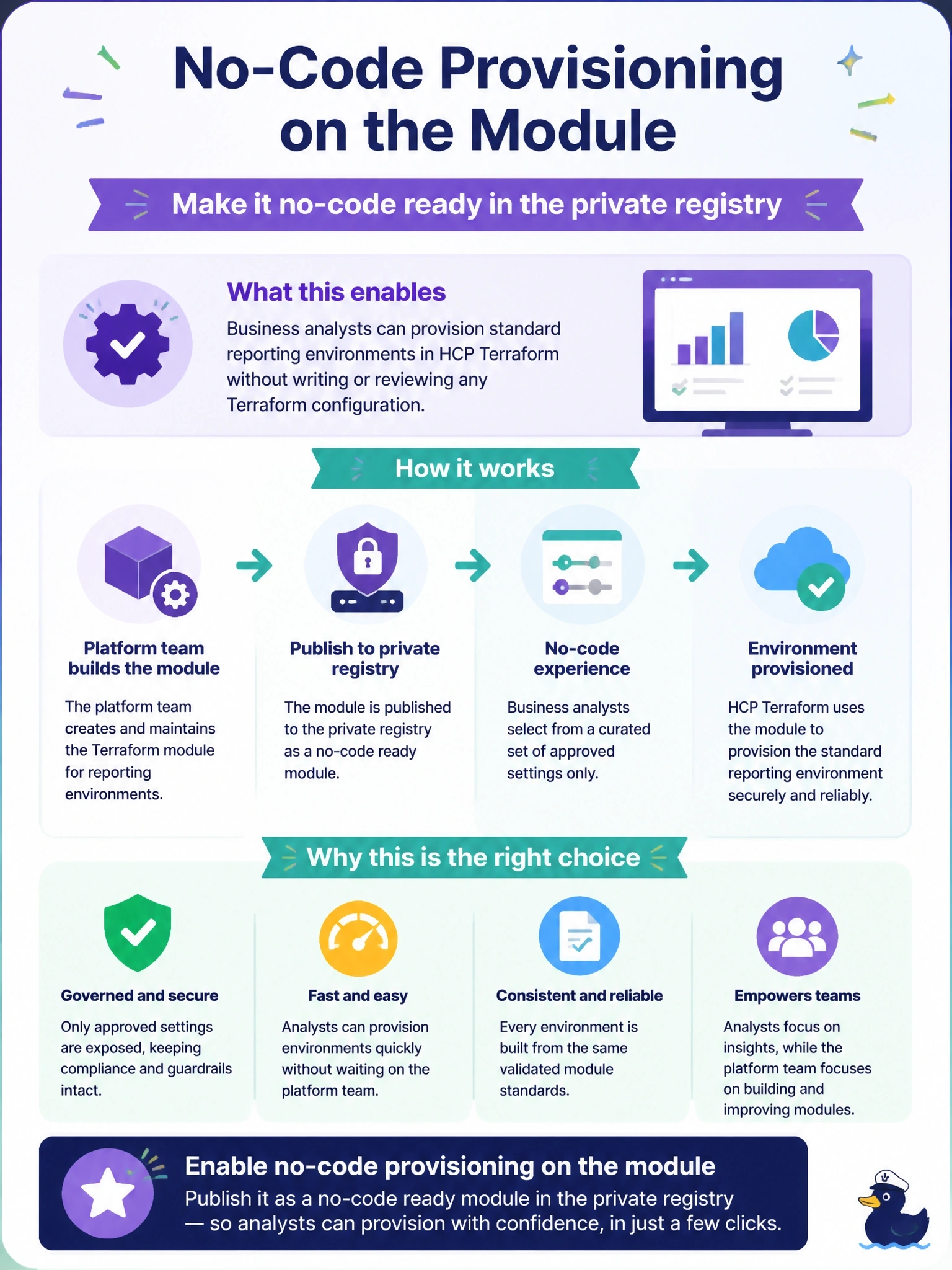
Business analysts need to provision standard reporting environments themselves through HCP Terraform, choosing only a few approved settings, without writing or reviewing any Terraform configuration. The platform team already maintains the module in the private registry. What should they enable?
Select an answer to reveal the explanation.
Short Explanation
No-code ready modules are Terraform's self-service vending machine: you stock it with an approved module, analysts pick a few options from the menu, and HCP Terraform builds the workspace and runs it for them. Nobody on that side ever touches HCL.
Full Explanation
No-code provisioning lets users deploy a module's resources without writing any Terraform configuration. The platform team enables it on a module in the private registry, making it a no-code ready module; users choose the module in HCP Terraform, fill in the input variables the module exposes, and HCP Terraform automatically creates a new workspace and provisions the resources. Design requirements include standard module structure with resources in the root directory, and declaring required providers directly in the module, with credentials typically supplied through a project-scoped variable set so every new no-code workspace can authenticate. The feature is available in the HCP Terraform Standard and Premium editions. A VCS-driven workspace per analyst still requires someone to write and maintain configuration in a repository, which is exactly what the analysts cannot do. Run triggers chain runs between workspaces; they provide no request form and create no workspaces. Publishing to the public registry exposes an internal module to the world and still leaves analysts copying and editing HCL. Exam caveat: keep the module's input surface small and opinionated, since every input becomes a field the analyst must understand. Operational check: provision a test environment from the module's no-code flow and confirm the new workspace is created in the intended project with credentials.