
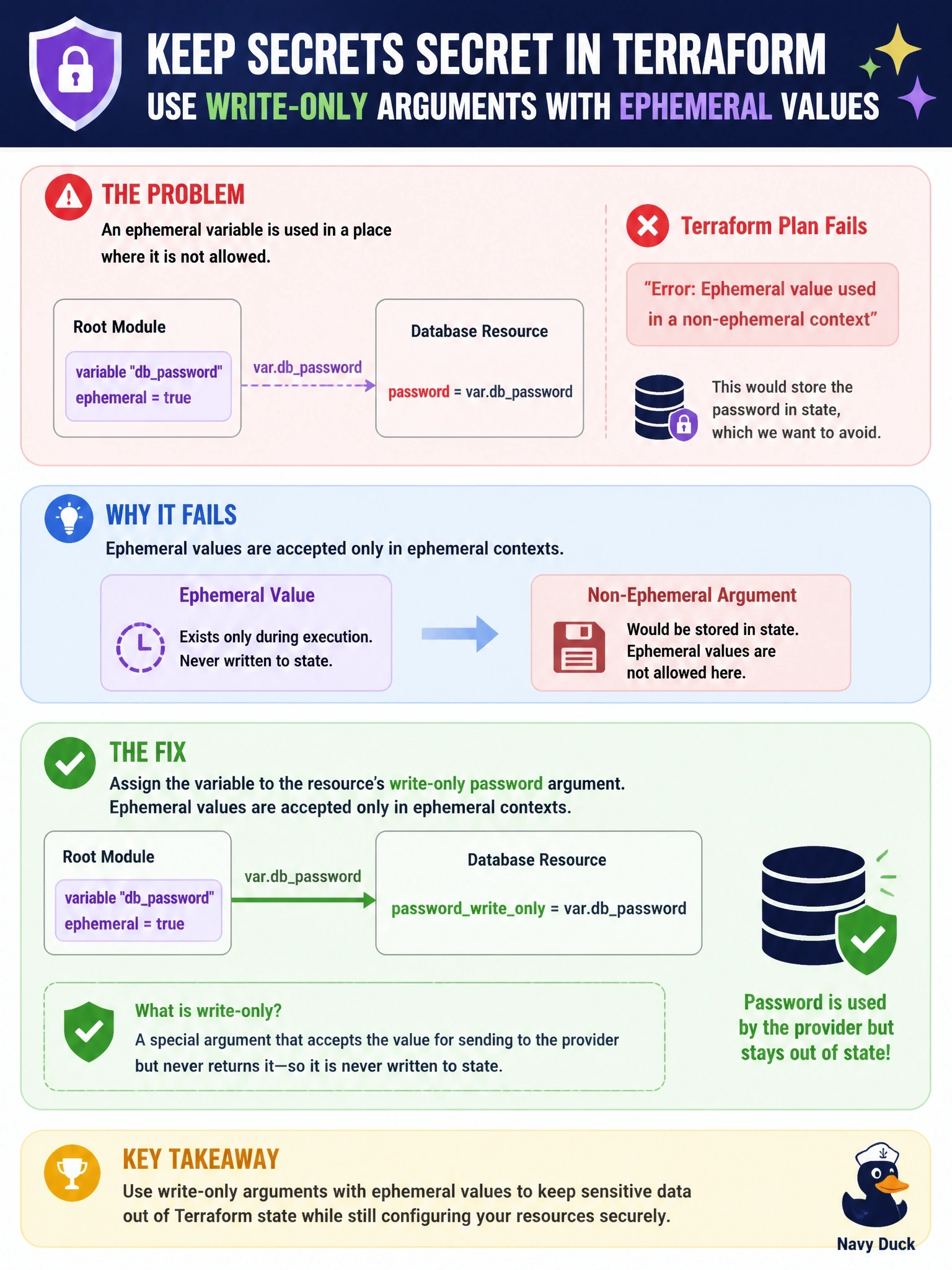
A root module declares variable "db_password" with ephemeral = true and assigns var.db_password to the password argument of a database resource. terraform plan fails because an ephemeral value is used where it is not allowed. The provider version also offers a write-only password argument for that resource. Which change fixes the error and keeps the password out of state?
Select an answer to reveal the explanation.
Short Explanation
Ephemeral values are like a disappearing-ink note: Terraform only lets you write them where nothing gets saved. A regular resource argument goes straight into state, so Terraform refuses, and a write-only argument is the slot built for exactly this. Don't fall back to sensitive; that just hides the value while it's still saved.
Full Explanation
Ephemeral values, introduced in Terraform 1.10, exist only during an operation and are never written to plan or state files. Terraform therefore allows them only in contexts that are not persisted: other ephemeral variables, ephemeral child module outputs, ephemeral resource blocks, provider configuration, provisioner and connection blocks, and write-only arguments on managed resources. Any expression that references an ephemeral variable is itself ephemeral, so assigning it to an ordinary resource argument such as password is an error. Moving the reference to the resource's write-only password argument, available from Terraform 1.11 where the provider supports it, satisfies the rule and still delivers the value to the provider. The sensitive flag controls display only and does not relax where ephemeral values can be used. nonsensitive() removes a sensitivity marking; it does not convert an ephemeral value into a storable one, and using it on a secret would expose it. Dropping ephemeral in favour of sensitive makes the plan succeed but writes the password to state and plan, because sensitive values are still persisted. Exam caveat: write-only arguments are provider-specific and normally come with a companion version argument. Operational check: run terraform plan, confirm the error is gone, and inspect state to verify no password attribute is stored.