
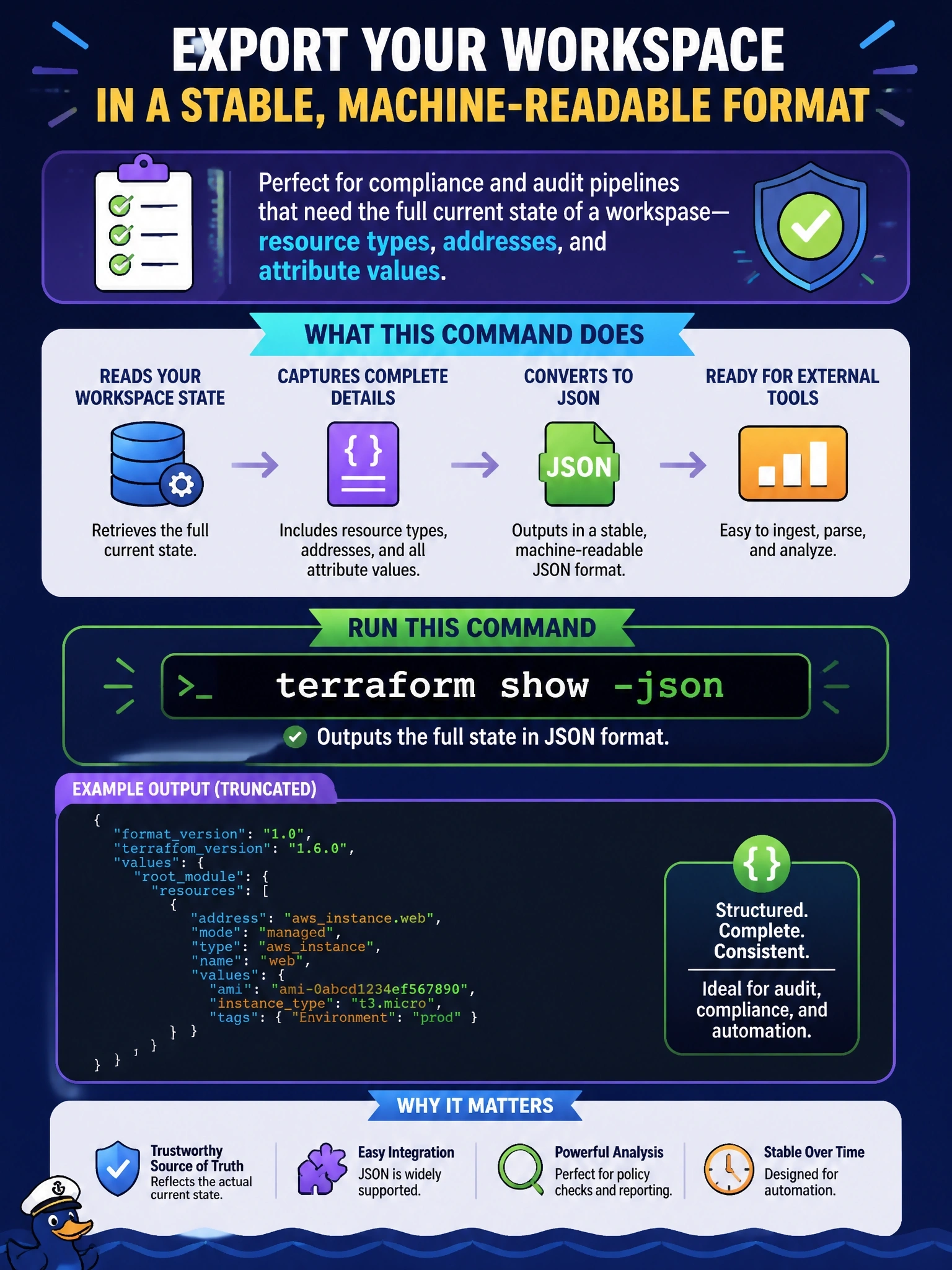
A compliance team's audit tool needs to ingest the full current state of a workspace, with resource types, addresses and attribute values, in the stable machine-readable format Terraform documents for external tools. Which command should the pipeline run?
Select an answer to reveal the explanation.
Short Explanation
Your audit tool wants the whole picture in a format it can trust. terraform show -json gives it the documented JSON representation of state, every resource and attribute. The trap is output -json, which only hands over the root outputs, a tiny slice of the story.
Full Explanation
The terraform show command renders a state or plan file, and with the -json option it produces the machine-readable representation described in Terraform's JSON output format documentation. Run without a file path, it shows the latest state snapshot, including each resource's address, type, provider and attribute values, organized by module. That documented format is the right interface for an external audit or compliance tool, because it is intended for programmatic consumption, unlike the human-readable output. Given a saved plan file instead, the same command emits the plan, configuration and prior state in JSON, which is how policy tools inspect proposed changes. The output -json command returns only root module output values, not the resources themselves. The state list command prints resource addresses as plain text with no attributes. The graph command produces a DOT dependency graph, which describes ordering between resources rather than their recorded values. Exam caveat: the JSON output displays sensitive values in plain text, so the audit pipeline must treat the file as a secret and restrict who can read it; also, the provider schemas must be available, which normally means running init first. Operational check: run terraform init and terraform show -json in the pipeline, write the result to a protected artifact, and confirm the tool parses the values section for every expected resource.