
HCP Terraform health assessments report drift on a workspace: someone enabled versioning on a storage bucket in the console. After review, the team decides the change is correct and should become the new standard. How should they resolve the drift?
Select an answer to reveal the explanation.
Short Explanation
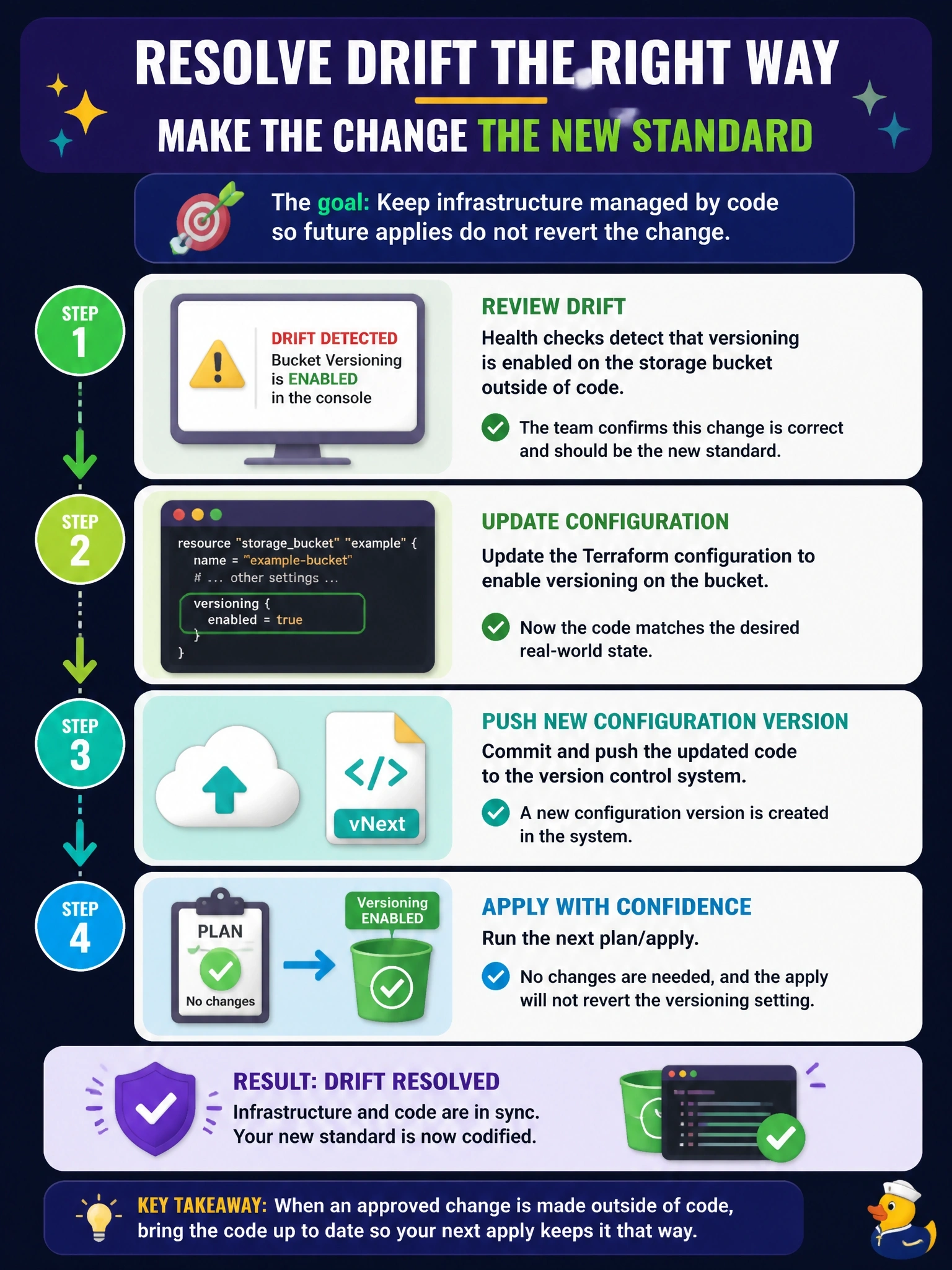
Drift detection is asking you a simple question: is the console right, or is the code right? If the console wins, you teach the code the new truth by changing the configuration. The trap is a refresh-only apply, which updates state but leaves the code still disagreeing.
Full Explanation
Health assessments in HCP Terraform run periodically and include drift detection, which identifies configuration drift: external changes that make real infrastructure differ from what the configuration requires. The documentation offers two resolutions. To discard the drift, queue a new plan and apply so Terraform reverts the infrastructure to match configuration. To keep the drift, modify the configuration to include the change and push a new configuration version, which prevents Terraform from reverting it on the next apply. Since the team wants versioning to stay, updating the code is the correct path. A refresh-only apply addresses state drift by writing current remote values into state, but the configuration would still say versioning is off, so the next standard plan would propose disabling it again and the configuration drift remains. Queueing a normal plan and apply is the overwrite path; it would switch versioning back off rather than updating the code. Disabling health assessments hides the signal for every future change in the workspace and resolves nothing. Exam caveat: health assessments require remote or agent execution mode and a successful latest run, and continuous validation is a separate check of custom conditions. Operational check: merge the configuration change, confirm its plan shows no changes, and verify the next assessment reports no drift.