
An engineer pulled a workspace's state from HCP Terraform, hand-edited the JSON, and pushed it back with terraform state push -force. Runs now fail with state errors. The previous state version is known to be good. What is the safest recovery?
Select an answer to reveal the explanation.
Short Explanation
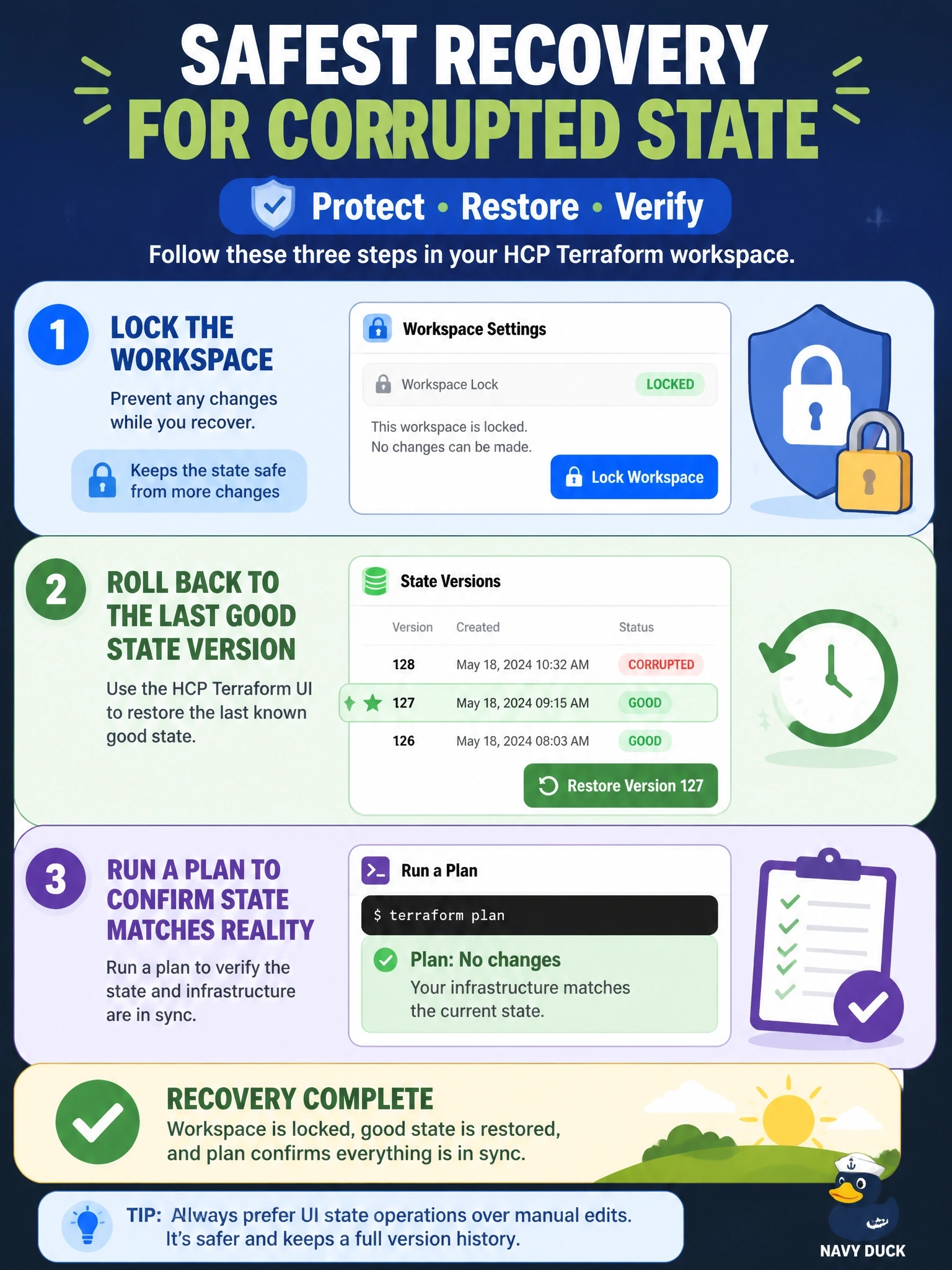
HCP Terraform keeps a photo album of every state version, so you don't have to repaint the damaged picture by hand. Roll back to the last good snapshot, then plan to check it. The trap is reaching for push -force again, which is how you got here.
Full Explanation
HCP Terraform stores the current state and historical state versions for each workspace, and the UI offers a rollback to any prior version. The rollback requires permission to create state and a locked workspace, and it works by duplicating the chosen version and making it the current state, so it can itself be undone by rolling back to the version that was latest before. This is the only state operation the documentation lists as not requiring the CLI. After rolling back, a plan shows whether the restored state still matches real infrastructure. A refresh-only apply updates attribute values for objects already tracked in state; it cannot repair malformed entries or restore objects that the edit removed, and with damaged state it may not even run. Editing and pushing again repeats the riskiest step: terraform state push with -force disables the lineage and serial safety checks and overwrites the destination state, so a second mistake replaces the first. Deleting state and re-importing everything is a last resort that turns a one-step recovery into a large, error-prone project. Exam caveat: on self-managed backends the equivalent is restoring a prior object version, which is why bucket versioning is recommended for the S3 backend. Operational check: compare the rollback target's diff in the States tab, perform the rollback, unlock, and confirm the next plan shows no unexpected changes.