
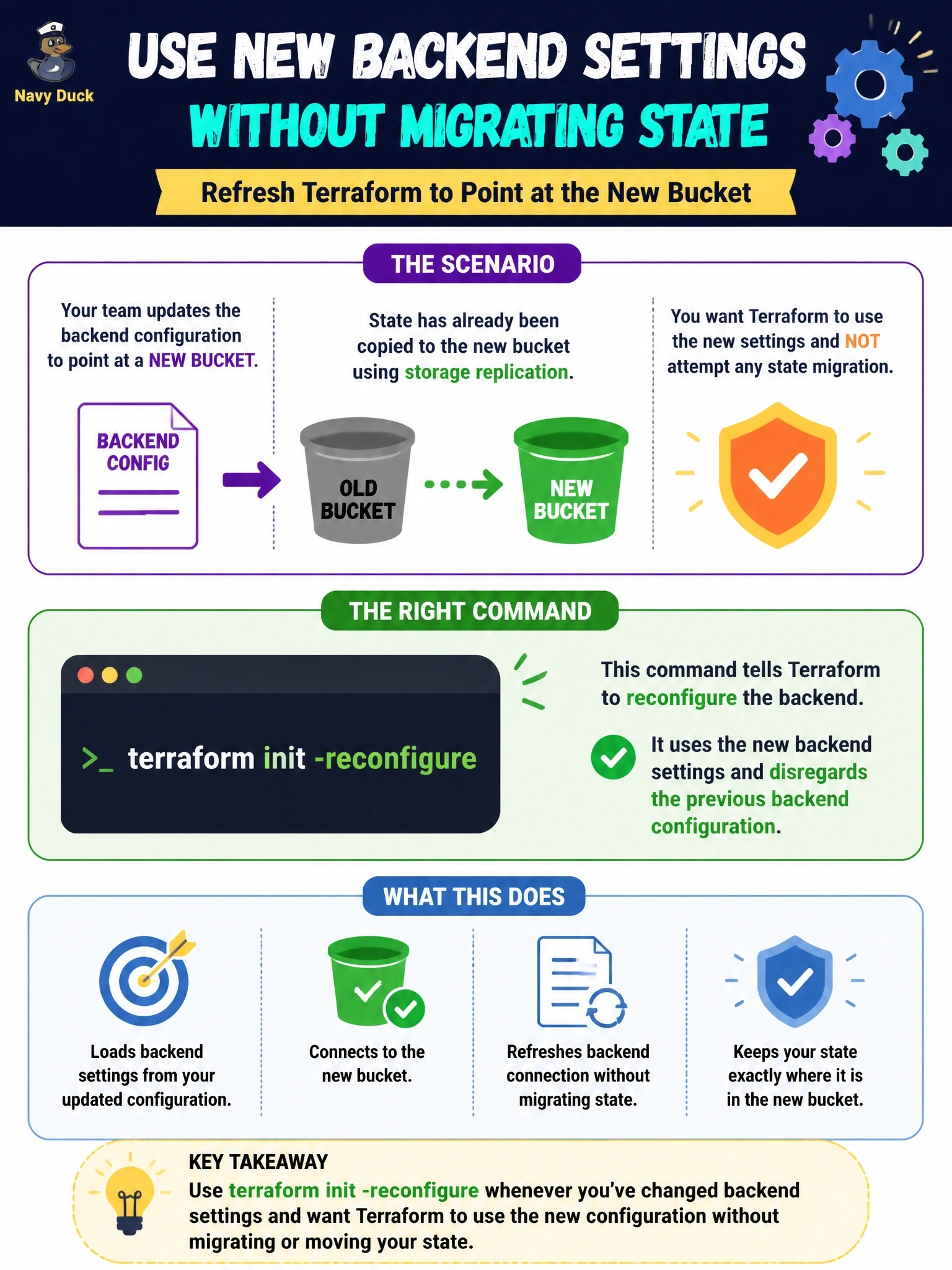
A team edits its backend configuration to point at a new bucket whose state was already copied there by storage replication. They want terraform init to use the new settings and not attempt any state migration. Which command fits?
Select an answer to reveal the explanation.
Short Explanation
-reconfigure is like forgetting your old address and just writing down the new one. Since your state is already waiting at the new place, there's nothing to move. The trap is -force-copy, which sounds like it skips the move but actually says yes to it automatically.
Full Explanation
terraform init compares the current backend configuration with the one recorded in the working directory. When they differ, init either migrates state or, with -reconfigure, disregards the existing configuration and initializes against the new settings without migrating anything. Because the state already exists in the new bucket, -reconfigure is the precise tool: it connects to the new location and treats the state found there as authoritative. -migrate-state does the opposite of what the name in the distractor claims; it attempts to copy existing state to the new backend and may prompt about overwriting state at the destination. -upgrade concerns modules and providers, selecting newer versions within constraints, and does not change how backend changes are handled. -force-copy suppresses migration prompts by answering yes and automatically enables -migrate-state, so it actively performs the copy instead of skipping it. Exam caveat: -reconfigure in the wrong situation leaves Terraform pointing at an empty or outdated state, so it should be used only when the new location already holds the correct state. Operational check: after init, run terraform state list and terraform plan against the new backend and confirm the expected resources appear with no unexpected changes.