
A project has kept state in a local terraform.tfstate file. The team adds a remote backend block and wants the existing state moved into it so nothing is recreated. Which command completes the change?
Select an answer to reveal the explanation.
Short Explanation
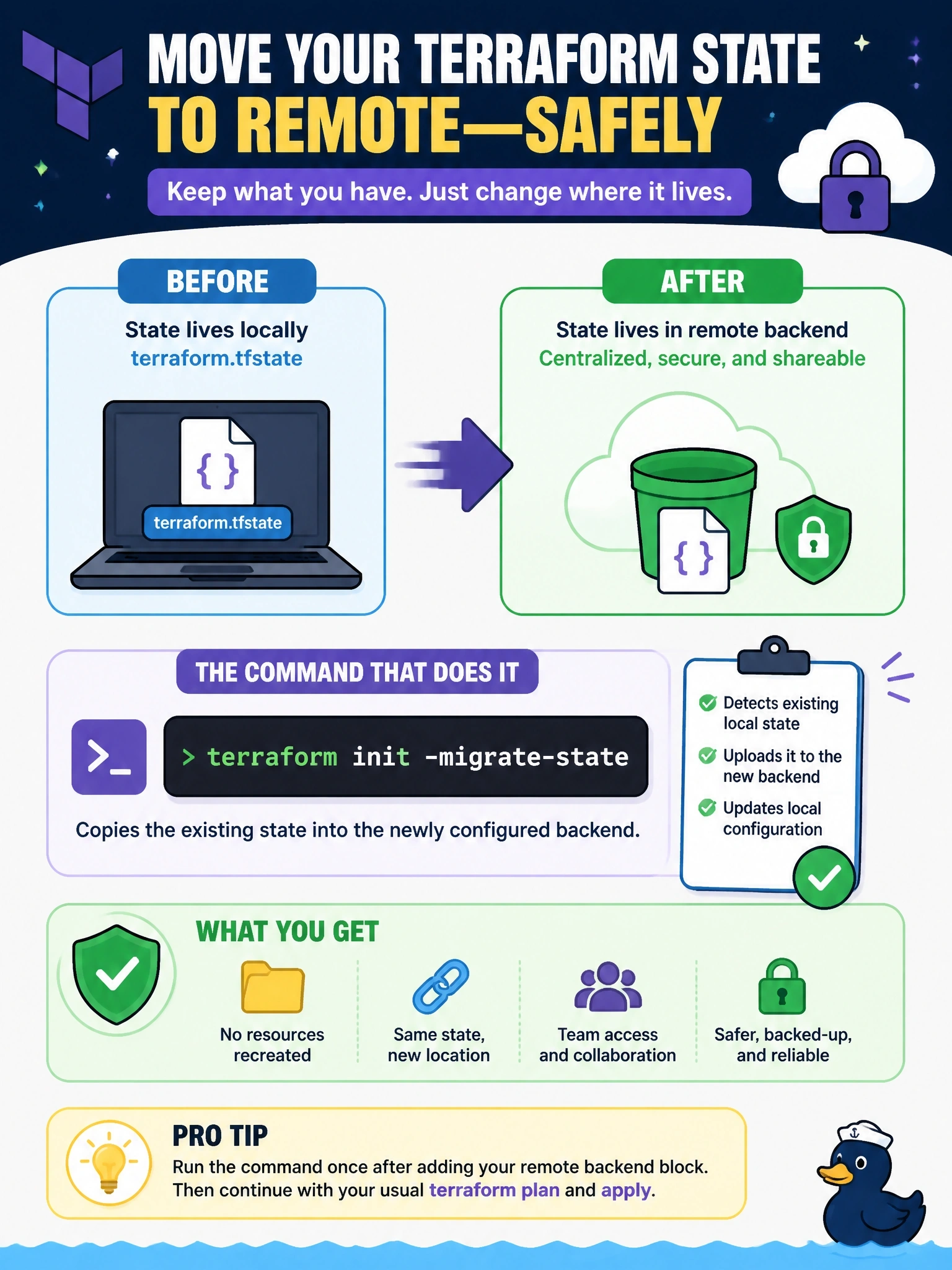
Changing backends is moving house: you want your furniture to come with you. -migrate-state is the moving truck that copies the state across. The trap is -reconfigure, which is moving in with nothing and leaving all your furniture behind.
Full Explanation
When the backend configuration changes, terraform init detects the difference and must be told what to do with the existing state. The -migrate-state option tells init to copy the existing state to the new backend, prompting for confirmation where needed, so every resource keeps its recorded identity and the next plan shows no changes. After migration the local file is no longer used and should be removed or archived securely, because it still contains the full state. -reconfigure disregards the existing configuration and prevents migration, so the new backend starts empty and the next plan would propose creating every resource again. terraform state push writes a state file to the currently configured backend; before the backend block is added, that is still the local backend, so the command achieves nothing useful. A refresh-only apply updates recorded attributes for objects already in state; it cannot discover infrastructure that is absent from state, so an empty backend would stay empty. Exam caveat: -force-copy suppresses the confirmation prompts and implies -migrate-state, which is useful in automation. Operational check: after migration, run terraform state list against the new backend and confirm it lists every expected resource, then run terraform plan and confirm no changes.