
A business analyst creates a Copilot agent that turns customer feedback issues into scoped user stories, and the ten-person delivery team needs to find and reuse that same agent inside their shared delivery Project. Which sharing action should the analyst use to save an agent to a GitHub project?
Select an answer to reveal the explanation.
Short Explanation
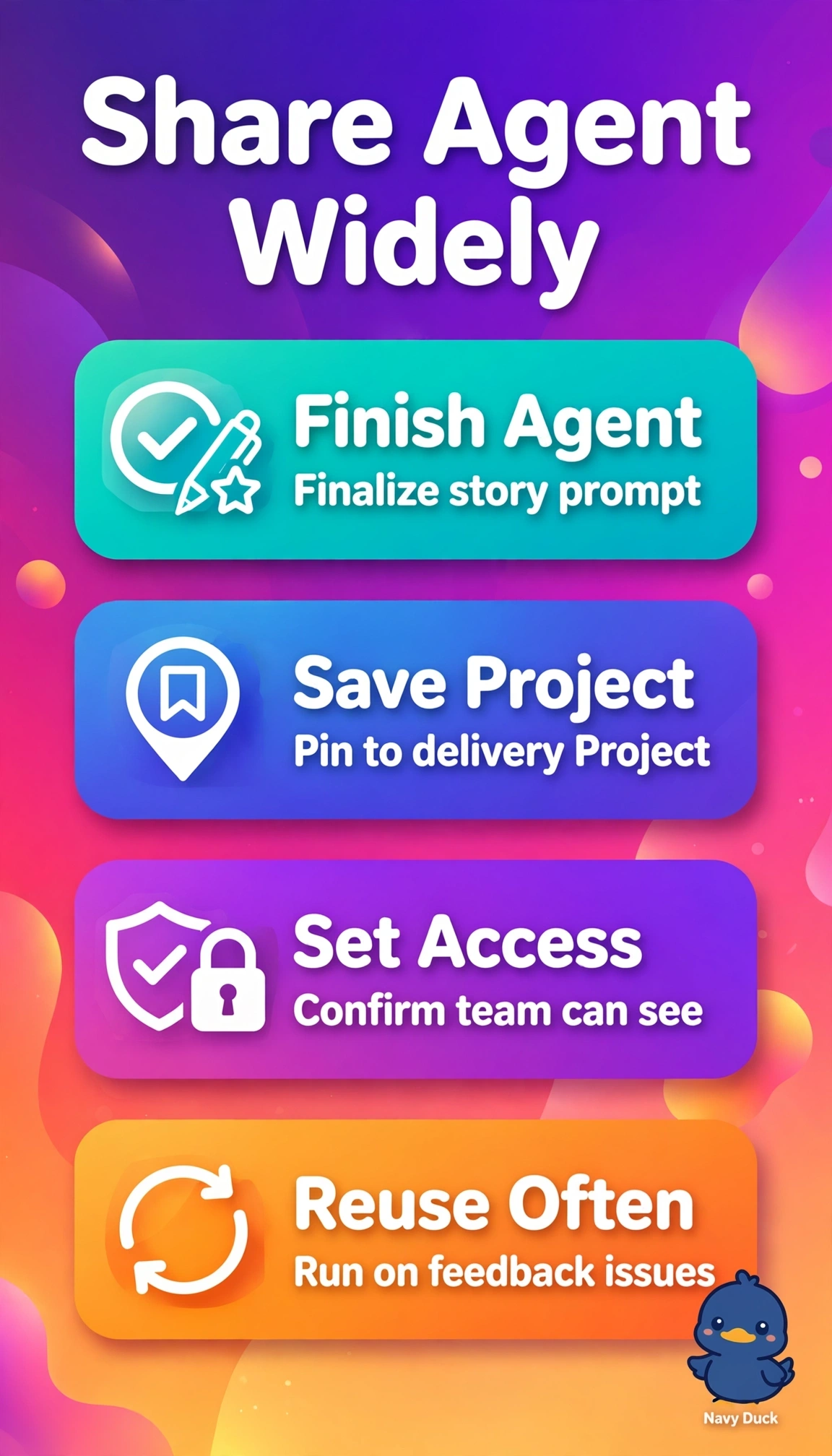
You make great work findable where work happens. Pinning it to the Project turns it into a toolbox your whole team can open.
Full Explanation
The correct action is right because GitHub Projects can host a saved custom Copilot agent alongside issues, views, and workflows, which places the feedback-to-story logic where the ten-person team already plans work and lets any member discover and invoke the same scoped agent without re-creating or copying prompts, preserving consistency and context. Publishing the agent to the organization-wide gallery fails by scope because while a central gallery aids broad discovery, it detaches the agent from the delivery Project and forces extra navigation rather than in-context reuse for this specific team. Saving the agent to a personal workspace and sharing a link fails by ownership and discoverability because access remains tied to the analyst, new members must hunt for the link, and the Project itself contains no durable reusable asset. Storing instructions as a versioned prompt file in the repository fails by artifact type because a markdown file supports version control and consistency but requires manual invocation and does not create a callable saved agent in the Project. An exam caveat is to distinguish storage location and artifact type together, since gallery versus Project and agent versus prompt file often appear together, so match the stem phrases shared delivery Project and save an agent. As a practical check, open the shared delivery Project after saving, confirm teammates can see and run the identical agent from within that Project, and verify scoped story output matches the intended feedback transformation.