
A technical project manager runs a bug-bash Project with 150 items, needs severity and team area fields, a triage view grouped by priority, and automatic movement when issues close. Which customization should the manager apply to manage and customize project views, including columns, automation, and custom fields?
Select an answer to reveal the explanation.
Short Explanation
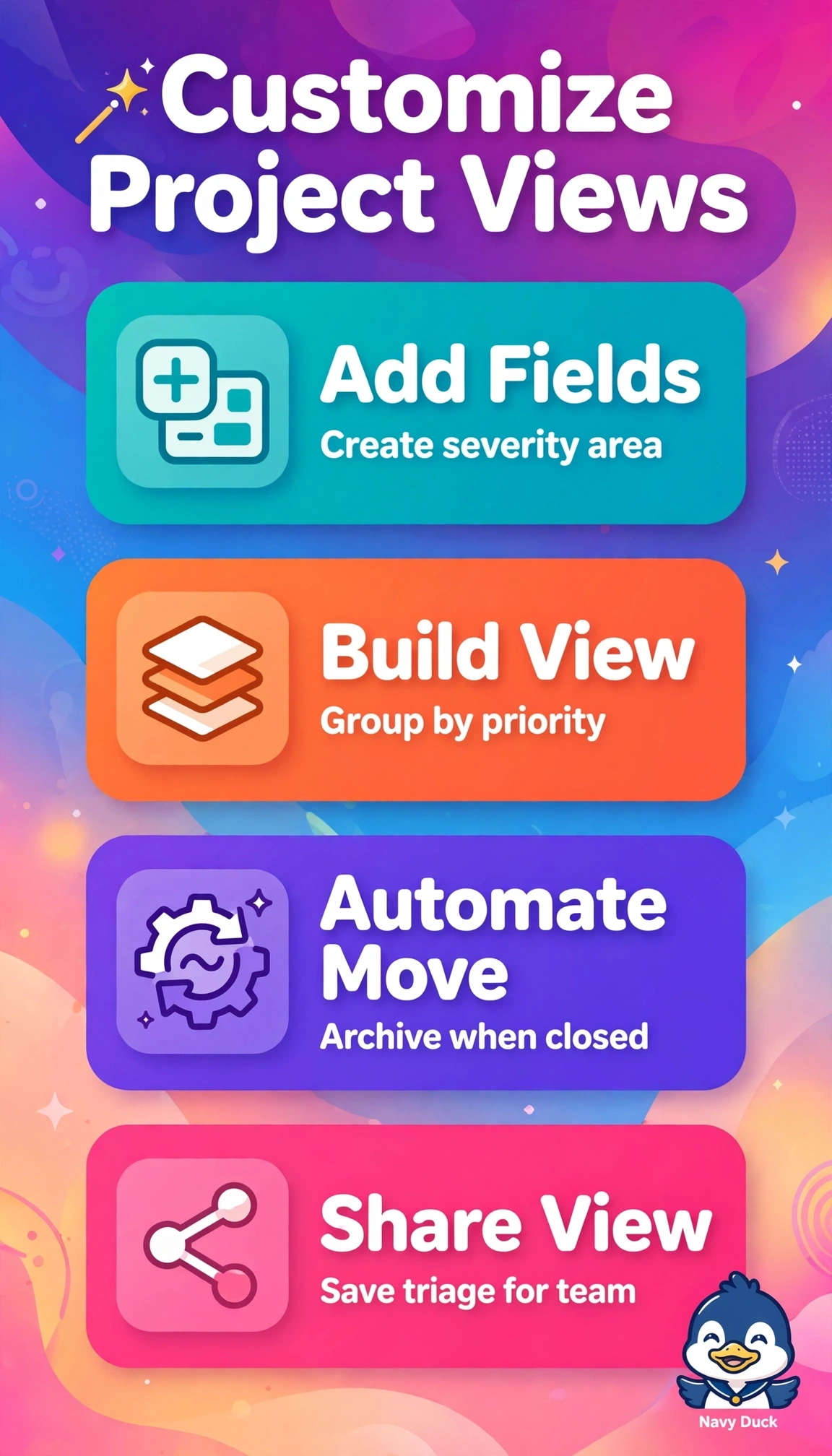
You tame 150 bugs with structure that updates itself. Those fields plus views are your dashboard for instant triage.
Full Explanation
The correct configuration succeeds because it addresses all three customization layers together: custom single-select fields capture severity and team area for filtering and reporting across 150 items, a dedicated triage view grouped by priority provides the required grouping and column management without altering the underlying workflow, and auto-archive on close supplies the requested automation for movement on completion. The assignee-filtered table variant fails on view design because filtering by assignee aids workload balancing but does not satisfy the explicit requirement to group by priority for triage decisions. The release-verification variant fails on automation because retaining closed issues in the Done column is a legitimate audit pattern but directly contradicts automatic movement on close and will clutter the board at scale. The priority-status variant fails on data modeling because while priority grouping and auto-archive work, substituting generic priority and status fields omits the mandated severity and team area dimensions needed for routing and analysis. As an exam caveat, distinguish board views and group-by settings which only change presentation from workflow status changes and automation rules which change issue state or location, since questions often test that boundary. As a practical check, create the fields at the project level, verify the triage view grouping with a small sample, close a test issue to confirm it archives automatically, and confirm severity and area remain reportable in filters and insights.