
A program team uses Copilot Chat for status updates but manually copies customer data from a CRM and docs from a wiki. Updates are slow and error-prone. Which situation best recommends when to use Model Context Protocol servers for this workflow?
Select an answer to reveal the explanation.
Short Explanation
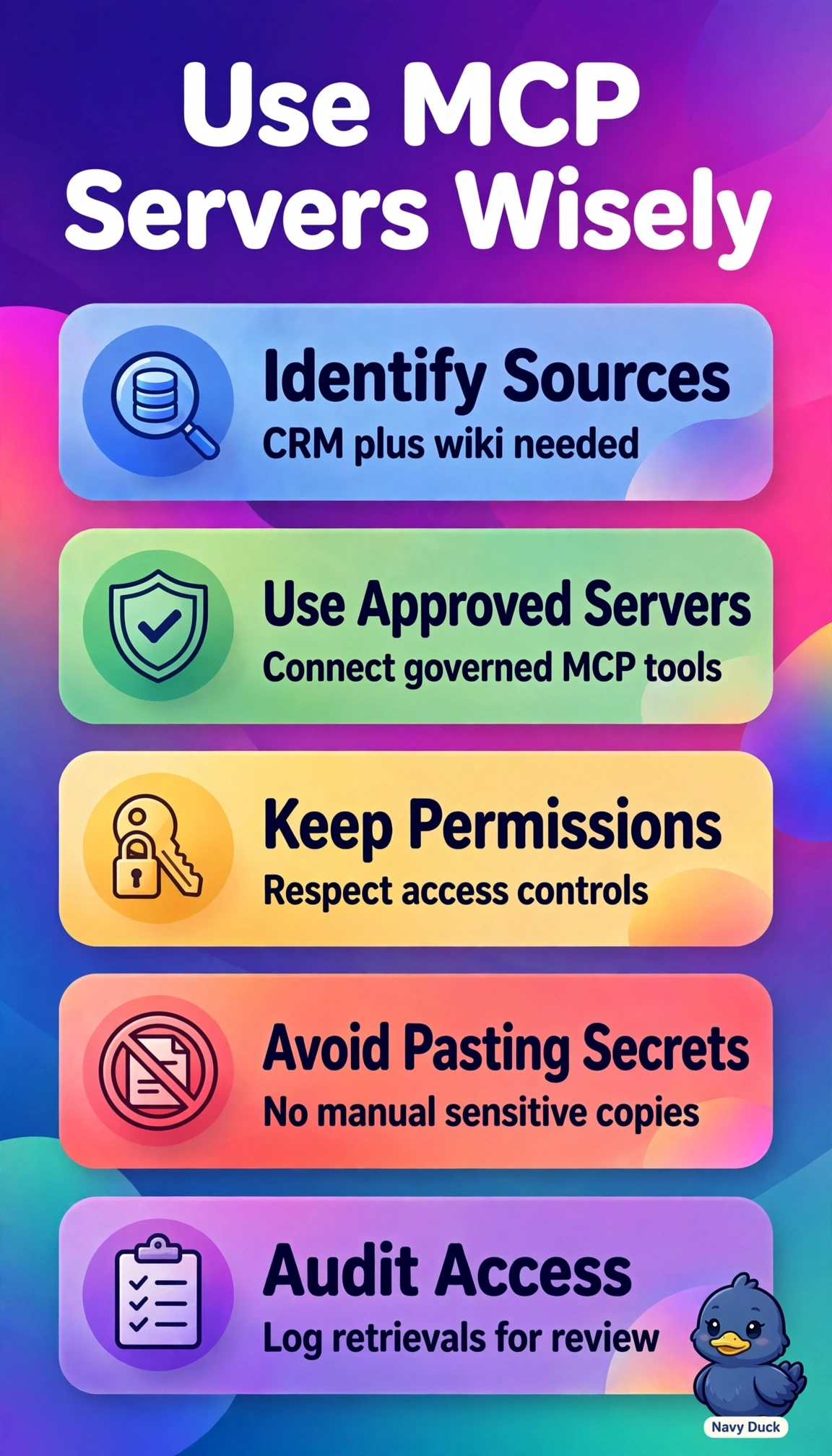
You're wasting your time copying from your CRM and wiki by hand. Plug in approved MCP servers and you'll get live context right in your updates, with permissions riding along like a good bouncer.
Full Explanation
Model Context Protocol servers are recommended when Copilot Chat needs live, permission-aware tool access to approved business systems without manual copying, so connecting governed CRM and wiki servers lets the model retrieve current records and pages in context while inheriting user permissions and audit controls, which directly resolves slowness and copy errors. Indexing CRM and wiki content for grounding improves discoverability but relies on crawled snapshots with refresh latency and ranking behavior, so it cannot guarantee live field values for time-sensitive status updates. Automating CRM and wiki change notifications into Teams with Power Automate streamlines review and reduces manual checks, yet the model itself still lacks on-demand retrieval and must work from pasted summaries in the message thread. Allowing web search over approved domains helps draft with current public references, but it cannot authenticate to private CRM records or enforce item-level permissions on internal wiki pages. On the exam, distinguish live MCP tool invocation with identity passthrough from search grounding over an index and from workflow automation that moves data between apps. In practice, verify the server registration in the admin center, confirm user consent scope, and test that a restricted CRM record remains inaccessible to unauthorized users during generation.