
A consulting program manager wants the team’s agent to generate architecture diagrams following the firm’s approved visual standard, available as a packaged skill from the firm’s trusted internal catalog. The team works in GitHub and must keep the skill versioned and scoped to the project. Which approach should the manager use to install the external skill correctly?
Select an answer to reveal the explanation.
Short Explanation
You want standards that stick. Installing the vetted skill-package with a pinned version keeps diagrams consistent. It’s plug in once, reuse with confidence.
Full Explanation
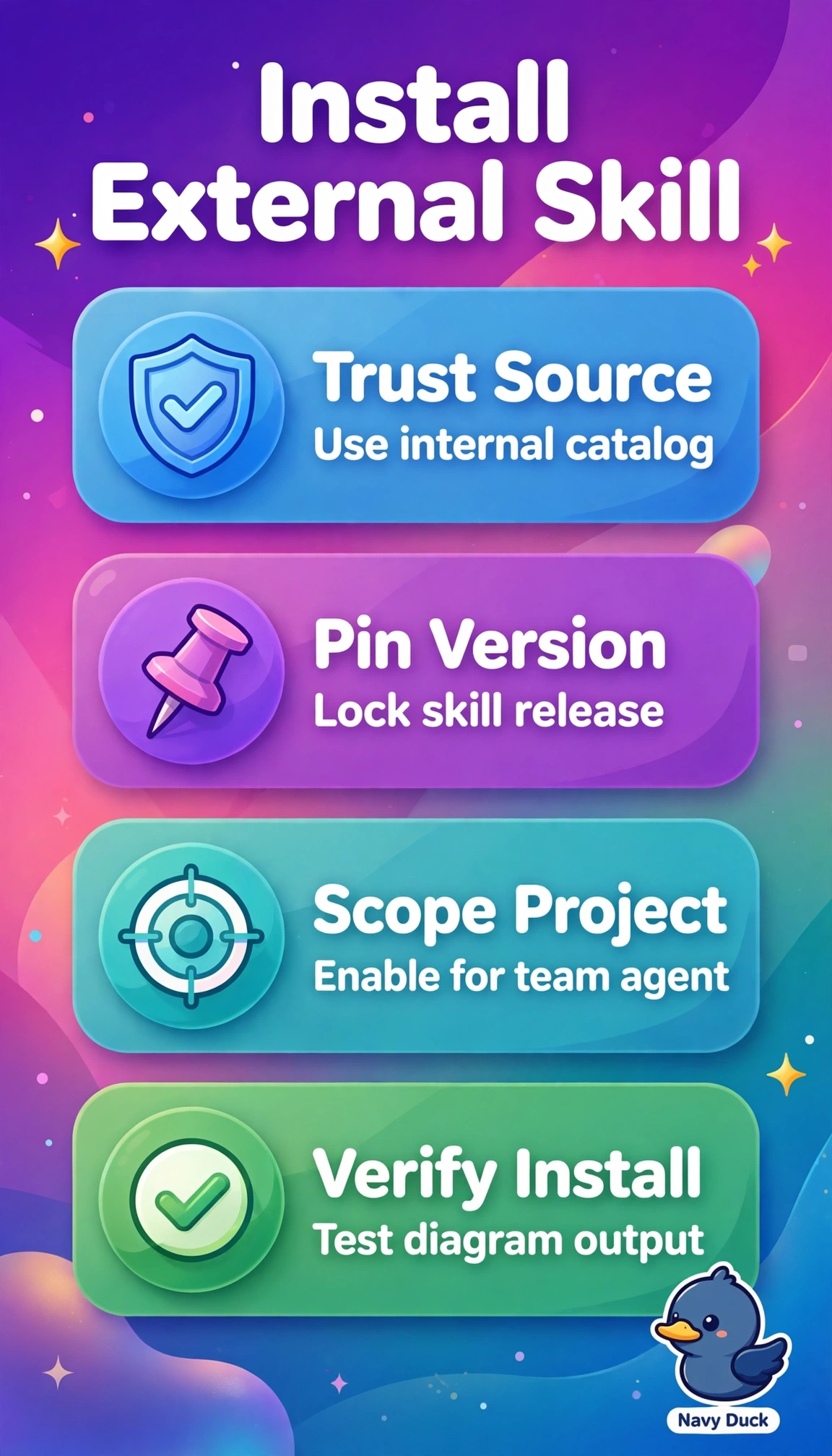
The correct approach succeeds because it satisfies all stated constraints together: sourcing from the firm’s trusted internal catalog preserves provenance and guarantees the approved visual standard, installing into the project agent configuration in GitHub keeps the capability versioned with code and limited by least privilege to that project, and pinning the version ensures reproducible, auditable diagram generation over time. Tracking the latest release for automatic updates fails on version governance because a floating tag reintroduces drift and breaks reproducibility even though trusted sourcing and project scoping are correct, a legitimate pattern for rapid iteration but wrong where a pinned, versioned dependency is explicitly required. Installing into the global agent configuration fails on scope containment because enterprise-wide enablement violates the must-be-scoped-to-the-project boundary and expands blast radius despite correct trusted sourcing and pinning, a sound reuse strategy for firm-wide utilities but incorrect for project-isolated work. Installing directly from the public GitHub repository fails on source trust because bypassing the vetted internal catalog loses approval, signing, and supply-chain assurance even though pinning and project scoping are preserved, a common developer shortcut for speed that violates the approved-source requirement. For exams, look past broadly correct workflows and test the single disqualifying detail among source, version pinning, and scope, especially when latest versus pinned, project versus global, and catalog versus upstream repository are the only differences. In practice, verify by reviewing the checked-in agent configuration and lockfile in GitHub to confirm the internal catalog URL, exact pinned digest, and project-level path before generating diagrams.