
A program manager inherits a legacy discount calculator with no docs and failing edge cases in GitHub. She needs a quick explanation, a targeted fix, and new unit tests while keeping chat context clean between steps. Which Copilot Chat slash command sequence achieves this documentation and repair task?
Select an answer to reveal the explanation.
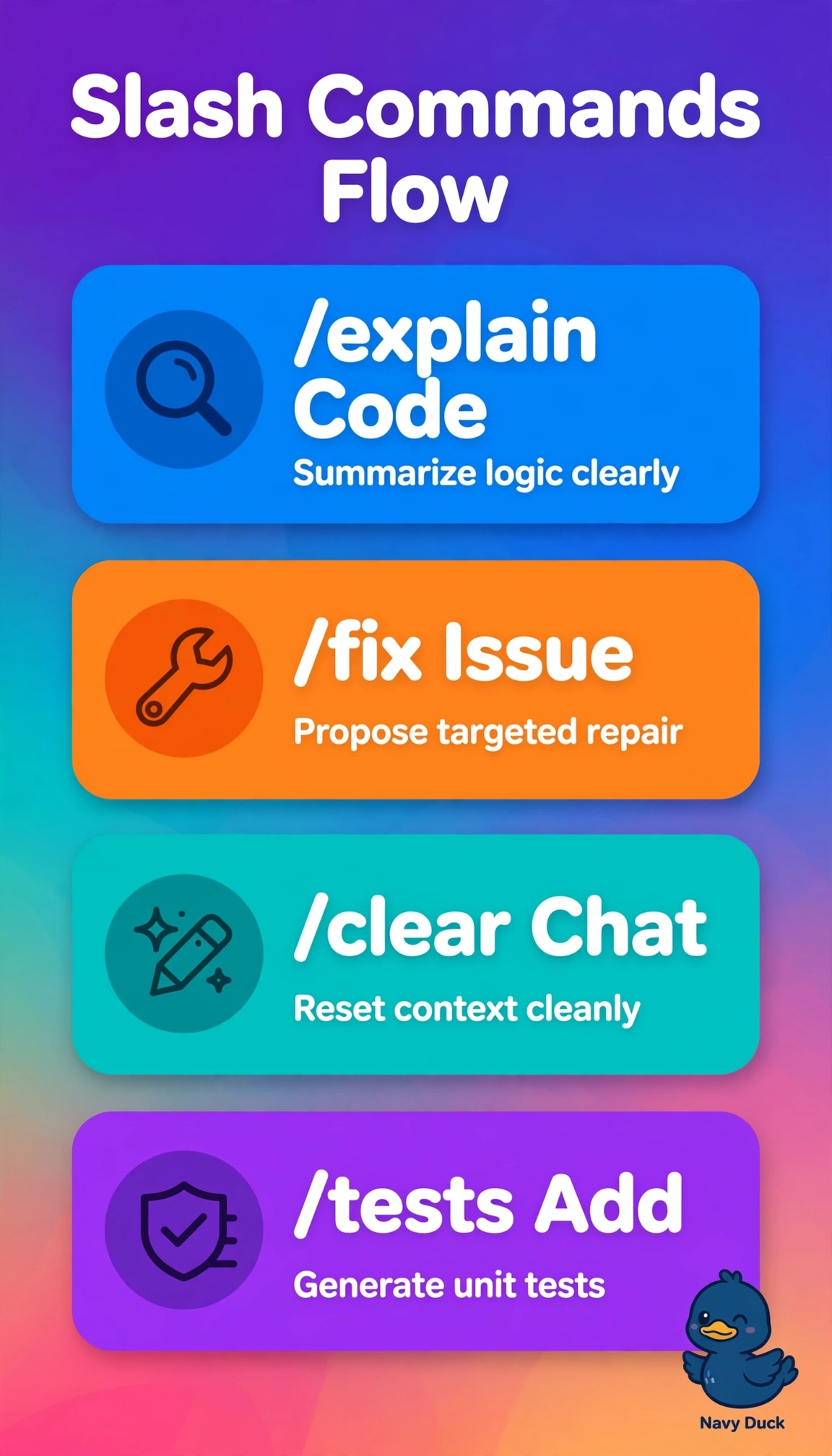
Short Explanation
You're running a tidy repair line from understanding to fixing to testing. Your sequence keeps each step focused so Copilot gives you exactly what you asked for.
Full Explanation
The correct sequence succeeds because /explain distills undocumented discount logic into a concise summary, /fix targets failing edge cases using selected code and diagnostics, /tests creates new unit tests to prevent regression, and /clear isolates each step so prior context does not pollute prompts. The continuous session without clearing fails on hygiene by retaining stale explanation tokens that dilute relevance for repair and test steps even though all task commands are correct, leading to confused suggestions in long chats. The variant using /new fails on repair semantics because that command scaffolds greenfield code from intent rather than diagnosing existing faults, so it may overwrite working logic instead of applying the minimal patch expected for legacy maintenance. The variant using /doc fails on verification because it generates documentation comments describing behavior instead of executable tests, satisfying readability but leaving edge cases unproven. A common exam caveat is that plausible workflows can share two correct commands yet still be wrong if one verb mismatches the stated deliverable, so match each requirement to its dedicated command. As a practical check, select only the calculator function, run each command sequentially with /clear between, and confirm tests fail before the fix and pass after.