
A business analyst reviews pull requests in a browser, an operations lead troubleshoots deployments from a terminal, and a field manager asks repo questions from a phone. The team is confused about interfaces. Which mapping correctly differentiates Copilot Chat on github.com, the GitHub Copilot app, and Copilot CLI?
Select an answer to reveal the explanation.
Short Explanation
You're matching the tool to where work happens. This mapping builds your context-awareness for picking browser, mobile, or terminal help without forcing a workflow change.
Full Explanation
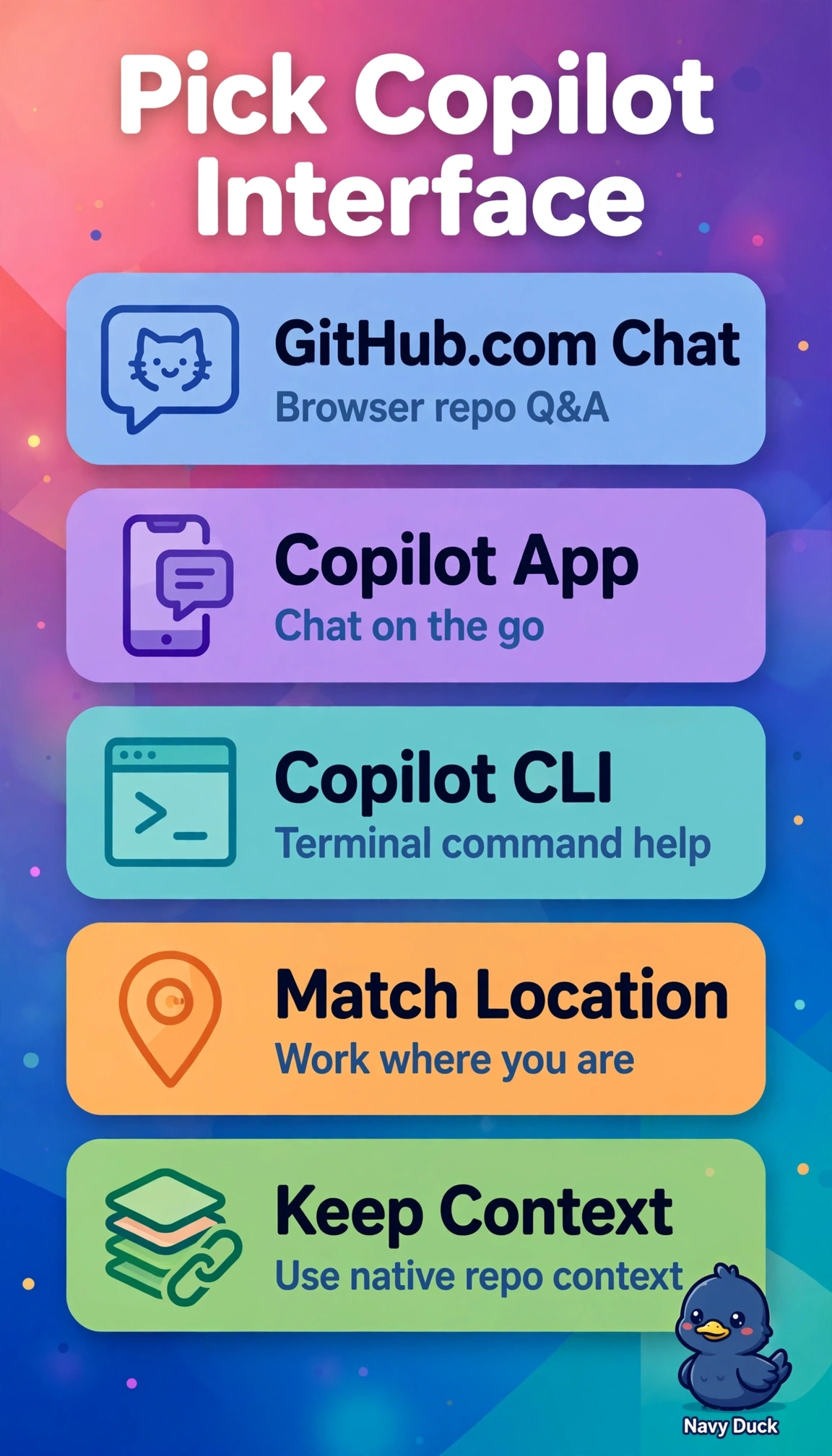
The correct mapping aligns each interface to its primary working context: Chat on github.com runs in the browser with repository and pull request context so the analyst can ask questions and reason about code without leaving review, the GitHub Copilot app provides lightweight conversational help on mobile devices so the field manager can ask repo questions from a phone, and Copilot CLI is purpose-built for the terminal so the operations lead can explain commands and troubleshoot deployments where shell work happens. The in-editor completions variant fails by interface scope because inline suggestions and IDE chat belong to the IDE extension, not the CLI which operates in shells with terminal context. The PR diff review variant fails by product capability because browsing diffs and approving merges describes the GitHub Mobile browsing workflow, while the Copilot app is specifically a conversational assistant rather than a review queue. The IDE explanations variant fails by context grounding because Chat on github.com derives answers from hosted repositories and pull requests in the browser, not from local editor buffers without remote context. For exam readiness, watch for wording that correctly describes a real Copilot capability but attaches it to the wrong surface, since browser versus IDE versus terminal versus phone detail is decisive. As a practical check, open each surface and verify where repository context is available, ask a repo-scoped question, and test a terminal troubleshooting prompt before standardizing team guidance.