
A program manager is asking GitHub Copilot Chat to draft release notes from a long pricing spec and a linked customer bug report, but Copilot keeps giving vague answers that miss both sources. The context must stay grounded in those two items without pasting large blocks. Which @ mention approach should the manager use to attach content including tools, files, and issues?
Select an answer to reveal the explanation.
Short Explanation
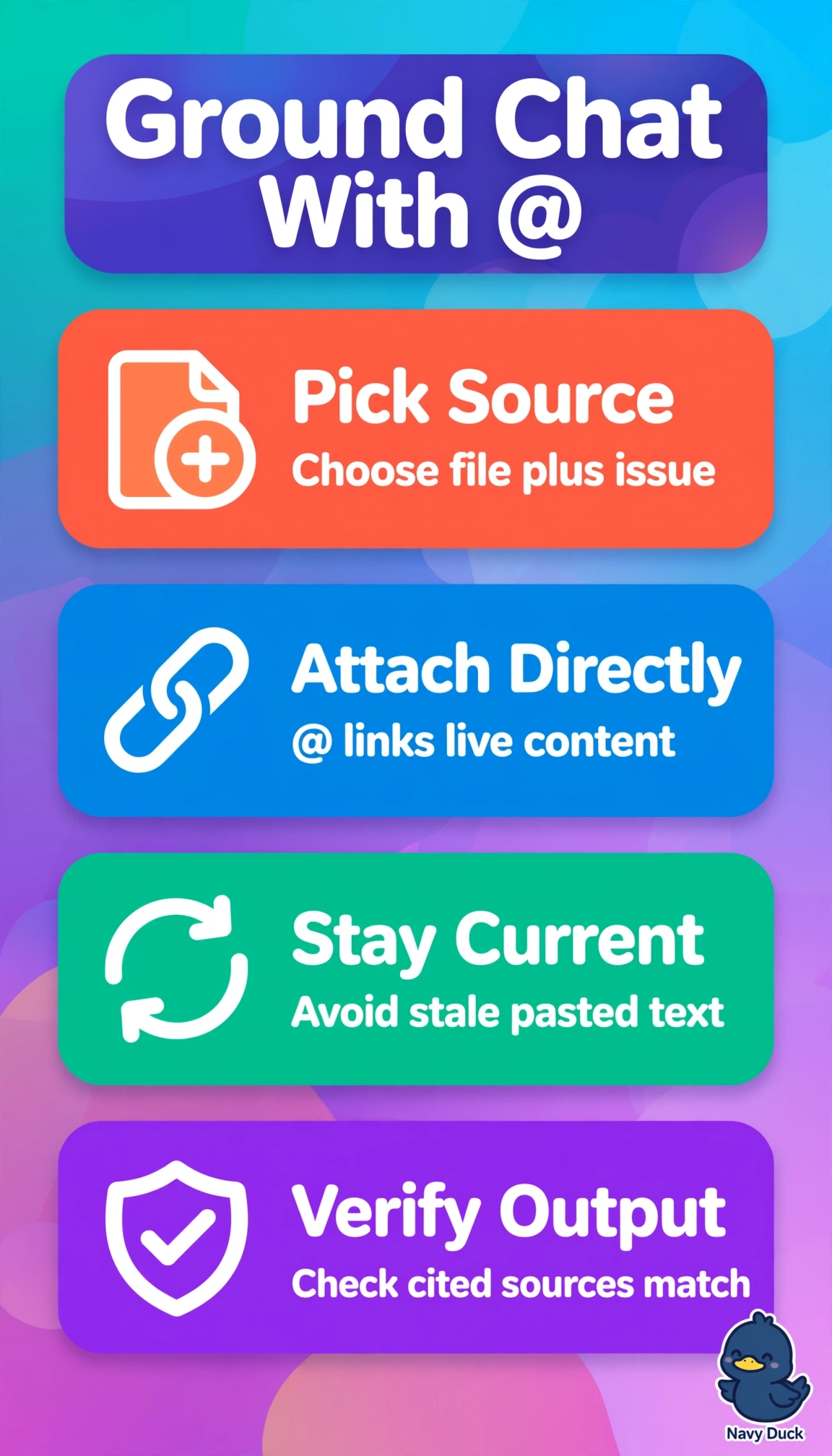
You’re giving Copilot a clear path to the sources instead of asking it to guess. Directly attaching the pricing file and tracked issue provides grounding for your release notes. That keeps the draft tied to both items without pasting large blocks.
Full Explanation
Directly mentioning the pricing file and tracked issue gives Copilot Chat both required sources as explicit, grounded context, so it can draft release notes from the spec and customer bug report without requiring large pasted blocks. Using @workspace with the pricing spec open is too broad: repository-level context and an open file do not guarantee that Copilot will include the linked bug report. Adding @terminal build output substitutes version or build details for the customer-impact information in the issue, so it cannot ground the notes in both required sources. Searching GitHub for related pull requests is indirect; it may surface relevant changes, but it does not attach the pricing spec and tracked issue themselves. An exam caveat is to distinguish @ mentions that attach files, issues, or tools from slash commands that perform actions and # references to editor context. As a practical check, confirm that both the pricing file and tracked issue appear as context chips in Copilot Chat, then verify that the draft includes details unique to each source before accepting the release notes.