
A healthcare company runs a private GitHub Project holding PHI-related milestones across three vendor teams. Compliance demands least-privilege access, easy onboarding via teams, and no public visibility. Which configuration of access to GitHub Projects best enforces these security needs?
Select an answer to reveal the explanation.
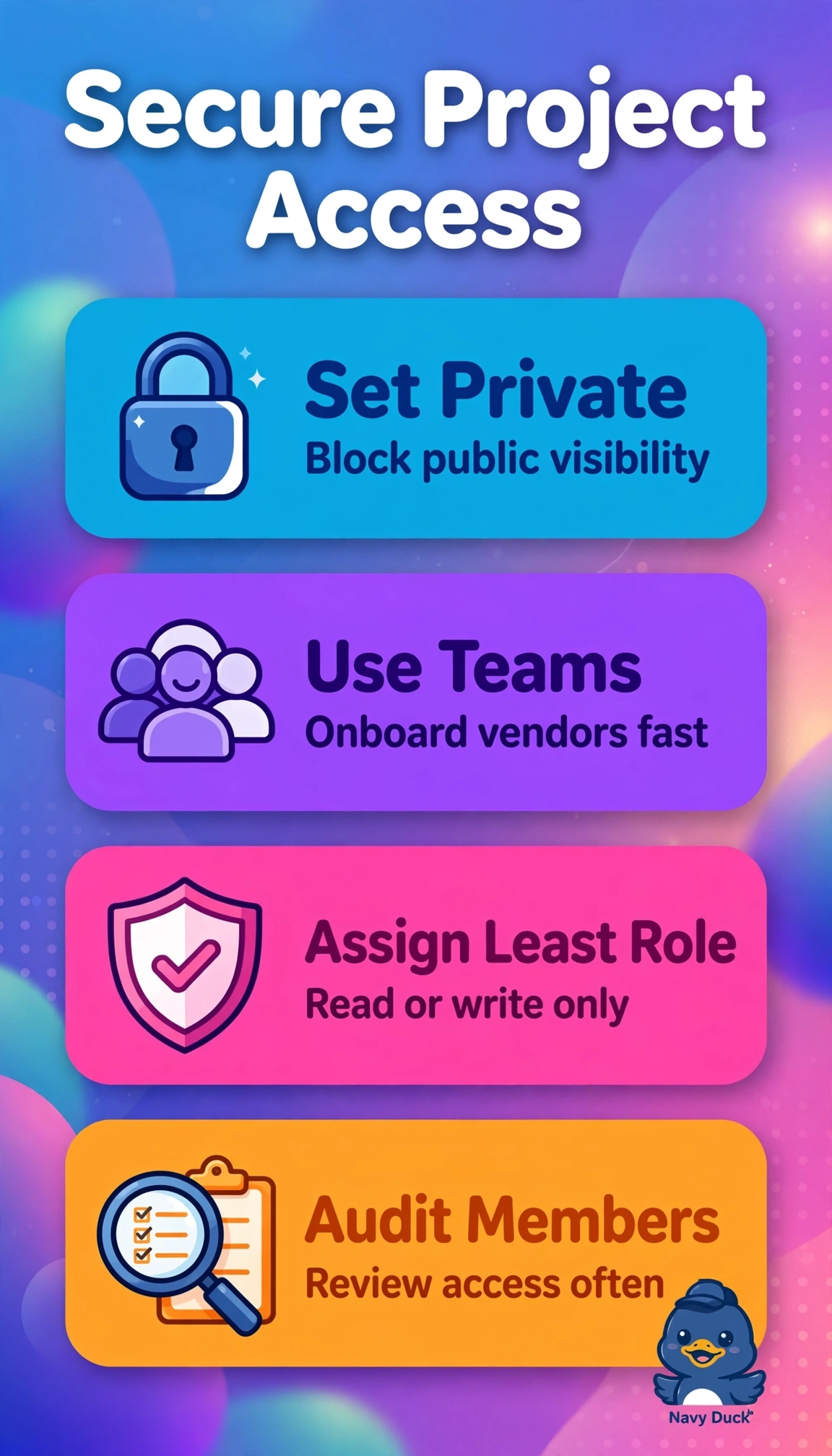
Short Explanation
Protecting sensitive milestones doesn't have to slow work. Private plus team roles gives you least-privilege like keys that open only needed doors. Vendors see enough, nothing more.
Full Explanation
The correct configuration is right because keeping the Project private ensures PHI-related milestones are never exposed outside the organization, while granting role-based access to only the three specific vendor teams implements least-privilege by limiting each team to the permissions its work requires and enables easy onboarding and offboarding at team scale rather than user by user. Uniform write access via teams is efficient and commonly used for open collaboration, but it fails the concept of least-privilege because every vendor receives the same elevated permission regardless of need, increasing blast radius for accidental edits or data exposure. Individually tailored roles are also a legitimate least-privilege technique, but they fail the concept of scalable administration because inviting and maintaining each vendor user separately creates onboarding overhead and drift when membership changes, unlike team-based membership. Internal visibility with role-based controls is widely used for organization-wide discovery, but it fails the concept of confidentiality for PHI because internal makes the Project visible to all organization members rather than restricted private, violating the stated private and least-privilege facts. An exam caveat is to distinguish private from internal, since internal still feels restricted but is functionally organization-public and never appropriate for PHI milestones. A practical check is to open the Project Settings Visibility to confirm Private, list linked teams with their roles, and verify no broad organization access remains.