
A program manager is demoing to executives when an agentic workflow starts posting duplicate status updates to a customer-visible issue every minute. The run is still active, the noise must stop immediately, and the team needs to diagnose afterward. Which method to stop a running agentic workflow best balances immediacy and later review?
Select an answer to reveal the explanation.
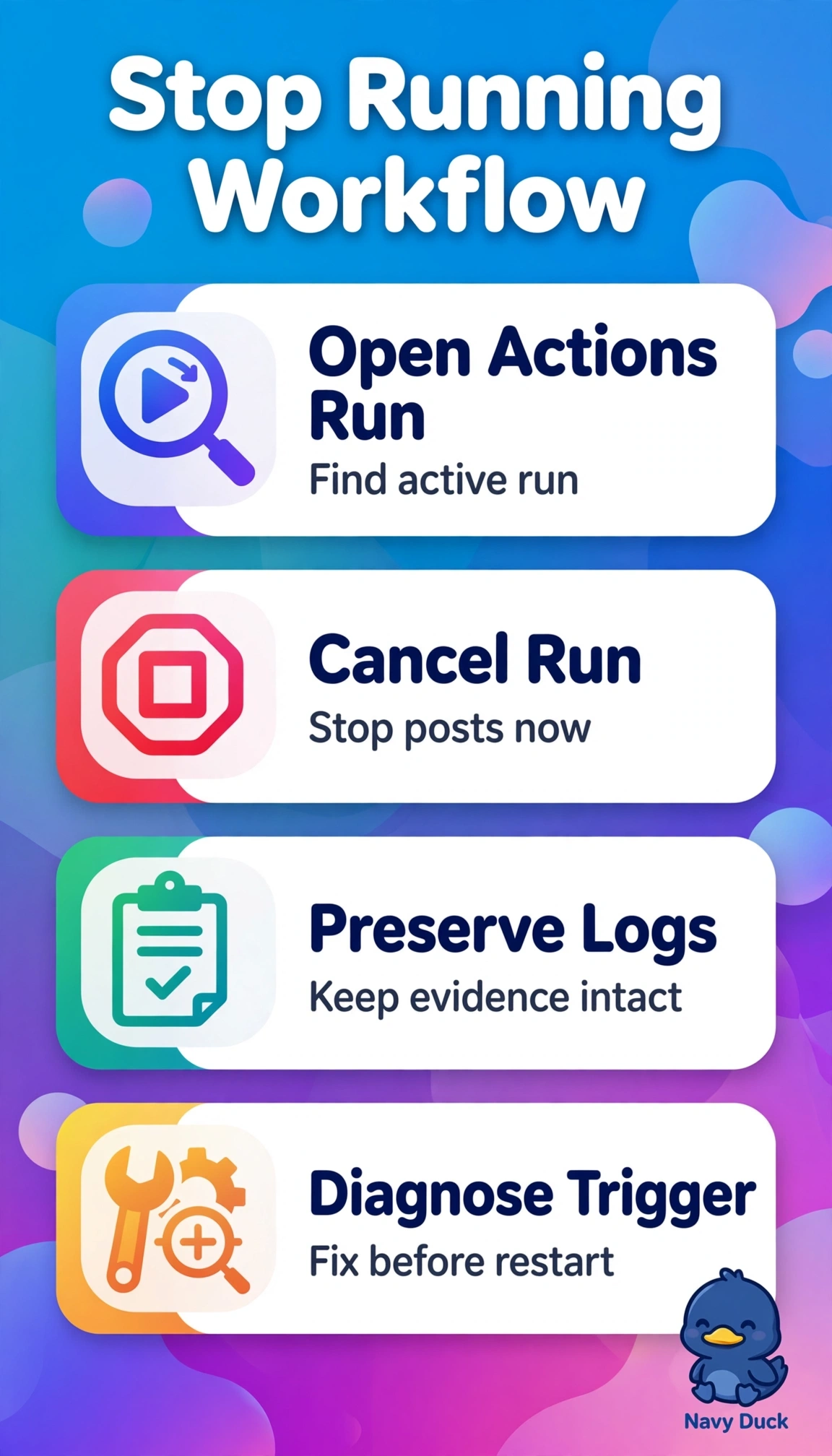
Short Explanation
A noisy demo can feel stressful, but you can stop the active run cleanly. Canceling it gives you control right away, then you can investigate the logs calmly.
Full Explanation
Canceling the active workflow run from the Actions run view immediately halts further agent actions, stopping customer-visible updates while preserving the execution history, step outputs, and logs for structured diagnosis. It balances immediate control with later review. Collecting live run logs while leaving the run executing improves observability but does not interrupt the loop posting every minute, so duplicates continue during the demo. Reverting to the last stable release and examining prior logs is version management, not runtime control: it may help prevent problems in future runs but does not terminate the already active process. Adding deduplication and redeploying is a longer-term remediation; it applies to new executions and does not stop the faulty run already posting updates. The exam caveat is to distinguish stopping the present execution from changing or fixing future executions: only cancellation addresses what is happening now. As a practical check, confirm the run status changes to canceled, verify that no new issue comments appear for several minutes, and then export timestamps, tool calls, prompts, and error traces for the post-mortem.