
You are a program manager watching a Copilot coding agent run that started bulk-editing billing config files after misreading a ticket, with commits already appearing on its branch and checks still queued. Policy requires no further automated writes and a clean audit trail. Which stop control halts the running agentic workflow safely?
Select an answer to reveal the explanation.
Short Explanation
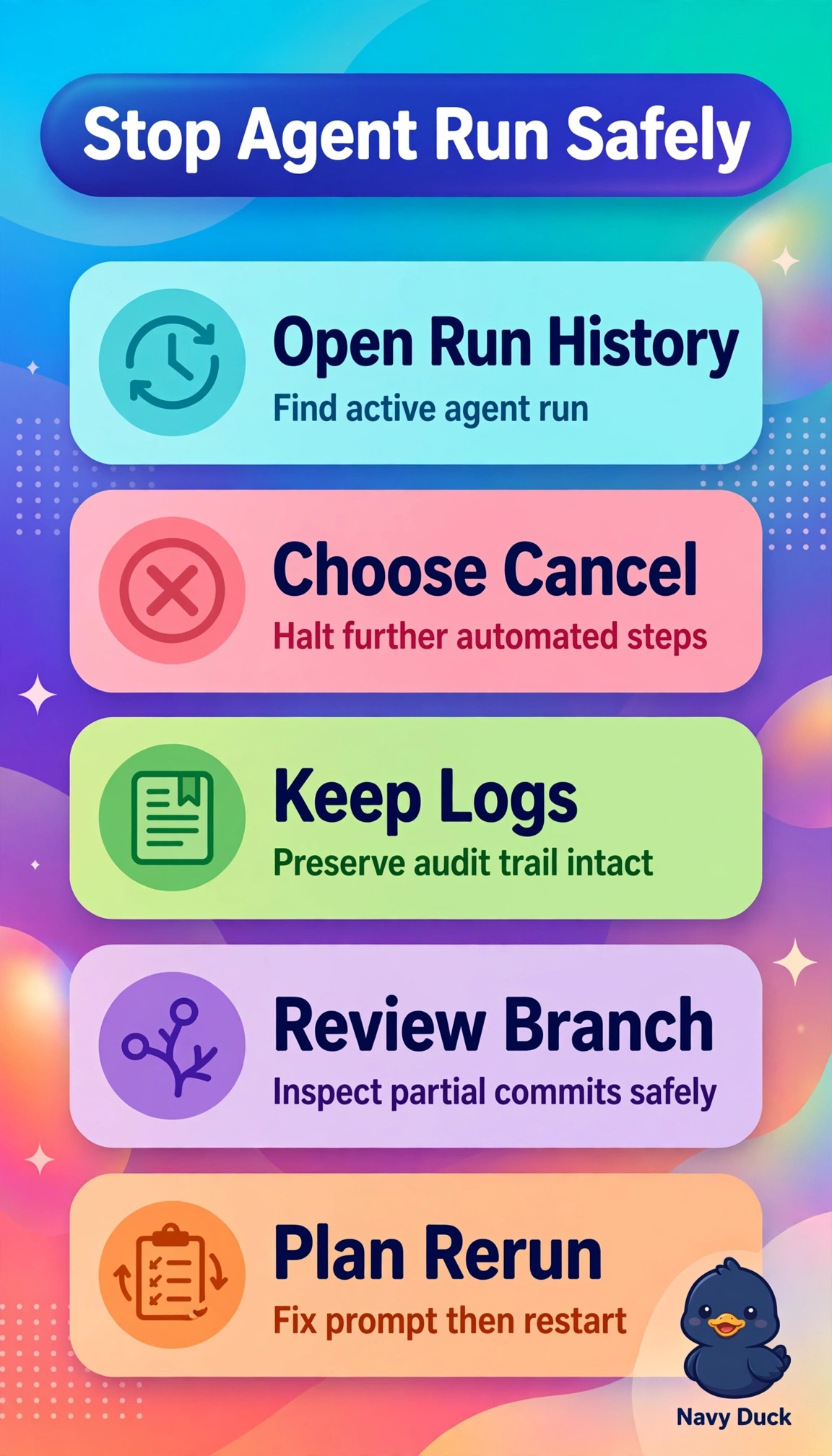
You’ve spotted that the agent is still making changes, so stop the workflow itself. Cancelling the run from run history halts further automated edits and preserves the logs for your audit.
Full Explanation
Canceling the in-progress run from run history is correct because it stops the agentic workflow that is generating new commits while preserving the run logs and audit trail; existing commits and queued checks are not themselves canceled by stopping the run. Reverting the pushed billing commits can restore the correct configs while preserving commit history, but it is version-control cleanup, not a stop control, so the active agent could make more incorrect edits afterward. Enabling branch protection to require manual review is a useful safeguard against unreviewed code reaching the target branch, but it only gates merging and does not stop the agent from writing to its own branch. Requesting changes on the agent pull request likewise blocks merging until the billing configs are manually corrected, but it controls review and mergeability rather than execution, so automated writes can continue. Exam caveat: distinguish halting the workflow from preventing a pull request from merging; queued checks and review policies may sound protective but do not meet a requirement to stop writes. Practical check: after cancellation, verify that run history shows the run as canceled, confirm that no new commits appear on the agent branch, then correct the configs and retain the logs for the audit trail.