
A product manager inherits scattered onboarding docs in chat threads and must create a shared, versioned knowledge base that non-developers can edit without changing code. The team uses GitHub for collaboration and needs organized pages with sidebar navigation. Which wiki practice best creates and updates collaborative documentation?
Select an answer to reveal the explanation.
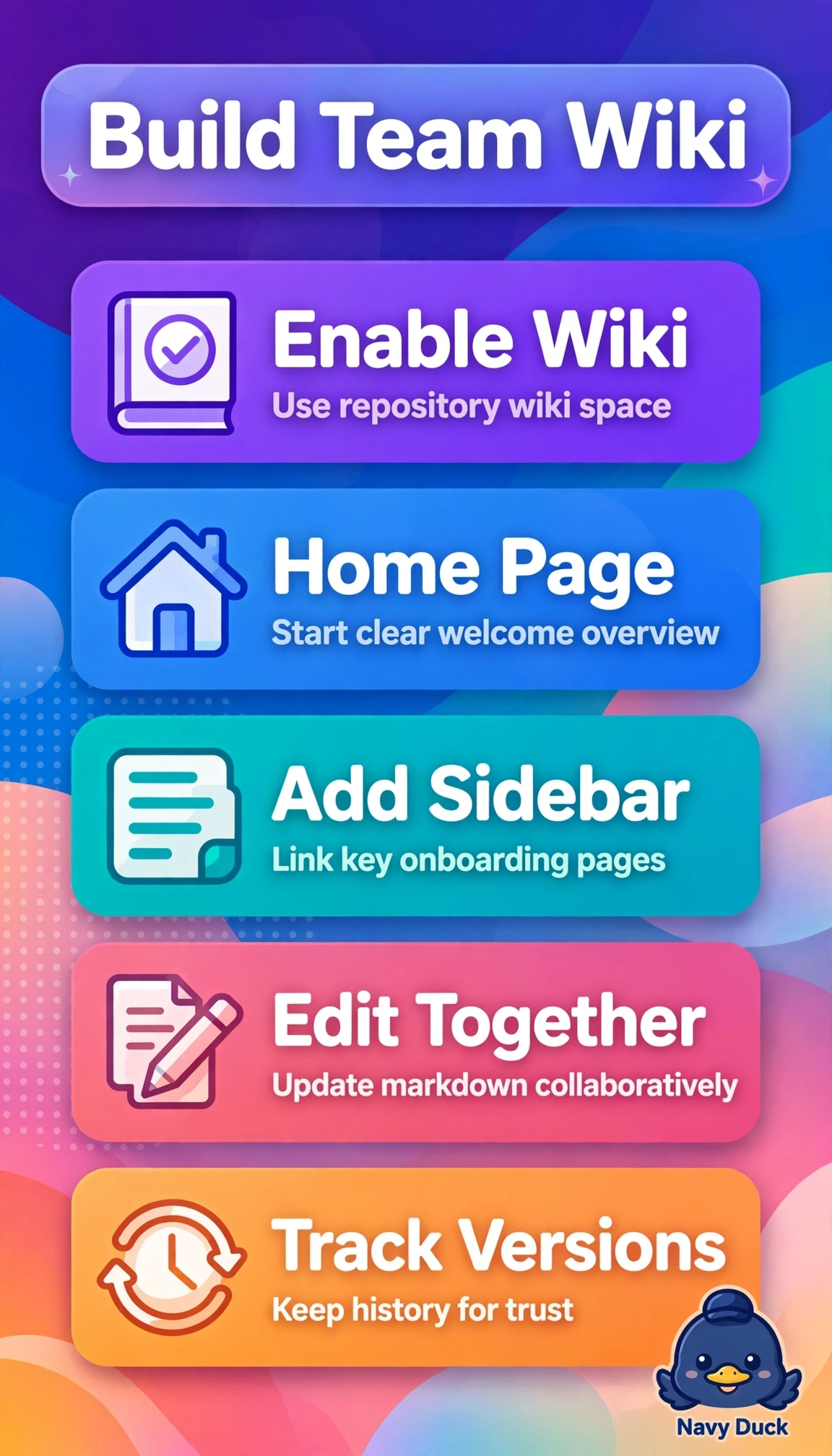
Short Explanation
You're building a welcoming handbook everyone can improve without fear. Collaborative wikis act like a shared team cookbook with tabs, not a locked safe. A home page plus sidebar keeps knowledge easy to find and edit.
Full Explanation
The repository wiki directly satisfies every element because it provides a separate versioned store with a home page, custom sidebar navigation for organized onboarding content, and browser-based markdown editing that lets non-developers contribute without touching repository code or review pipelines, preserving collaboration history while keeping docs distinct from releases. The GitHub Pages approach fails on the accessibility concept because although it delivers versioned organized documentation from the repository, it requires commits to docs folders plus static-site builds, which violates the without-changing-code need for product and design contributors. The Discussions approach fails on the structure concept because categorized threads and accepted answers support collaboration but do not create versioned wiki pages with persistent sidebar navigation or easy rollback for a knowledge base. The tracked-files-through-pull-requests approach fails on the workflow concept because editing markdown in the main codebase imposes developer-centric branching and review overhead and stores guidance alongside code rather than in the lightweight wiki space intended for frequent non-technical updates. An exam caveat is to distinguish storage location from presentation: Pages, Discussions, and repository files are all legitimate GitHub collaboration patterns, so choose based on sidebar plus no-code wiki signals rather than general collaboration value. As a practical check, verify edit permission and path by opening the Wiki tab, confirming the home page and sidebar render, and making a test web edit that does not create a code commit or deployment.