
A program manager is using Copilot to restructure a project status report and test different summaries. After several prompts, the latest edits introduced errors and the manager wants to return to a clean prior version quickly. Which checkpoint recovery approach best restores a reliable output?
Select an answer to reveal the explanation.
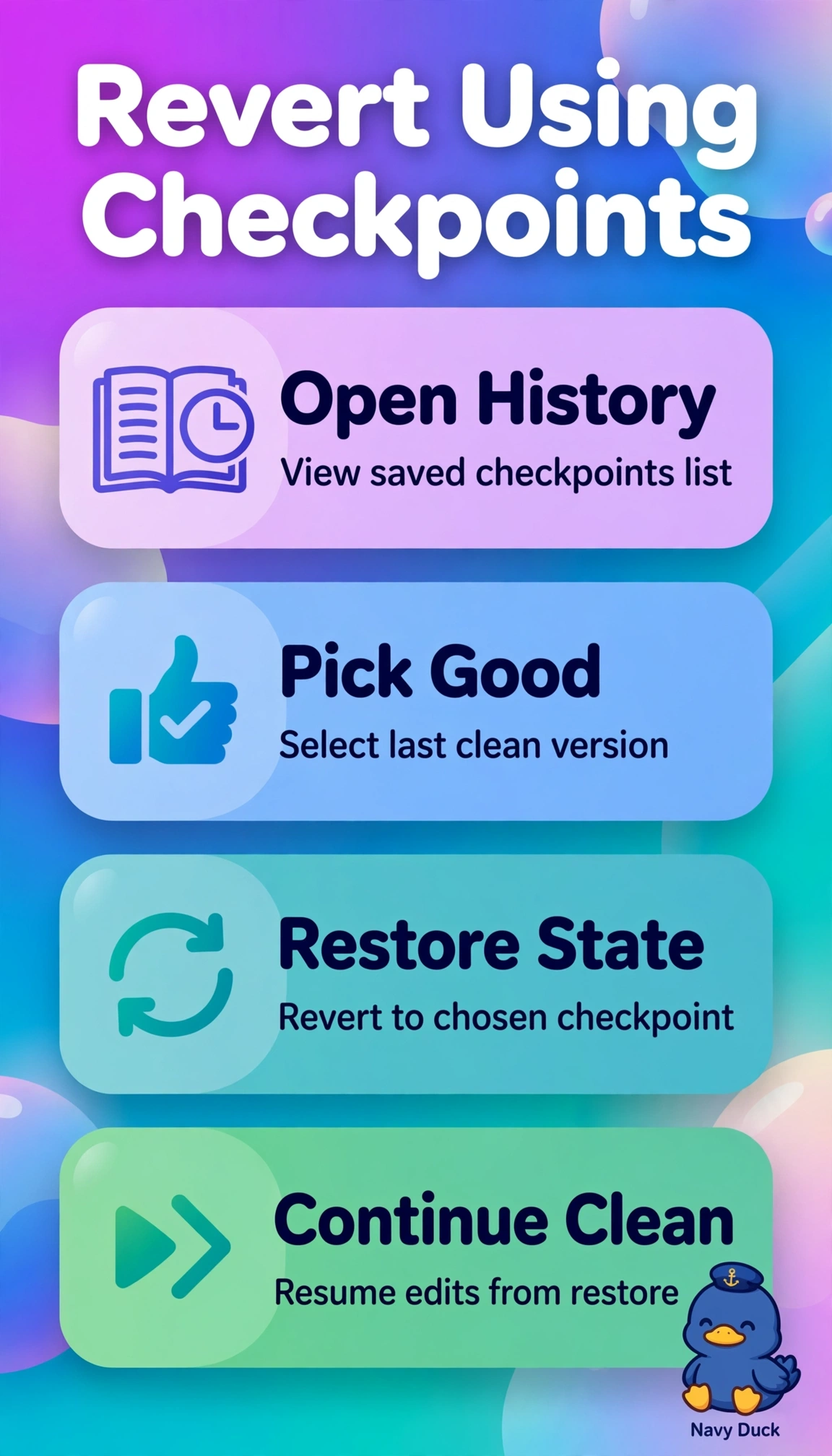
Short Explanation
Checkpoints are your save points when exploration goes sideways. Rolling back to a good checkpoint beats rewinding a tangled tape by hand.
Full Explanation
Checkpoint restore is the reliable recovery method because Copilot saves states during restructuring and summary tests, so jumping to the last good checkpoint removes the faulty edits at once and gives a clean baseline to continue from without rework. Continuing to refine the faulty draft with targeted correction prompts is common refinement practice, but it fails the quick reliable return requirement because each new prompt builds on corrupted context and can compound errors rather than guarantee a clean version. Duplicating the session and asking for regeneration from the original source is sound context management for comparison, but it fails the restore concept because regeneration creates a new probabilistic output instead of reinstating the verified prior state the manager approved. Stepping back with undo one prompt at a time is familiar linear revision, but it fails the efficiency requirement after several faulty prompts because sequential reversal is slow and can stop at a state that still holds errors instead of jumping to the validated checkpoint. For the exam, quickly returning to a prior clean version after several prompts signals checkpoint restore rather than forward fixing, regeneration, or manual undo. As a practical check, make two drafts in Copilot, open checkpoint history, restore the earlier one, and confirm new prompts continue cleanly.