
A technical project manager coordinates a cross-functional launch in GitHub Projects with engineering, design, and external contractors. Engineers need full edit, contractors need view-only for one board, and leadership needs insights without changing items. Which access plan best configures GitHub Projects permissions?
Select an answer to reveal the explanation.
Short Explanation
Good fences make great launches. You'll keep momentum by giving each group role-based access that matches exactly what they need to see or change.
Full Explanation
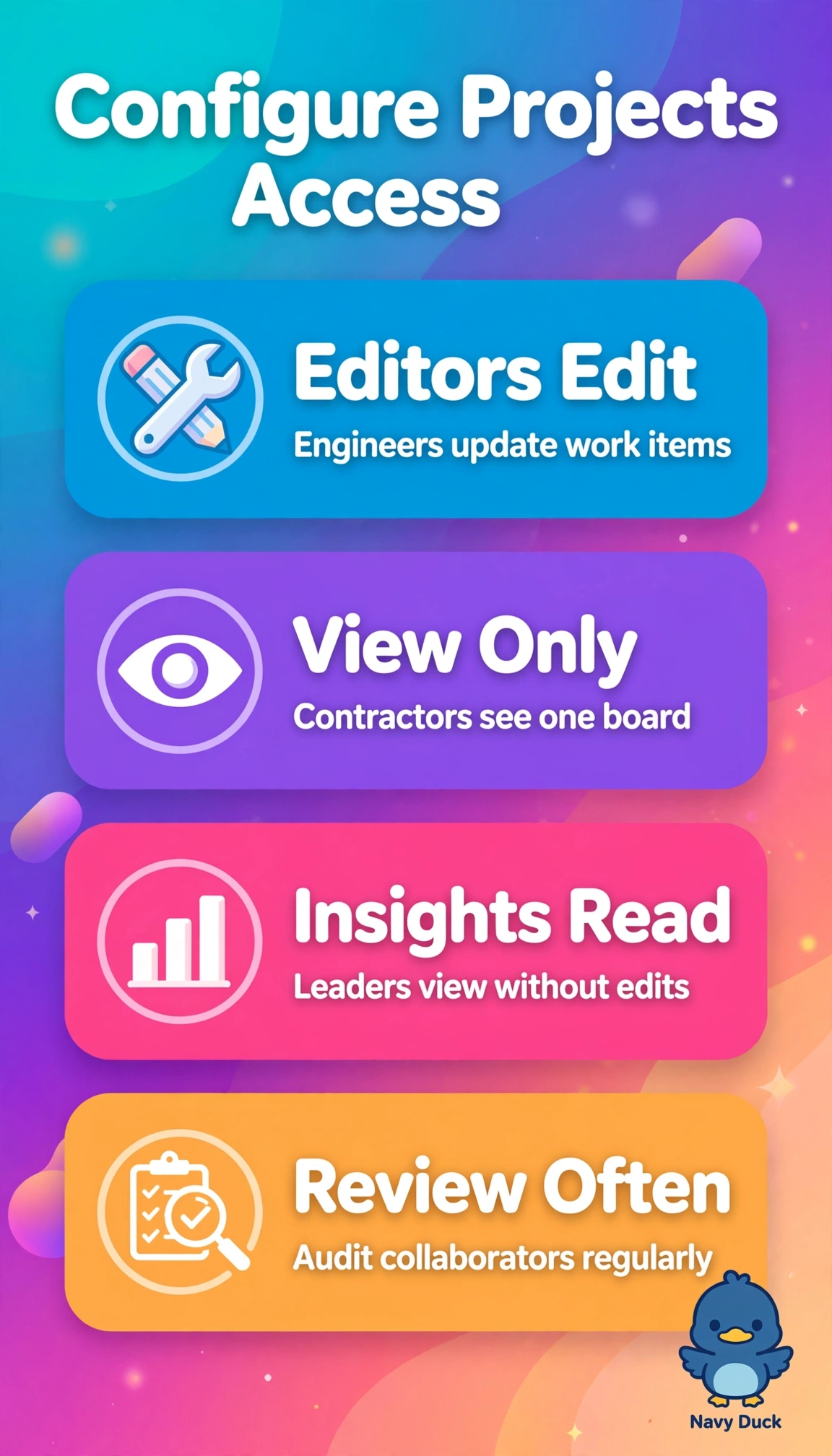
The correct plan works because GitHub Projects uses project-level roles separate from code access, so editors for engineering and design allow full item creation and workflow changes, a single-project viewer role confines external contractors to only the launch board under least privilege, and read-only insights let leadership use burndown, velocity and custom views without mutating cards. The triage-update approach fails on the permission concept because triage is a write-adjacent role that permits status changes and item updates, which directly violates the stated requirement that leadership must not change items even though editing and contractor scoping are correct. The portfolio-viewer approach fails on scope because extending view-only across multiple linked projects breaks the explicit constraint to one board, creating unnecessary exposure of other team boards despite correctly handling engineering edit and leadership read-only needs. The repository-role approach fails on the access boundary because repository collaborator permissions govern code, branches and issues at the repo level and do not precisely control Projects board membership, views and insights, so contractors and editors would be mis-scoped while leadership tracking stays incomplete. For exams, remember that project viewer, organization viewer, repository reader and insights observer sound similar but apply at different levels, so read whether the stem asks for board access, code access, or portfolio reporting before choosing. As a practical check, open the Project Settings Manage access list, confirm engineering and design show as editors, contractors show as viewers on only the launch project, and leadership shows as viewers, then test with a contractor test account and an insights view that no edit action or broader project appears.