
A team reports that their agent's GitHub remote MCP connection consistently times out after approximately 30 seconds during long-running tool calls. The MCP server is hosted externally and responds correctly in interactive testing, but fails in the CI environment. Which configuration change is most likely to resolve the issue?
Select an answer to reveal the explanation.
Short Explanation
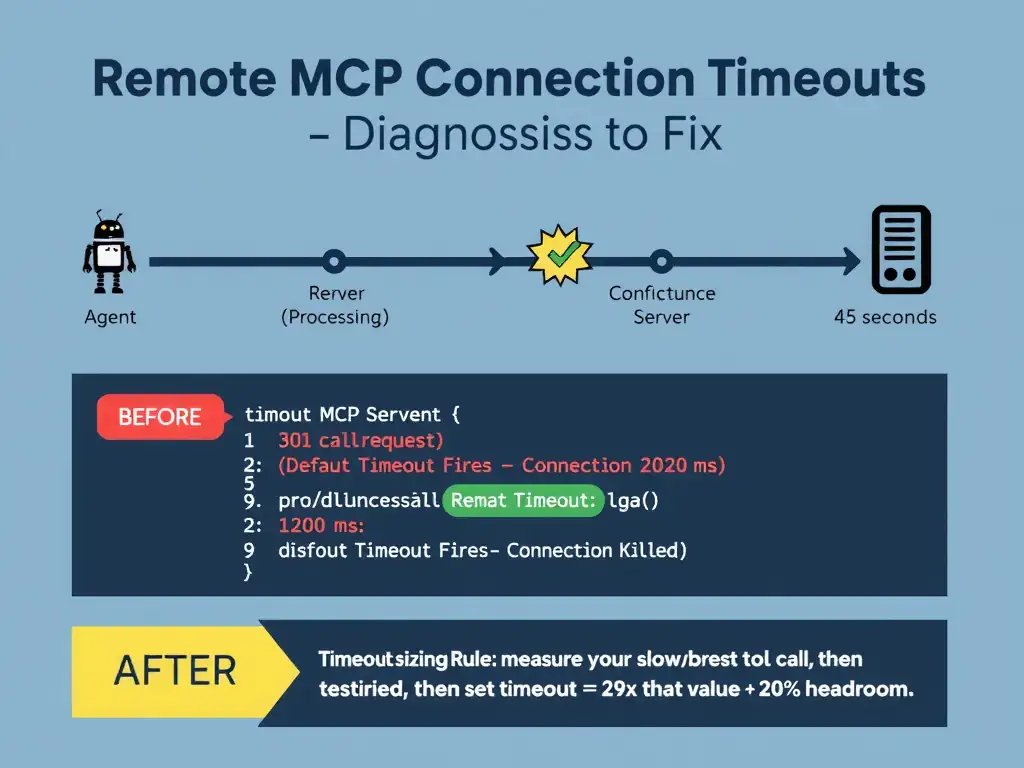
The 30-second timeout that works fine in interactive testing but fails in CI is the classic signature of a default timeout that was never configured. You need to increase the MCP client connection timeout in the agent's MCP server configuration to match how long your slowest tool call actually takes. Think of it like a restaurant server who gives you unlimited time to order when the restaurant is empty, but cuts you off after 30 seconds during rush hour.
Full Explanation
GitHub remote MCP connections involve a persistent connection between the agent runtime, acting as an MCP client, and the remote MCP server. This connection has a configurable timeout that controls how long the client will wait for a response from the server before declaring the call failed. By default, many MCP client implementations use a conservative timeout, often 30 seconds, suitable for simple, fast tool calls.
When the MCP server hosts tools that perform long-running operations, such as large code analysis, database queries, or batch file processing, these default timeouts are too short. The fact that the issue only manifests in CI, not in interactive testing, strongly suggests that the interactive client has a longer or no timeout, while the CI configuration uses the default.
The fix is to locate the MCP server entry in the agent's configuration and increase the 'timeout' or 'connectionTimeout' parameter to a value that accommodates the longest expected tool call duration, with additional headroom.
Why the other options are wrong:
The model context window size option is wrong because model context window size is a property of the LLM, not the MCP connection. It controls how many tokens the model can process in a single turn. It has no effect on the duration of the network connection between the MCP client and MCP server, and increasing it would not extend a connection timeout.
The local MCP server option is wrong because switching from the remote MCP server to a local MCP server running in the same CI runner is a valid architectural change that would eliminate network latency as a factor, but it is a significant infrastructure change that requires redeployment and may not be feasible if the tool capabilities depend on the remote server's environment. It also doesn't address the actual root cause, which is a misconfigured timeout. The question asks for the most likely resolution, which is the targeted configuration change.
The CI retry directive option is wrong because adding a 'retry: 3' directive to the CI workflow step that invokes the agent would restart the entire agent run after a failure, not extend the MCP connection timeout. If the timeout fires at the 30-second mark on every attempt, retrying will just produce three identical timeouts. Retries are appropriate for transient failures, not systematic configuration mismatches.