
Your team's GitHub Copilot agent needs read access to repository contents but must not be able to write to branches or create pull requests. How should tool permissions be configured?
Select an answer to reveal the explanation.
Short Explanation
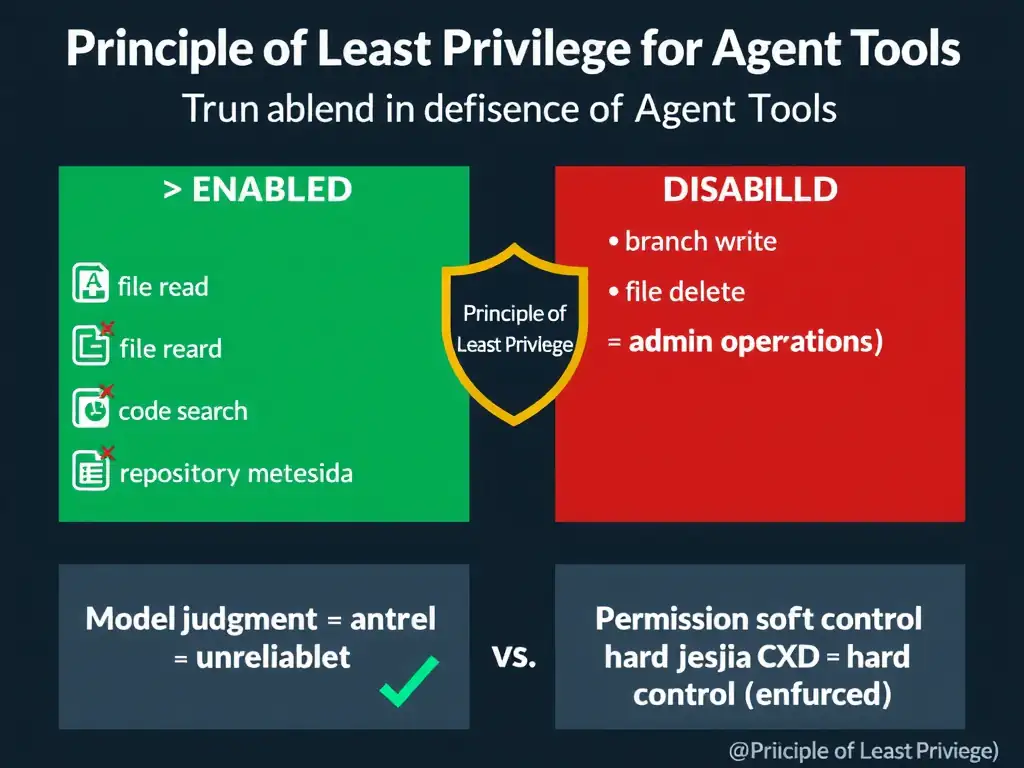
You give the agent only the keys it needs—read access, not write access. Disable write-scoped tools in the configuration so the system enforces least privilege, not just the model.
Full Explanation
Tool permissions in GitHub Copilot agents should be configured according to the principle of least privilege: grant only the minimum permissions required for the agent's intended function. This is enforced at the tool configuration level, not left to the model's discretion.
The correct approach is to explicitly enable only read-scoped tools, such as file read and code search, and disable write-scoped tools, such as branch creation, pull request creation, and file write. That ensures the agent cannot perform write operations regardless of what the model 'decides.' This is an architectural enforcement, not a behavioral one.
Granting the agent full admin permissions and relying on the model's judgment to avoid write operations is wrong because the model's judgment is not a reliable control. Models can be prompted or manipulated into performing operations they were not intended to perform. System-level permission controls must be used instead.
Granting write permissions temporarily and revoking them after each agent run is wrong because temporary permission grants are operationally complex and error-prone. If the revocation fails or is delayed, the agent retains elevated permissions. Static least-privilege configuration is simpler and safer.
Allowing all tool permissions by default, since GitHub's audit log will capture any unauthorized actions, is wrong because audit logs are important for accountability but are a detective control, not a preventive one. Audit logs capture what happened after the fact; they do not prevent unauthorized write operations from occurring.