
A developer is configuring a GitHub Copilot agent to help with code search and file editing tasks within a repository. Which built-in tools should be selected to cover these two capabilities?
Select an answer to reveal the explanation.
Short Explanation
You grab a hammer for nails and a saw for wood — you pick the tool that matches the job. For code search and file editing, Copilot has dedicated built-in tools for exactly those tasks, and selecting the right ones is step one of agent configuration.
Full Explanation
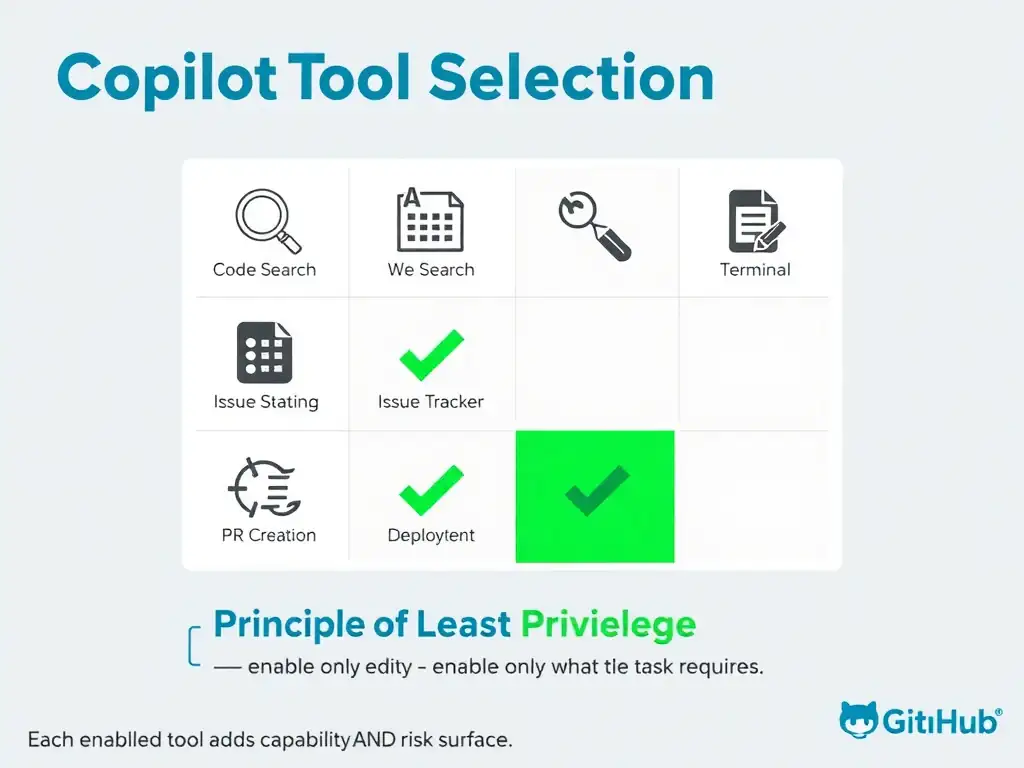
GitHub Copilot agents come with a set of built-in tools that can be selectively enabled depending on what the agent needs to do. Selecting the correct tools is important for both capability and security — enabling unnecessary tools expands the agent's attack surface and risk profile.
The code search tool and the file editing tool are correct because the code search tool allows the agent to find relevant symbols, files, and code patterns across the repository, and the file editing tool allows the agent to read and modify file contents. Together, these two tools cover the described use case precisely.
The web search tool and the terminal execution tool are wrong because web search would let the agent query external sites — unnecessary and potentially risky for an internal code task. Terminal execution is a high-privilege tool that runs arbitrary shell commands, which is far more than needed for file editing.
The issue tracker tool and the pull request creation tool are wrong because issue tracker and pull request creation tools are relevant for workflow automation, not for searching code or editing files directly. These are the wrong tools for the described capabilities.
The deployment tool and the secret scanning tool are wrong because deployment and secret scanning tools are entirely different categories. Deployment tools trigger CI/CD pipelines, and secret scanning is a security analysis capability — neither is needed for code search and file editing.