
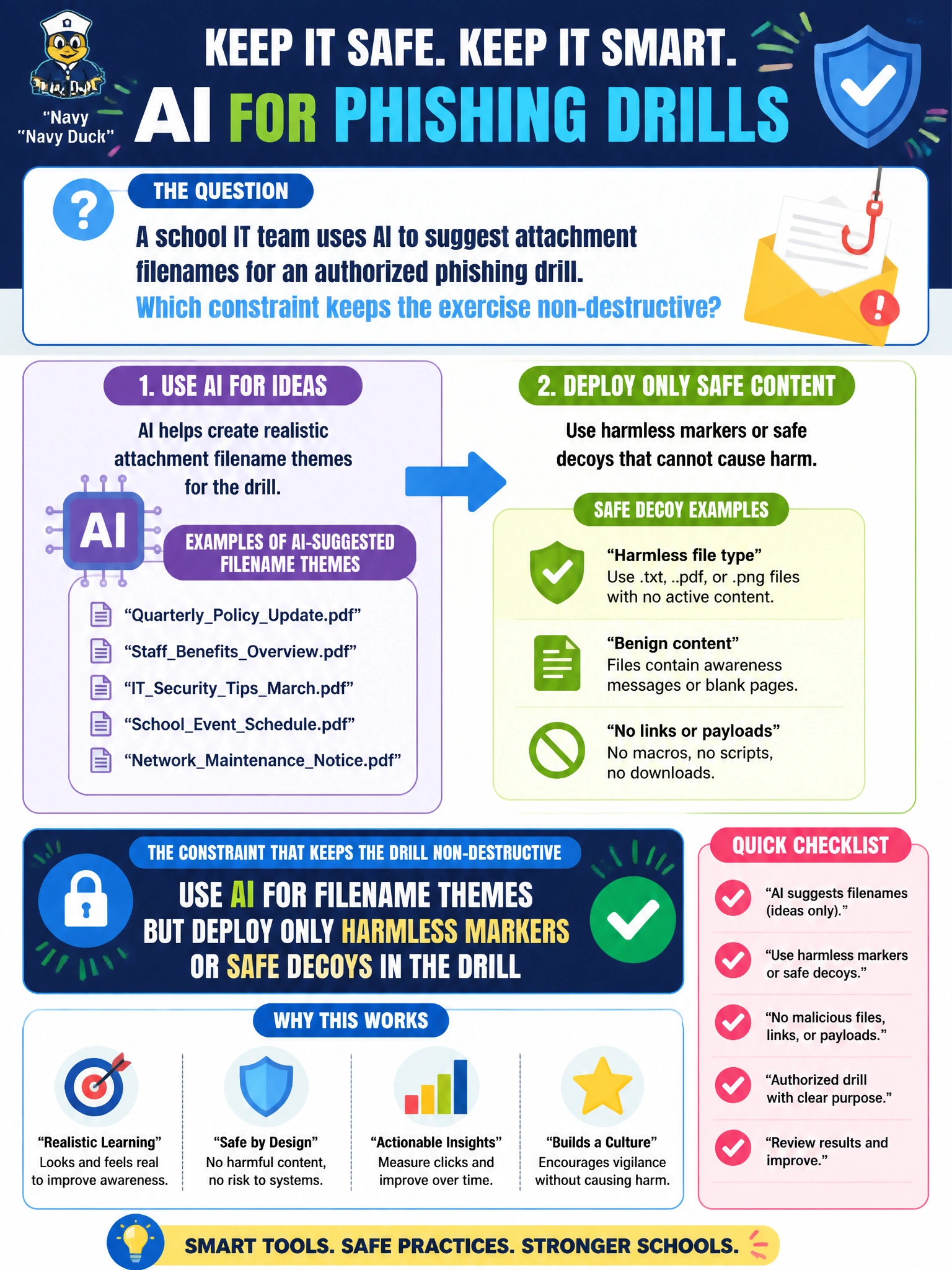
A school IT team uses AI to suggest attachment filenames for an authorized phishing drill. Which constraint keeps the exercise non-destructive?
Select an answer to reveal the explanation.
Short Explanation
AI can dream up spooky attachment names; the school drill still ships harmless markers, not real malware or student data dumps. ‘Simulation’ in the subject line does not bless macros on teacher laptops. Keep the teeth out of the prop.
Full Explanation
When a school IT team uses AI to suggest attachment filenames for an authorized phishing drill, the constraint that keeps the exercise non-destructive is to use AI for filename themes but deploy only harmless markers or safe decoys. Filename realism can improve training value, yet the payload path must remain non-malicious: no live ransomware, no macro-enabled attack code on teacher laptops, and no production student information system exports as lure bait. Deploying live ransomware samples renamed to match AI-suggested filenames turns an awareness drill into a real destructive incident risk. Attaching production student information system exports to increase perceived authenticity is a data-protection failure dressed up as realism. Allowing macro-enabled payloads on teacher laptops if the campaign label says ‘simulation’ is another labeling fallacy—labels do not neutralize malware behavior. Filename themes are cosmetic; payload safety is the control that keeps the school drill non-destructive. Exam caveat: GOAA school-sector items insist on harmless markers even when AI helps with thematic filenames. Operational check: approve filename lists from AI drafts, pair them only with inert markers or safe landers, and ban real malware samples and SIS data from campaign packages.