
A security team receives a penetration test report recommending 'removal of unnecessary services and applications.' On a Windows Server 2019 server, which method enforces this recommendation while minimizing the installed attack surface?
Select an answer to reveal the explanation.
Short Explanation
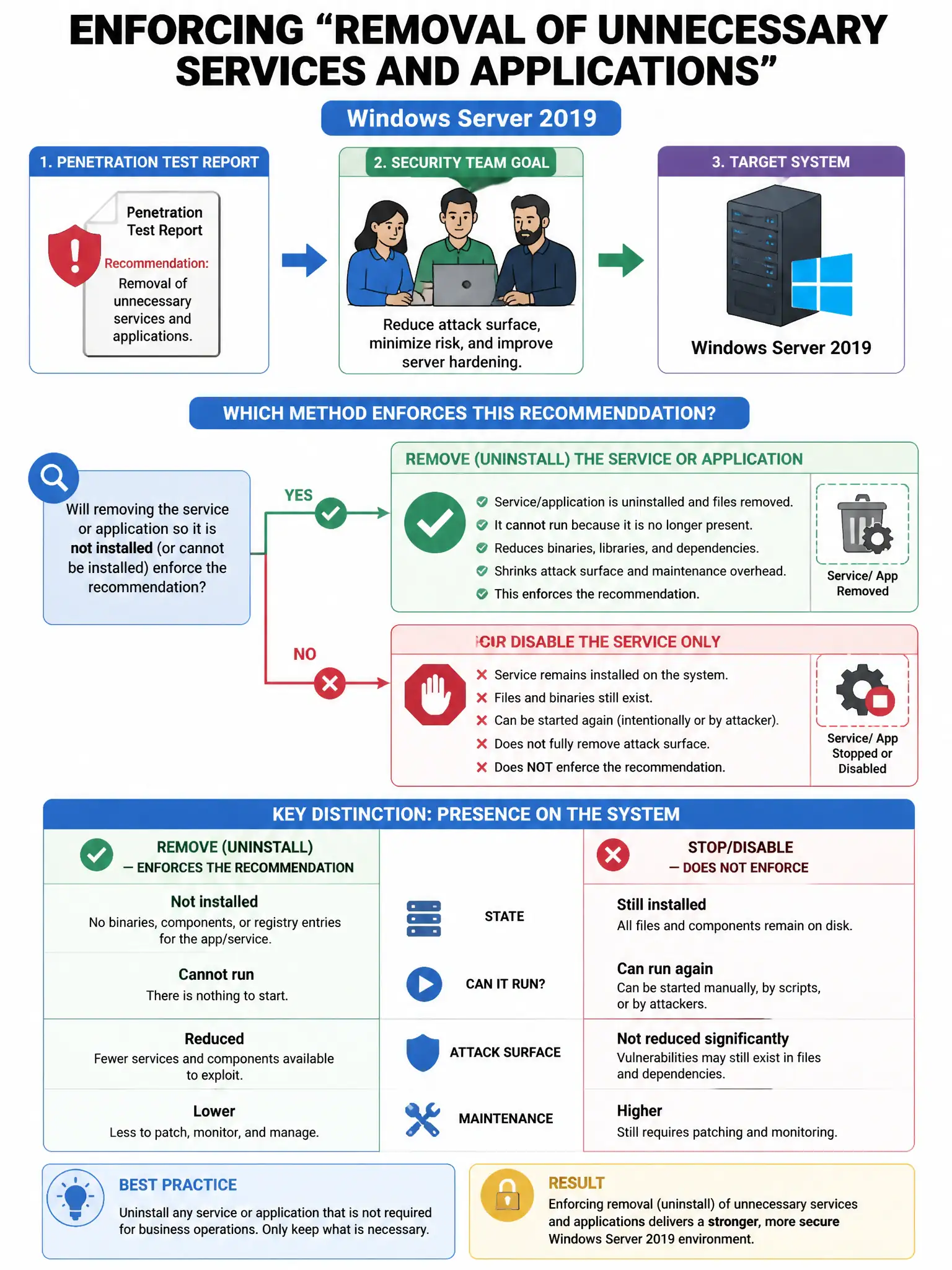
Here's the deal — you want the Server Core approach because it strips out the GUI and unnecessary roles/features, shrinking what an attacker can touch. Uninstalling Office, disabling updates, or just isolating the server doesn't remove the same installed attack surface.
Full Explanation
The Server Core installation with removal of unnecessary Windows roles and features using Server Manager or PowerShell's Remove-WindowsFeature cmdlet is correct because Windows Server Core minimizes installed components (no GUI, fewer binaries, smaller attack surface), and removing unnecessary roles/features (IIS if not a web server, print spooler, etc.) directly eliminates potential exploitation points. Uninstalling all Microsoft Office applications from the server is wrong because Office applications on servers are themselves a misconfiguration; the recommendation is about system roles and services, not productivity applications. Disabling the Windows Update service to prevent unauthorized software changes is wrong because it prevents security patches, creating additional vulnerability risk rather than reducing attack surface. Moving the server to an isolated network VLAN without internet access is wrong because network isolation reduces exposure but does not remove the underlying unnecessary services that could be exploited by attackers who do gain access.