
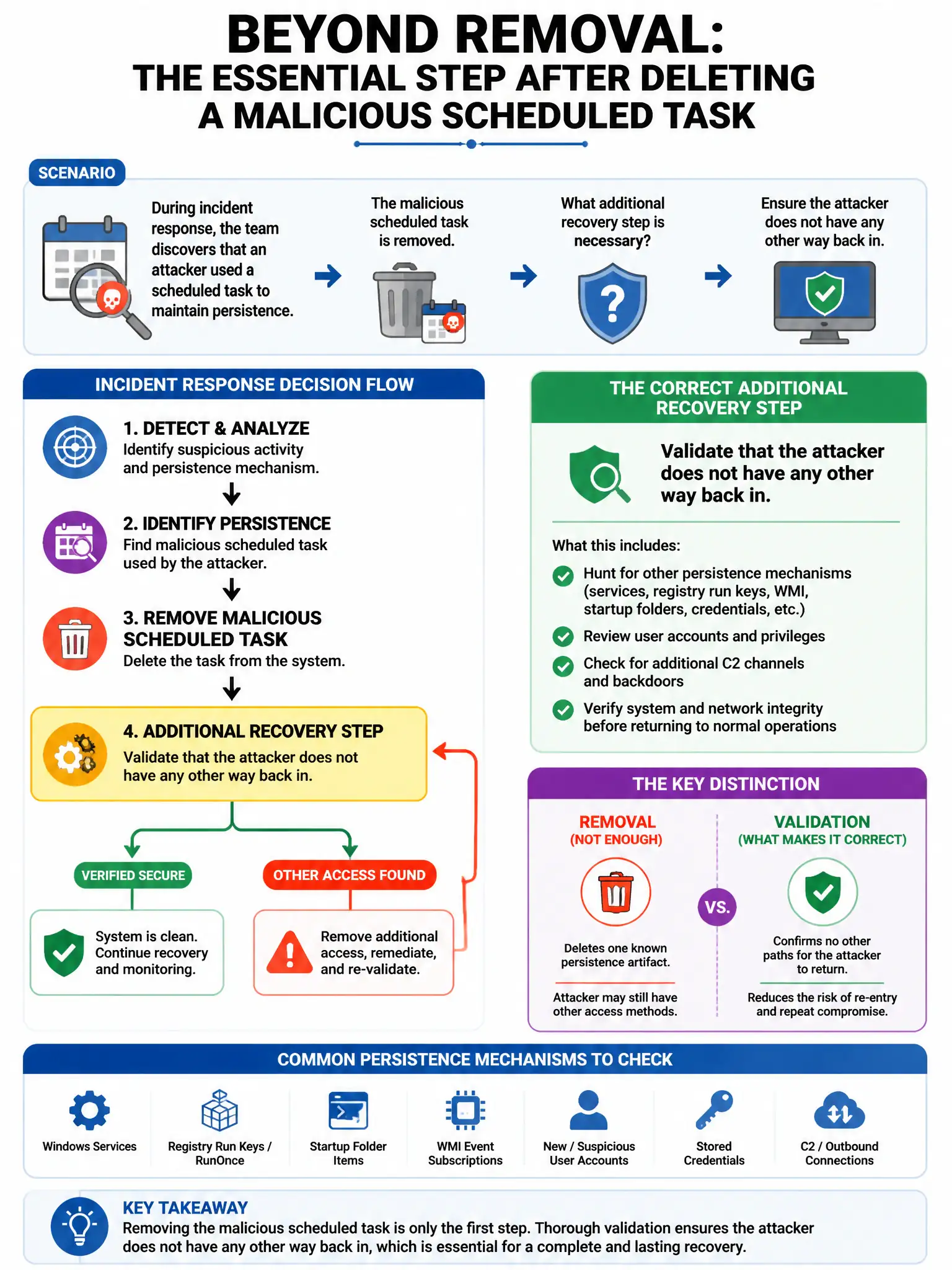
During incident response, the team discovers that an attacker used a scheduled task to maintain persistence. After removing the scheduled task, what additional recovery step is necessary to ensure persistence is fully eliminated?
Select an answer to reveal the explanation.
Short Explanation
Here's the deal — you can't stop at the scheduled task. Sophisticated attackers leave multiple redundant persistence mechanisms, so you must hunt down and remove other backdoors like startup entries, malicious services, web shells, and modified binaries. If you don't, the attacker still has a way back in.
Full Explanation
The necessary recovery step is to search for and remove any additional persistence mechanisms the attacker may have installed, including startup entries, services, and modified system binaries. Sophisticated attackers install multiple redundant persistence mechanisms, so removing only the discovered scheduled task while leaving other backdoors such as startup entries, malicious services, web shells, or modified binaries means the attacker retains access. Rebooting the system to clear any in-memory artifacts is wrong because rebooting removes volatile artifacts but does not address persistent mechanisms that survive reboots. Changing the system's hostname to prevent the attacker from reconnecting is wrong because changing the hostname does not affect the attacker's ability to reconnect using stored credentials or persistence mechanisms. Permanently disabling the Task Scheduler service to prevent future abuse is wrong because permanently disabling Task Scheduler impacts legitimate system operations and maintenance; the correct action is to remove malicious tasks, not disable the entire service.