
Which Zeek log is most useful for identifying file transfers and malware downloads, including file hashes of transferred content?
Select an answer to reveal the explanation.
Short Explanation
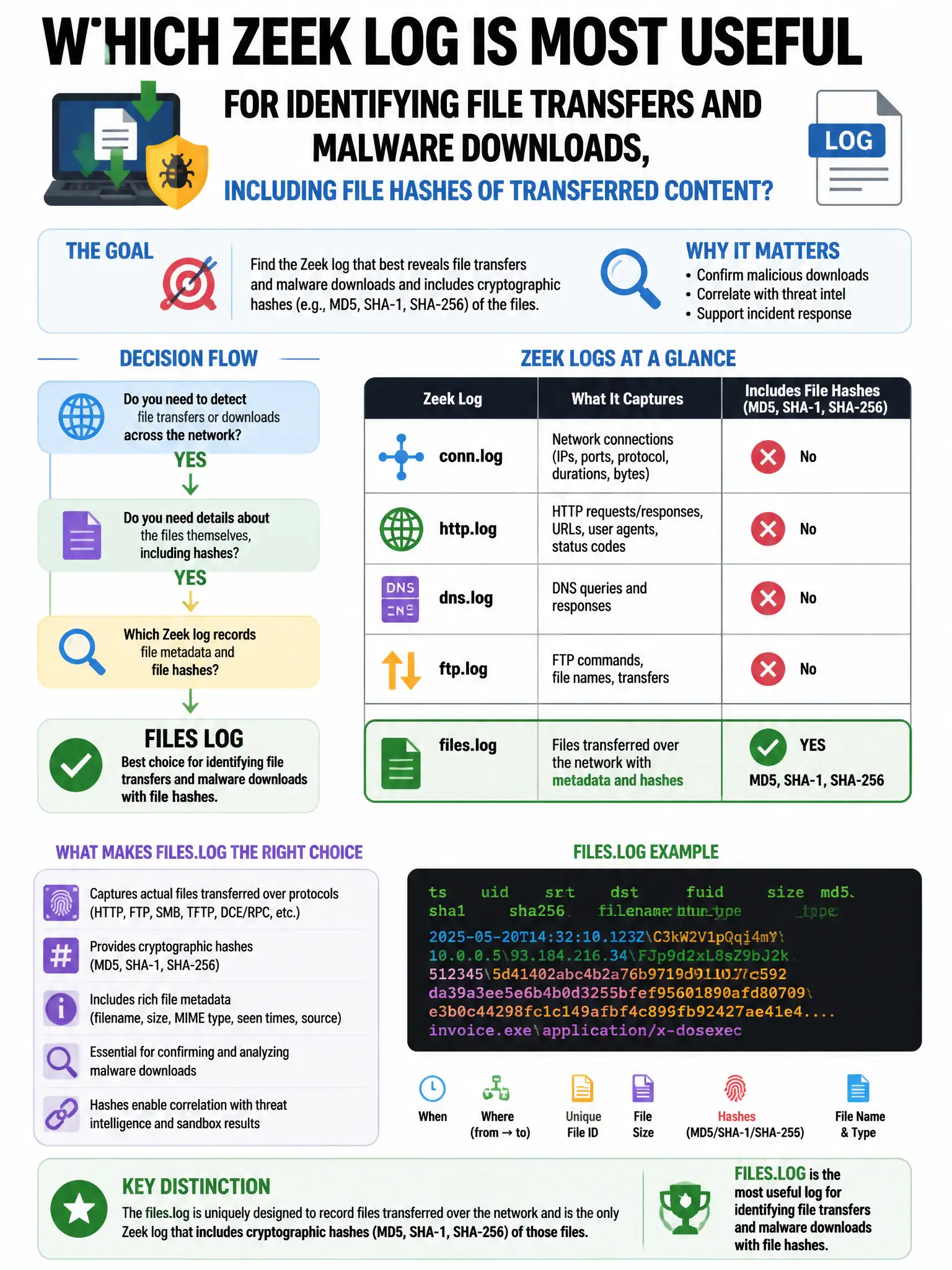
You want the files.log entry paired with the FileExtract analyzer because it records transferred file metadata and can compute MD5, SHA1, and SHA256 hashes for matching against known malware. The other logs don't give you those file hashes.
Full Explanation
The files.log combined with the FileExtract analyzer for hash computation is correct because Zeek's files.log records metadata for all files transferred over the network, including MD5, SHA1, and SHA256 hashes when the FileExtract analyzer is enabled, allowing correlation with known malware hashes from threat intelligence. The conn.log option is wrong because conn.log records connection-level metadata such as bytes, duration, and ports, but it does not contain file metadata or hashes. The http.log option focused on the URI field only is wrong because http.log contains request URIs and some response metadata, but it does not compute file hashes. The weird.log option focused on protocol anomalies is wrong because weird.log records protocol anomalies and unexpected Zeek behaviors, not file transfer metadata.