
A threat hunter is looking for evidence of living-off-the-land (LOtL) techniques on Windows endpoints. Which combination of data sources provides the best hunting surface?
Select an answer to reveal the explanation.
Short Explanation
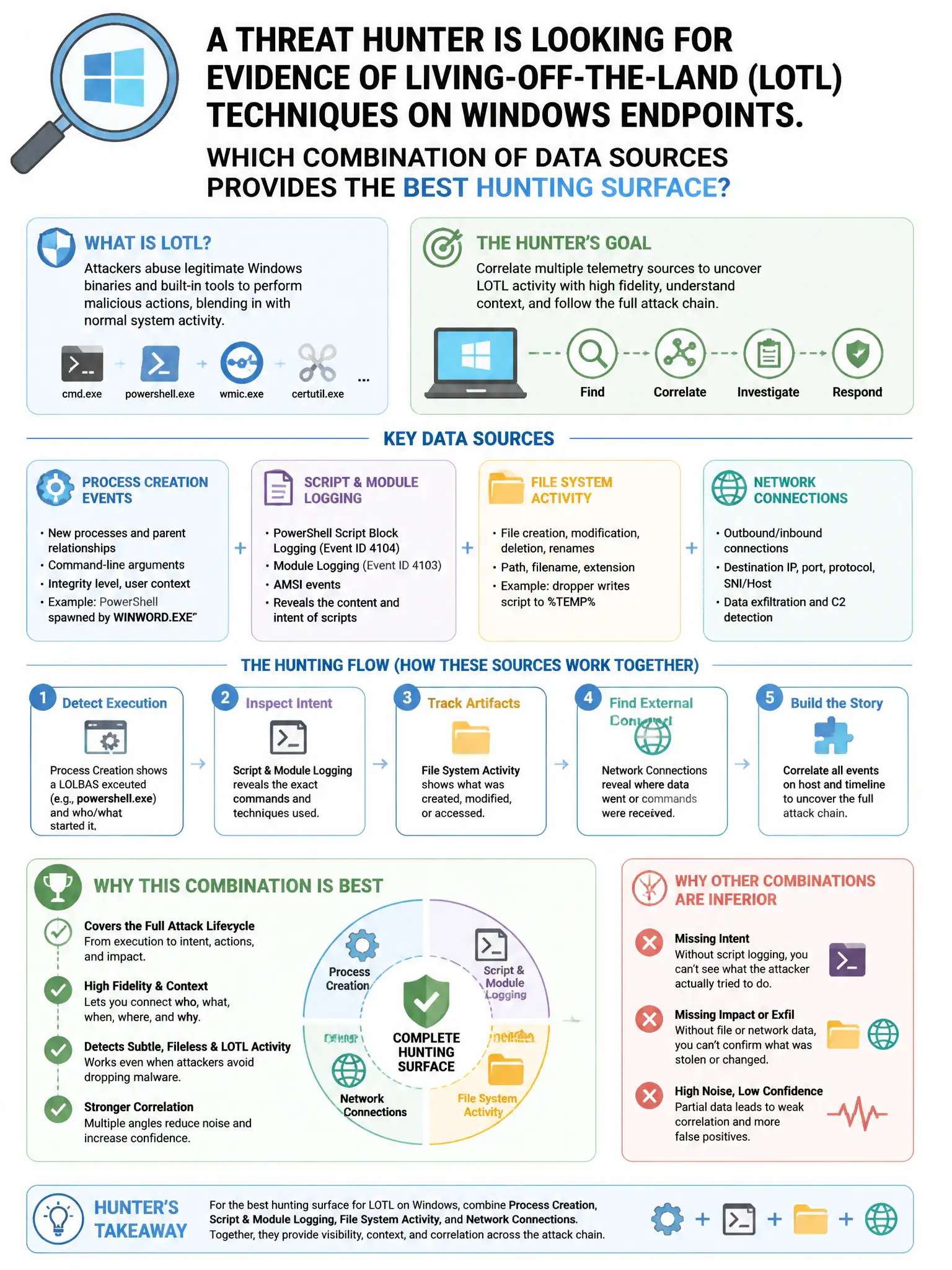
Here's the deal — you need the Sysmon process creation, PowerShell Script Block Logging, WMI activity logs, and network connection events combo because LOtL attacks abuse built-in tools, and those sources show what ran, what script content executed, how WMI was used, and where it connected. Antivirus scan logs alone miss legitimate binaries doing bad things.
Full Explanation
The combination of Sysmon process creation events (Event 1) with full command line, PowerShell Script Block Logging (Event 4104), WMI activity logs (Events 5857-5861), and network connection events (Event 3) is correct because LOtL attacks abuse built-in tools such as PowerShell, WMI, certutil, mshta, and regsvr32. Sysmon process creation with command lines captures what ran and how, PowerShell Script Block Logging captures obfuscated script content after deobfuscation by the engine, WMI logs capture WMI-based persistence and execution, and network connection events show resulting C2 connections; together they provide comprehensive LOtL visibility. Antivirus scan logs only are wrong because antivirus signatures miss LOtL techniques that use legitimate binaries. The Windows System event log limited to application crashes and service starts is wrong because those logs provide minimal LOtL detection value. DHCP lease logs and DNS query logs only are wrong because they are useful for network hunting but do not capture endpoint execution context.