
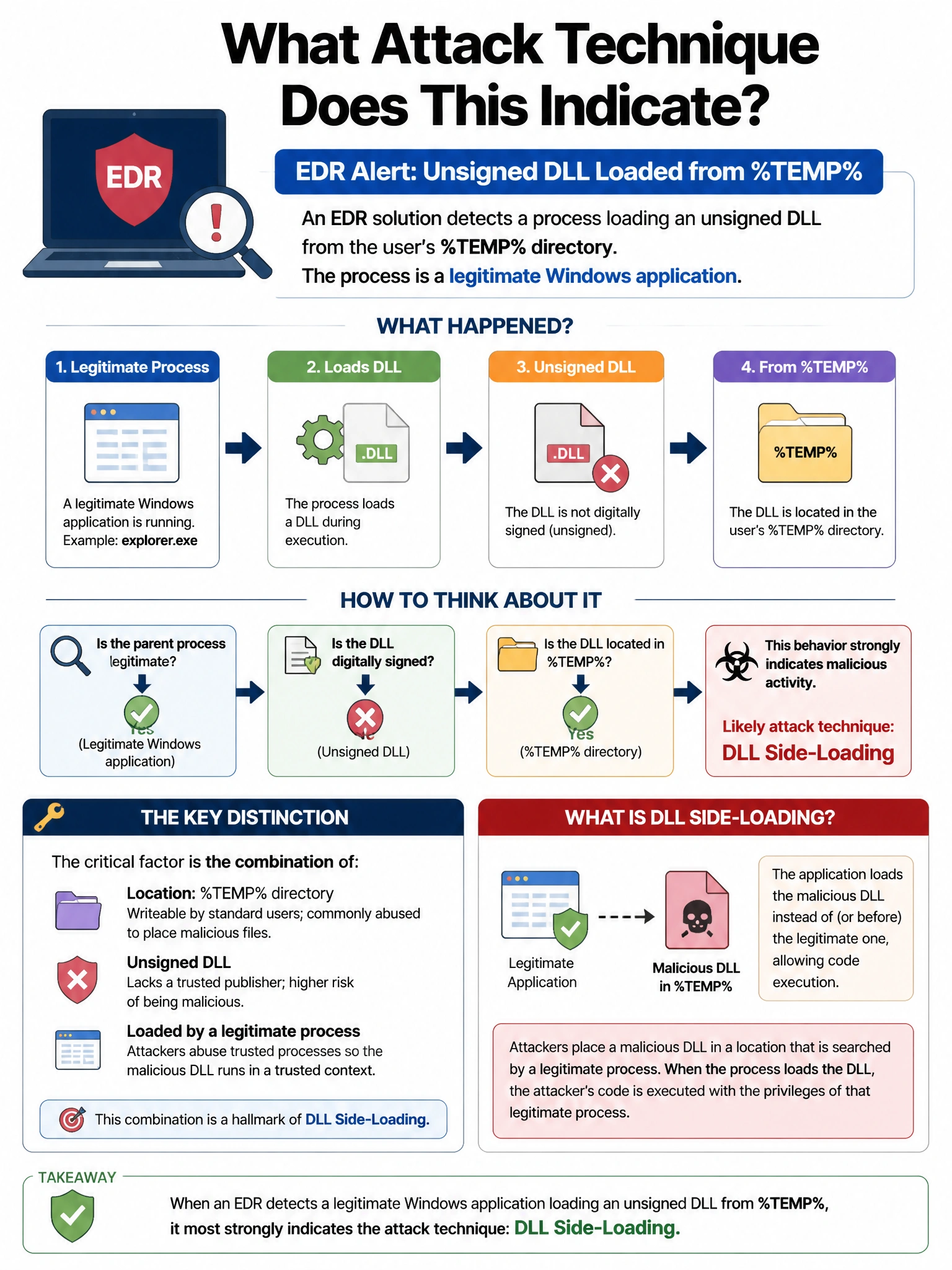
An EDR solution detects a process loading an unsigned DLL from the user's %TEMP% directory. The process is a legitimate Windows application. What attack technique does this indicate?
Select an answer to reveal the explanation.
Short Explanation and Infographic
Here's the deal — b is correct because DLL side-loading exploits the DLL search order; placing a malicious DLL with the expected name in a directory that appears earlier in the search path (like %TEMP%) causes a legitimate signed process to load the attacker's code, inheriting the legitimate process's trust and reputation. A is wrong because kernel rootkits load drivers through the kernel's driver loading mechanism, not through user-space DLL loading from %TEMP%.
Full explanation below image
Full Explanation
B is correct because DLL side-loading exploits the DLL search order; placing a malicious DLL with the expected name in a directory that appears earlier in the search path (like %TEMP%) causes a legitimate signed process to load the attacker's code, inheriting the legitimate process's trust and reputation. A is wrong because kernel rootkits load drivers through the kernel's driver loading mechanism, not through user-space DLL loading from %TEMP%. C is wrong because legitimate Windows applications do not cache production DLLs in %TEMP%; they load them from their installation directory or System32. D is wrong because Windows updates deploy files through the Windows Update service to proper system paths, not unsigned DLLs to user temp directories.