
A housing authority refuses agents that need local admin forever after install. What deployment requirement is that?
Select an answer to reveal the explanation.
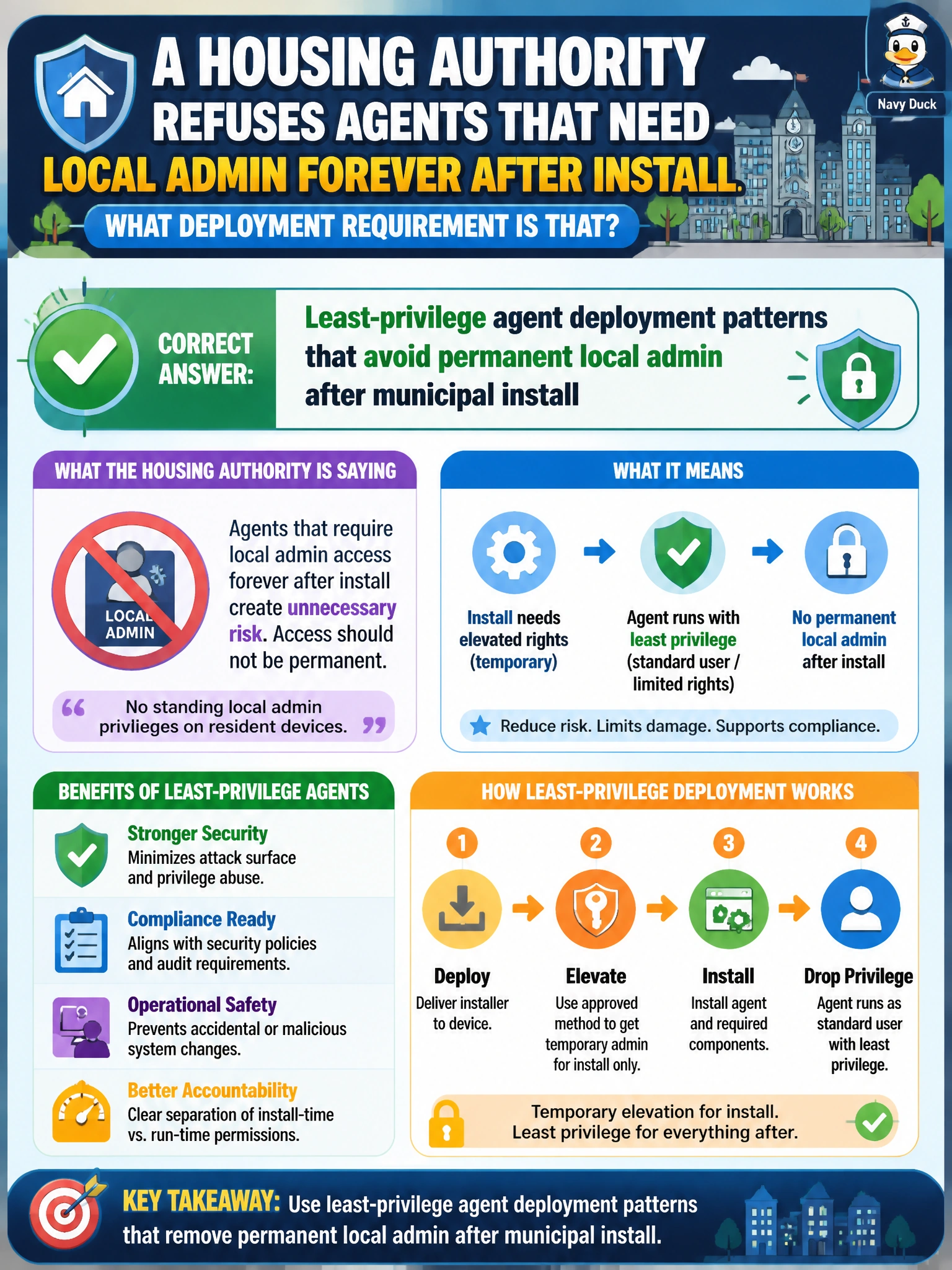
Short Explanation
You'll let agents install with a boost, then you'll drop the forever-admin badge — you'll see signed package checks just prove the installer is legit at setup and don't cut that standing need. You'll find consent prompt tuning and password rotation don't fix it either since they leave the privilege itself in place. It's least privilege after install.
Full Explanation
Refusing agents that need local admin forever after install is a least-privilege agent deployment requirement. Municipal housing endpoints should allow elevated install or temporary privilege for deployment, then run the agent under least privilege without permanent local admin rights. Signed package validation checks that confirm municipal agent integrity during initial install still only verify the installer is authentic at setup and do nothing to limit standing privilege afterward—unacceptable as a substitute on housing authority PCs that may touch resident data and payment workflows.
Signed package validation checks that confirm municipal agent integrity during initial install verify authenticity at setup but do not eliminate the need for permanent local admin, so they fail the least-privilege deployment requirement. Consent prompt behavior policies that tune municipal agent elevation after initial install only adjust how elevation prompts appear and leave the underlying standing admin requirement intact. Automatic password rotation schedules that refresh municipal agent credentials after install phase improve credential hygiene but do not reduce privilege—a rotated credential with persistent local admin still yields full device control if compromised.
Exam caveat: Some legacy tools demand excessive privilege; the civic-correct response is to reject or replace them, or isolate them tightly—not to weaken the entire endpoint admin model. Prefer agents that support managed installation via Intune/MDM with system context only during install. Service accounts should be gMSA or equivalent with minimal rights—automatic password rotation schedules that refresh municipal agent credentials after install phase do not make an over-privileged agent identity acceptable.
Operational check: Review agent documentation for post-install privilege needs; test install via Intune without leaving users in local Administrators; confirm signed package validation checks that confirm municipal agent integrity during initial install do not substitute for removing permanent admin; verify automatic password rotation schedules that refresh municipal agent credentials after install phase do not excuse standing privilege; and review consent prompt behavior policies that tune municipal agent elevation after initial install without mistaking prompt tuning for least privilege as part of the hardened baseline.
Prefer to study offline? Printable PDF study book + test engine ($7.50, unofficial). These questions stay free here.