
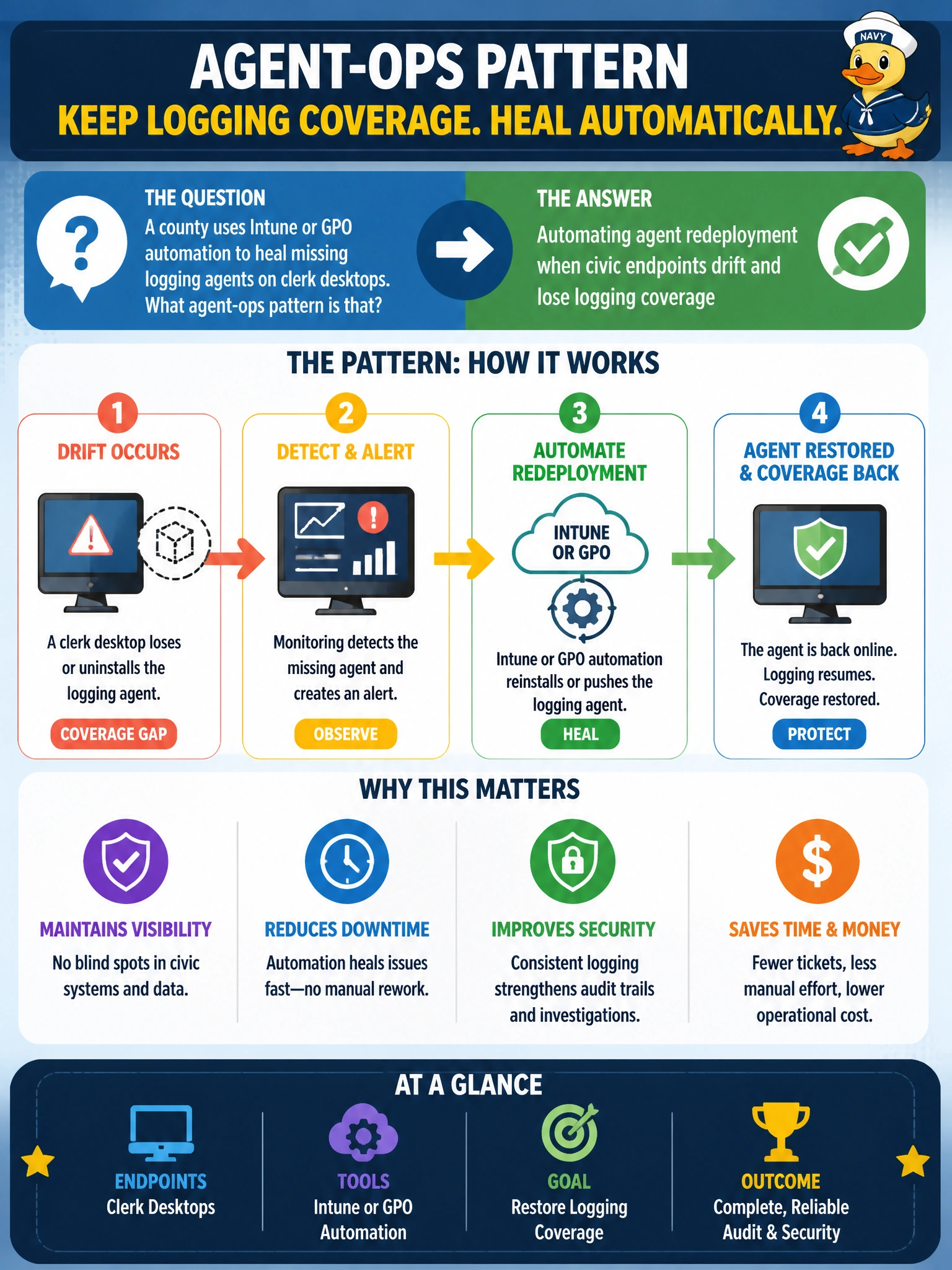
A county uses Intune or GPO automation to heal missing logging agents on clerk desktops. What agent-ops pattern is that?
Select an answer to reveal the explanation.
Short Explanation
If your clerk desktop lost its logging agent after a reimage, you've automated redeployment during initial provisioning to enforce baseline coverage — it won't heal that later drift. Redeploying when vendor releases require logging version upgrades won't restore live coverage, and redeploying after a SIEM migration to repoint endpoint forwarding won't heal a missing agent. Automate the redeploy.
Full Explanation
Using Intune or GPO automation to heal missing logging agents on clerk desktops is agent-ops that remediates coverage drift automatically. After reimages, local cleanup, or failed upgrades, logging/EDR agents disappear and the endpoint goes dark to the SOC. Detection of missing agent state plus automated redeploy restores civic visibility; automating agent redeployment only during initial provisioning to enforce baseline coverage sets the initial state but does not detect or heal later drift after a reimage or failed upgrade. County clerk desktops that process filings need continuous log shipping and detection; healing is part of the control, not a nicety.
Automating agent redeployment during initial provisioning to enforce baseline coverage fails monitoring design: it installs once at build time, so a missing agent from later drift goes undetected and unhealed. Automating agent redeployment when vendor releases require logging version upgrades fails the healing requirement: upgrading pushes a new version to existing agents, so it cannot detect a missing logging agent or restore coverage on a dark endpoint. Automating agent redeployment after SIEM migration to repoint endpoint forwarding fails the healing requirement: repointing updates where present agents send logs, so it cannot detect a missing logging agent or restore coverage on a dark endpoint.
Exam caveat: Healing loops should be rate-limited and ticketed when repeated failures indicate deeper image or permission problems. Distinguish agent health (service running, last check-in) from mere presence of an installer MSI. Ensure redeploy uses least privilege and signed packages.
Operational check: Configure Intune remediation/proactive remediations or GPO-scheduled checks for agent service and last-check-in; force a lab reimage and confirm agent reinstalls without clerk action; ticket devices that fail healing repeatedly; and track 'agent missing' as a SOC metric alongside malware detections.
Prefer to study offline? Printable PDF study book + test engine ($7.50, unofficial). These questions stay free here.