
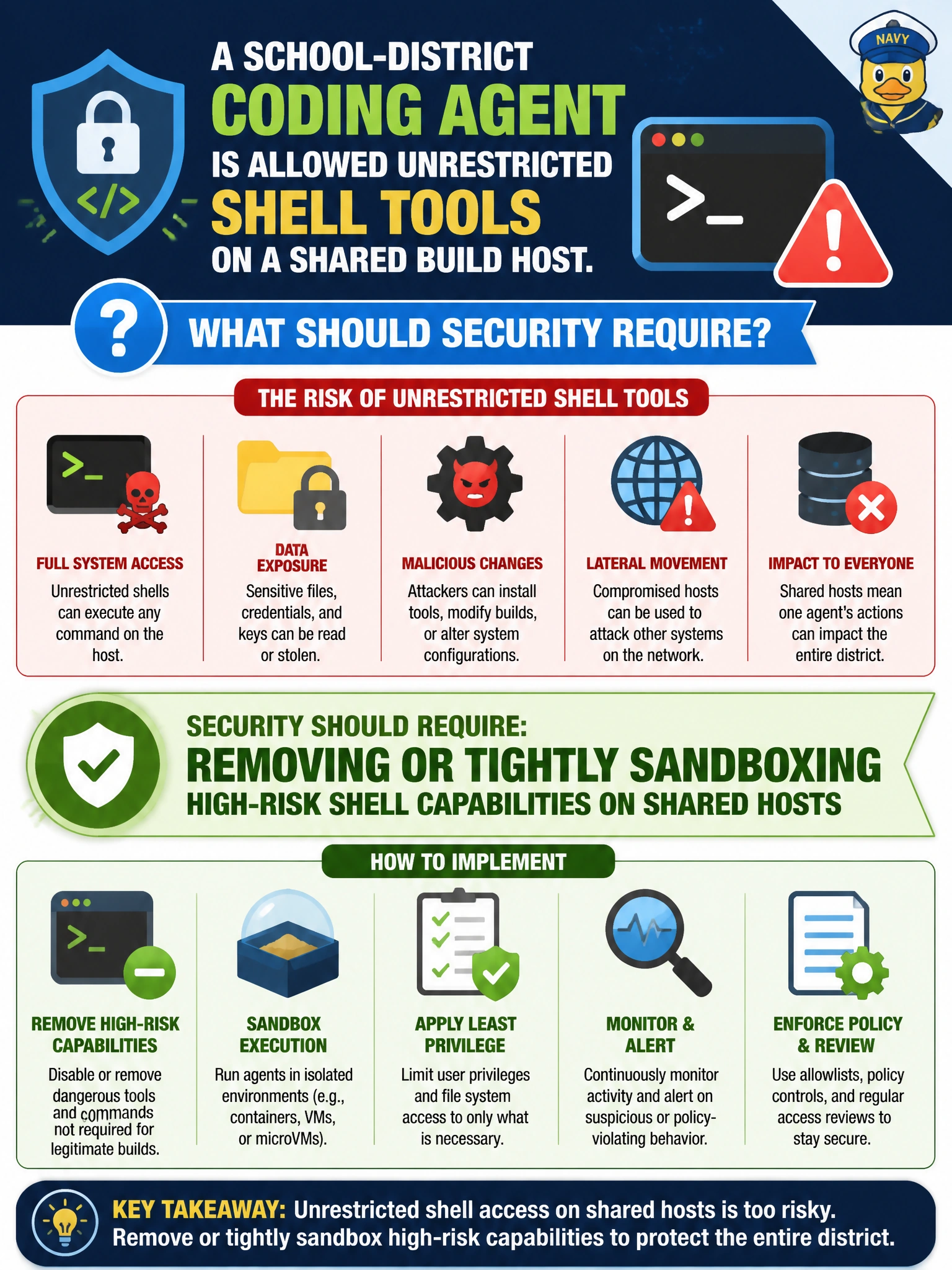
A school-district coding agent is allowed unrestricted shell tools on a shared build host. What should security require?
Select an answer to reveal the explanation.
Short Explanation
A coding agent with a free shell on a shared build box is a kid with the master key to the computer lab. Sandbox or strip those high-risk tools before it “helps” by wiping disks. Convenience on a shared host is how agents become insider threats.
Full Explanation
A school-district coding agent with unrestricted shell tools on a shared build host can read secrets, modify other projects, or pivot across the district environment. Security should require removing or tightly sandboxing high-risk shell capabilities on shared hosts so the agent’s execution surface matches its educational or CI purpose. Sandboxing, restricted interpreters, and deny-by-default command allowlists are appropriate civic controls when generative agents touch shared infrastructure that also holds student or staff systems.
Giving the agent domain-admin credentials for faster package installs fails by concept: it elevates the agent to directory-wide power far beyond build needs. Mounting production student databases as writable volumes for the agent places live education PII in the agent’s filesystem reach and invites accidental or adversarial writes. Publishing shell session recordings to a public district blog discloses command history, paths, and potentially secrets rather than containing shell risk.
Exam caveat: sandboxing shell tools reduces host impact; it does not make every command safe—network egress, mounted secrets, and overly broad allowlists can still enable abuse inside the sandbox. Operational check: run the coding agent in a locked-down container or VM without host docker.sock or domain credentials, verify blocked attempts to access student data mounts and privileged paths, and review an allowlist of permitted build commands before production use on shared district hosts.