
An analysis agent generates a feature plan during a GitHub Actions workflow. The plan must be passed to a separate implementation agent in a later job. Which approach best preserves the structured plan so the implementation agent can consume it reliably?
Select an answer to reveal the explanation.
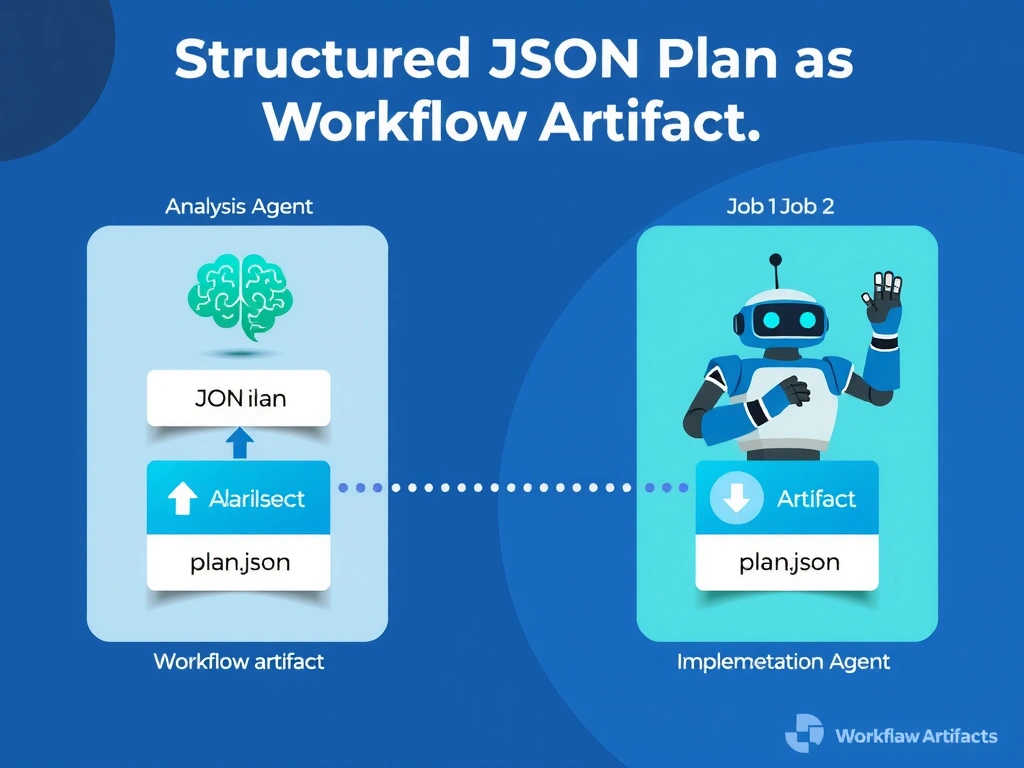
Short Explanation and Infographic
Think of workflow artifacts like a baton passed between relay runners — upload-artifact hands off the baton after the planning lap, and download-artifact picks it up for the implementation lap. JSON keeps the structured data machine-readable across job boundaries.
Full explanation below image
Full Explanation
Workflow artifacts are the canonical inter-job data transport in GitHub Actions. The analysis agent writes its plan to a JSON file (preserving structure, types, and nesting), uploads it with actions/upload-artifact, and the implementation job downloads it with actions/download-artifact. This approach is reliable, auditable (the artifact is visible in the Actions UI), and supports structured data of any size.
Option B ($GITHUB_ENV) passes key=value pairs between steps within the same job, not between separate jobs, and it does not support multiline JSON values safely without careful escaping. It is the wrong tool for cross-job communication.
Option C (GitHub secret) is write-only from a workflow perspective — secrets can be read as environment variables but cannot be written by a job at runtime. They are for storing static credentials, not dynamic agent output.
Option D (committing to main) introduces an unreviewed commit to the production branch from an automated process, violates branch protection rules in most setups, and conflates the plan artifact with the repository source. It also creates race conditions if multiple agents are running simultaneously.
Uploading a JSON artifact is the intended pattern for agent-to-agent handoffs across job boundaries in GitHub Actions. It keeps the plan immutable, versioned per workflow run, and downloadable for post-hoc audit.