
A team wants to configure a GitHub remote MCP server so that Copilot agents in their repository can use it. Where should the MCP server configuration be placed, and what is the correct file name?
Select an answer to reveal the explanation.
Short Explanation and Infographic
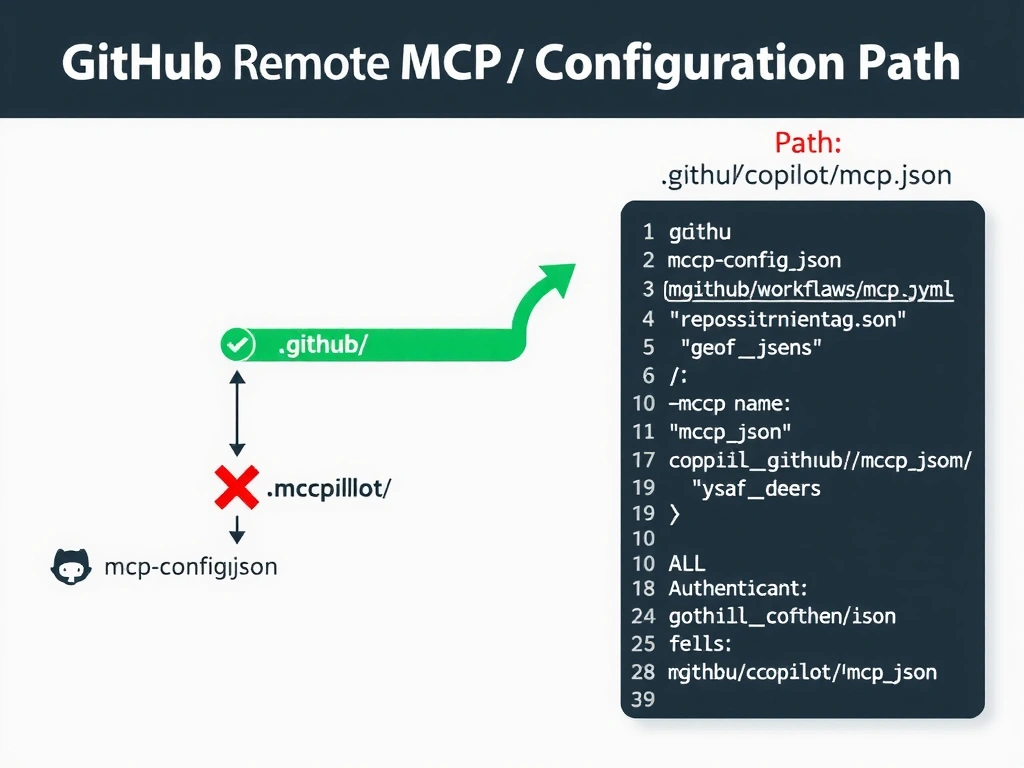
GitHub has a designated address for everything — branch protection rules go in settings, Actions go in workflows, and MCP configuration goes in .github/copilot/mcp.json. Knowing the right path is as important as knowing the right config syntax.
Full explanation below image
Full Explanation
GitHub Copilot's remote MCP server configuration is repository-scoped and follows a specific convention for where configuration files live in the repository.
Why B is correct: The correct location for a GitHub remote MCP server configuration is .github/copilot/mcp.json. This file tells Copilot agents which MCP servers are available in this repository, along with connection details, authentication configuration, and tool allowlists.
Why A is wrong: Placing the file in the repository root as mcp-config.json is not a recognized convention. GitHub Copilot will not discover this file. Repository-level Copilot configuration belongs in the .github/copilot/ directory.
Why C is wrong: The .github/workflows/ directory is specifically for GitHub Actions workflow YAML files. Placing an MCP configuration there would have no effect on Copilot agents.
Why D is wrong: The .copilot/ directory in the user's home folder does not exist as a standard convention for GitHub remote MCP configuration. User-level configuration differs from repository-level configuration, and the question describes a repository-scoped setup.