
A developer wants to extend a GitHub Copilot agent with a custom tool that queries an internal database. Which mechanism should be used to integrate this external capability into the agent?
Select an answer to reveal the explanation.
Short Explanation and Infographic
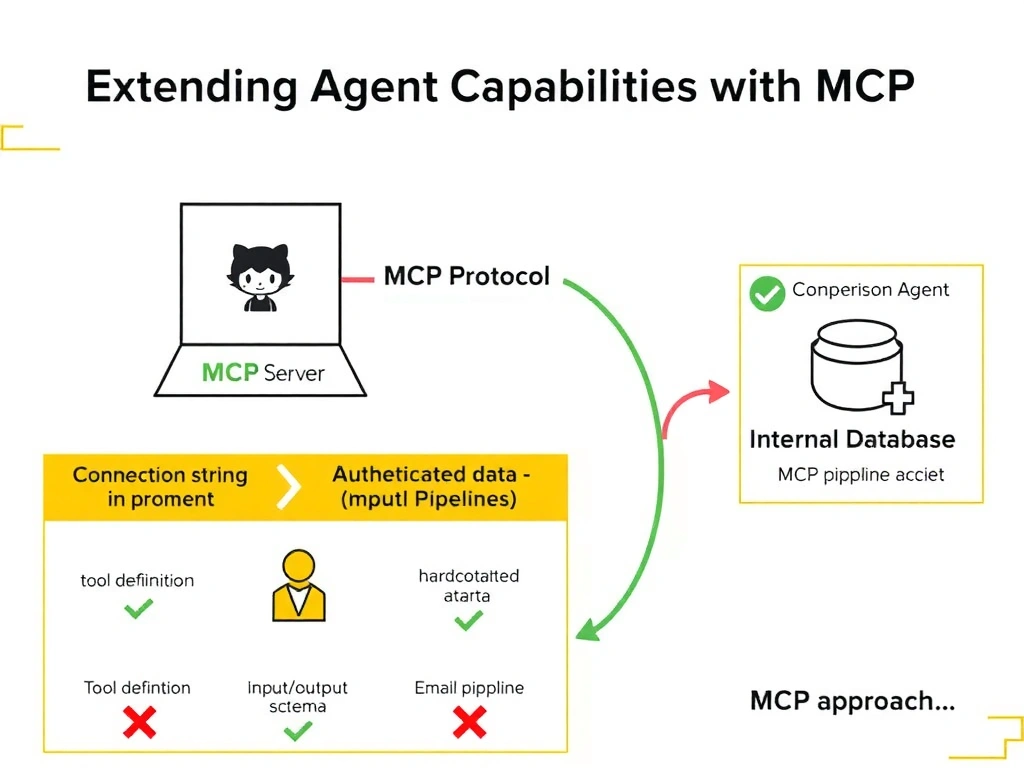
Want to add a power outlet to your toolbelt? You don't solder it to your hard hat — you plug it into the wall via the right interface. MCP is that standard interface: it lets you expose any external capability as a structured tool the agent can call, complete with defined inputs, outputs, and authentication.
Full explanation below image
Full Explanation
The Model Context Protocol (MCP) is the standard mechanism for extending GitHub Copilot agents with external tools and data sources. An MCP server exposes tools via a well-defined protocol, allowing agents to discover and call them with typed inputs and outputs.
Why B is correct: Creating an MCP server that wraps the internal database query is the correct architectural approach. The agent connects to the MCP server, discovers the tool, and can call it with structured parameters. This keeps authentication, authorization, and data access logic in the MCP server — not in the agent prompt.
Why A is wrong: Adding a database connection string to the system prompt is a security risk (credentials in prompts can be leaked via model output) and provides no tool interface — the agent cannot execute a database query from a connection string alone.
Why C is wrong: Creating a GitHub Action that emails results is an asynchronous, indirect approach that does not give the agent real-time tool access. It also creates an email-based data pipeline, which is not appropriate for programmatic integration.
Why D is wrong: Hardcoding query results into the context window provides stale, static data. The agent cannot re-query with different parameters, and the context window would quickly fill with data that may become outdated.