
What is the purpose of GitHub's 'code scanning default setup' feature?
Select an answer to reveal the explanation.
Short Explanation and Infographic
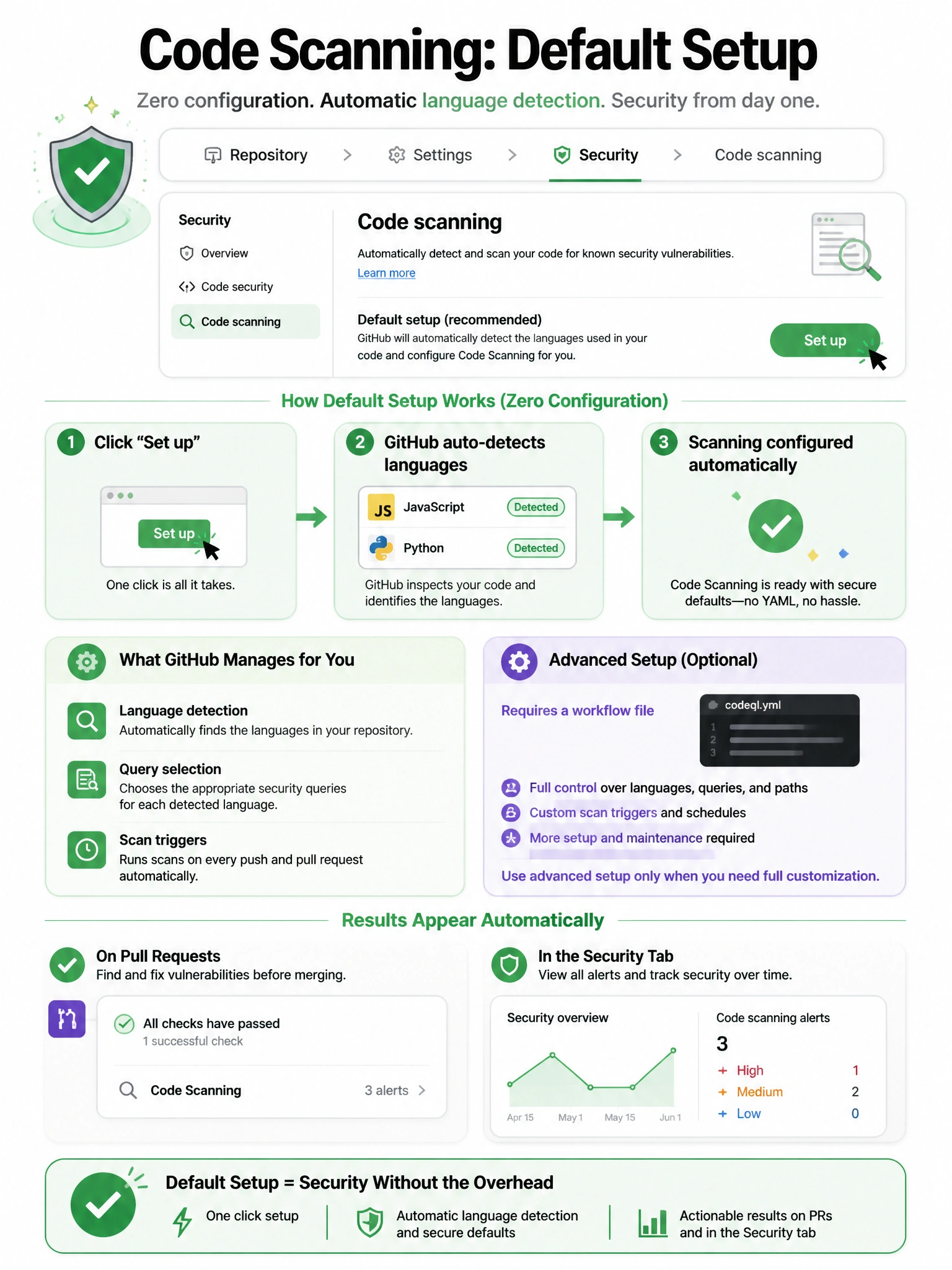
Default setup is code scanning's no-configuration option. GitHub detects your languages, picks the right CodeQL queries, and starts scanning without you ever writing a workflow file. It runs automatically on PRs and on schedule. Perfect for getting security scanning started with zero friction.
Full explanation below image
Full Explanation
GitHub Code Scanning 'default setup' provides automated CodeQL configuration without requiring a custom workflow file. How it works: (1) GitHub detects the repository's supported languages (Python, JavaScript/TypeScript, Java/Kotlin, C/C++, C#, Go, Ruby). (2) GitHub automatically configures CodeQL with the default query suite for those languages. (3) Scanning runs on: pushes to default branch, pull requests targeting default branch, scheduled weekly scan. (4) No .github/workflows/ file is created — the configuration is managed through repository Settings. For advanced use cases (custom queries, extended query packs, specific build commands for compiled languages), the 'advanced setup' creates a workflow file with full customization. Default setup is the recommended starting point as it's low-friction and immediately provides value.