
What is GitHub Actions' 'artifact' feature and how does it differ from the cache feature?
Select an answer to reveal the explanation.
Short Explanation and Infographic
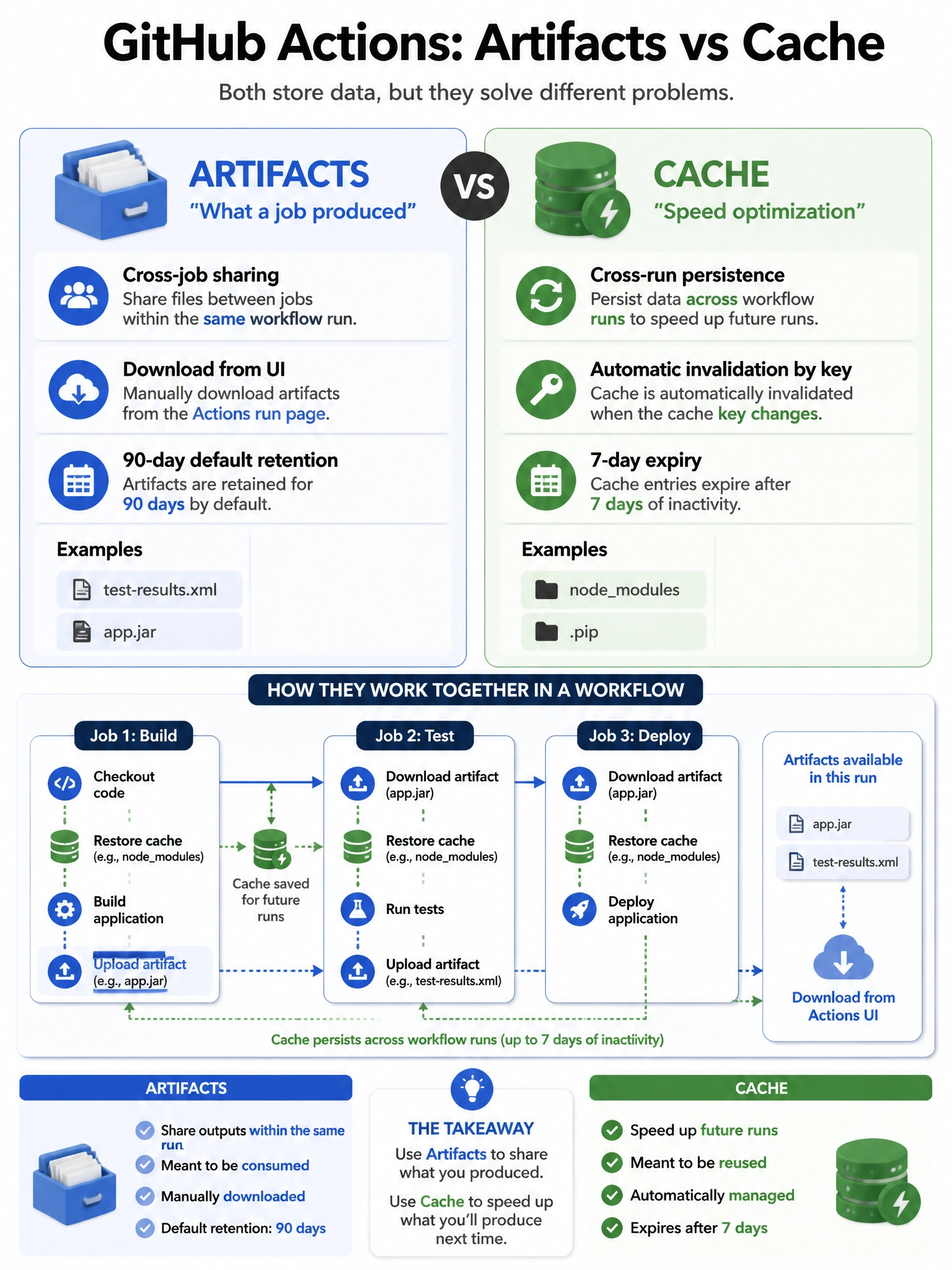
Artifacts and cache sound similar but serve different jobs. Cache is about speed — persist your node_modules so you don't re-download them next run. Artifacts are about data — pass build outputs between jobs or preserve files for download after the run.
Full explanation below image
Full Explanation
GitHub Actions Artifacts and Cache serve distinct purposes: (1) Artifacts (actions/upload-artifact, actions/download-artifact) — Store and retrieve files generated during a workflow run. Primary uses: sharing build outputs between jobs (build artifact → test job → deploy job), and preserving files for download after the run completes (test reports, binaries). Artifacts persist for a configurable retention period (default 90 days) and can be downloaded from the GitHub UI. (2) Cache (actions/cache) — Speed optimization that restores frequently used files between separate workflow runs. Primarily for dependencies (node_modules, pip cache). Cache is automatically invalidated by key changes and expires after 7 days of non-use. Key distinction: artifacts cross job boundaries within a run; cache crosses run boundaries between separate runs.