
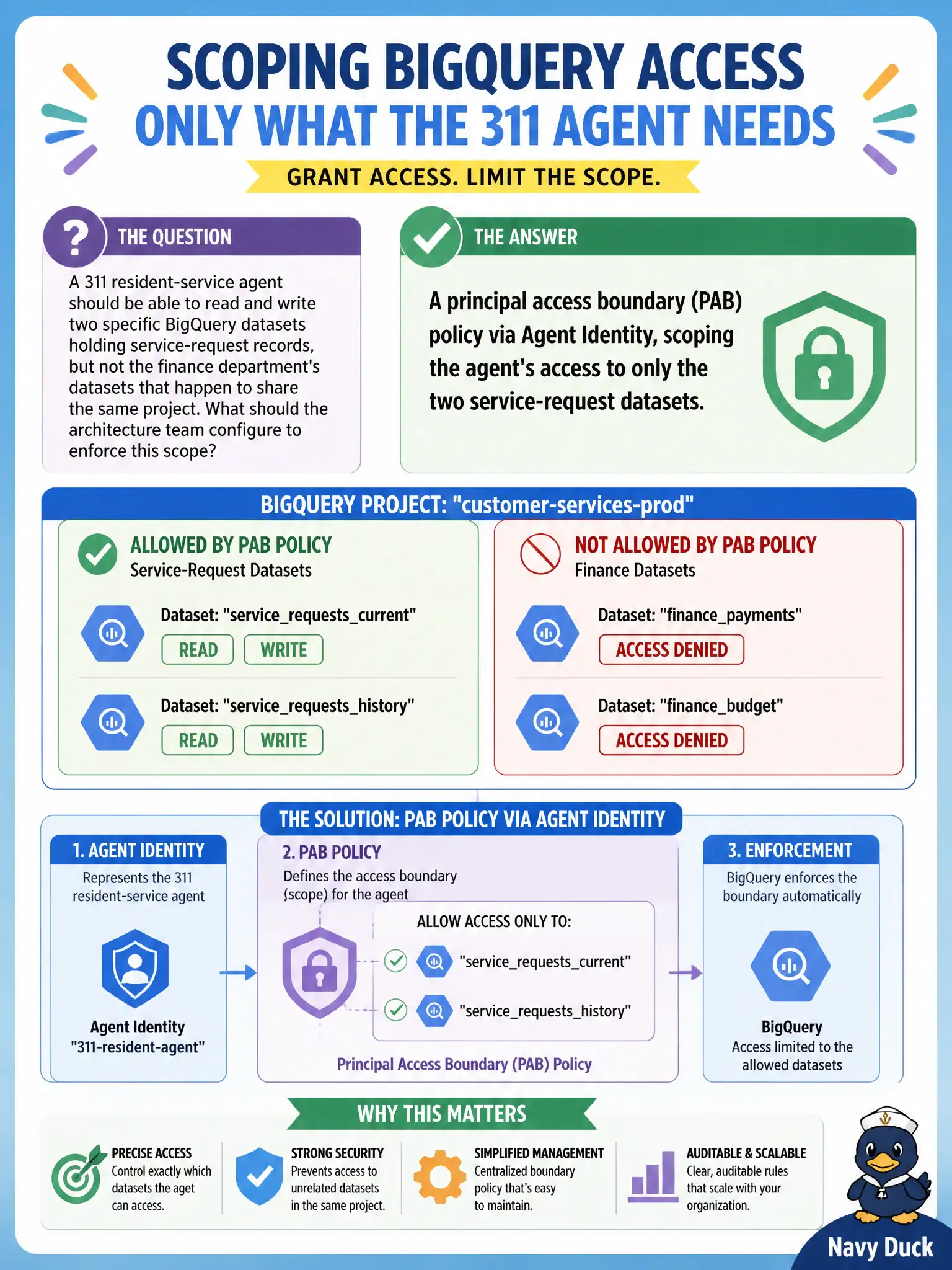
A 311 resident-service agent should be able to read and write two specific BigQuery datasets holding service-request records, but not the finance department's datasets that happen to share the same project. What should the architecture team configure to enforce this scope?
Select an answer to reveal the explanation.
Short Explanation
Sharing a project doesn't mean sharing everything in it — that's what a boundary is for. A principal access boundary policy through Agent Identity draws the line right around the two datasets this agent actually needs, so the finance data next door stays out of reach no matter how the request is phrased. It's an access-scoping problem, not a content-screening or traffic-logging one.
Full Explanation
A principal access boundary (PAB) policy, configured through Agent Identity, scopes exactly which resources a given agent's identity is permitted to reach, so even within a shared project the agent's effective access is constrained to the two service-request datasets rather than everything the project contains; this is the intended tool for defining and enforcing resource-level access boundaries per agent. Model Armor screens request and response content for risky patterns like prompt injection, which doesn't constrain what backend resources the agent's own queries can reach. An Agent Gateway traffic rule that only logs activity provides visibility but doesn't by itself prevent the agent from querying finance data. A canary rollout controls what percentage of traffic reaches a new software version, unrelated to which datasets an agent's credentials can access. Scope caveat: a PAB policy is only as good as how narrowly it's scoped, so granting broader dataset access than the workflow actually needs defeats the purpose even with the policy in place. Operational check: attempt a query against the finance datasets using the agent's identity in a test environment and confirm it is denied.