
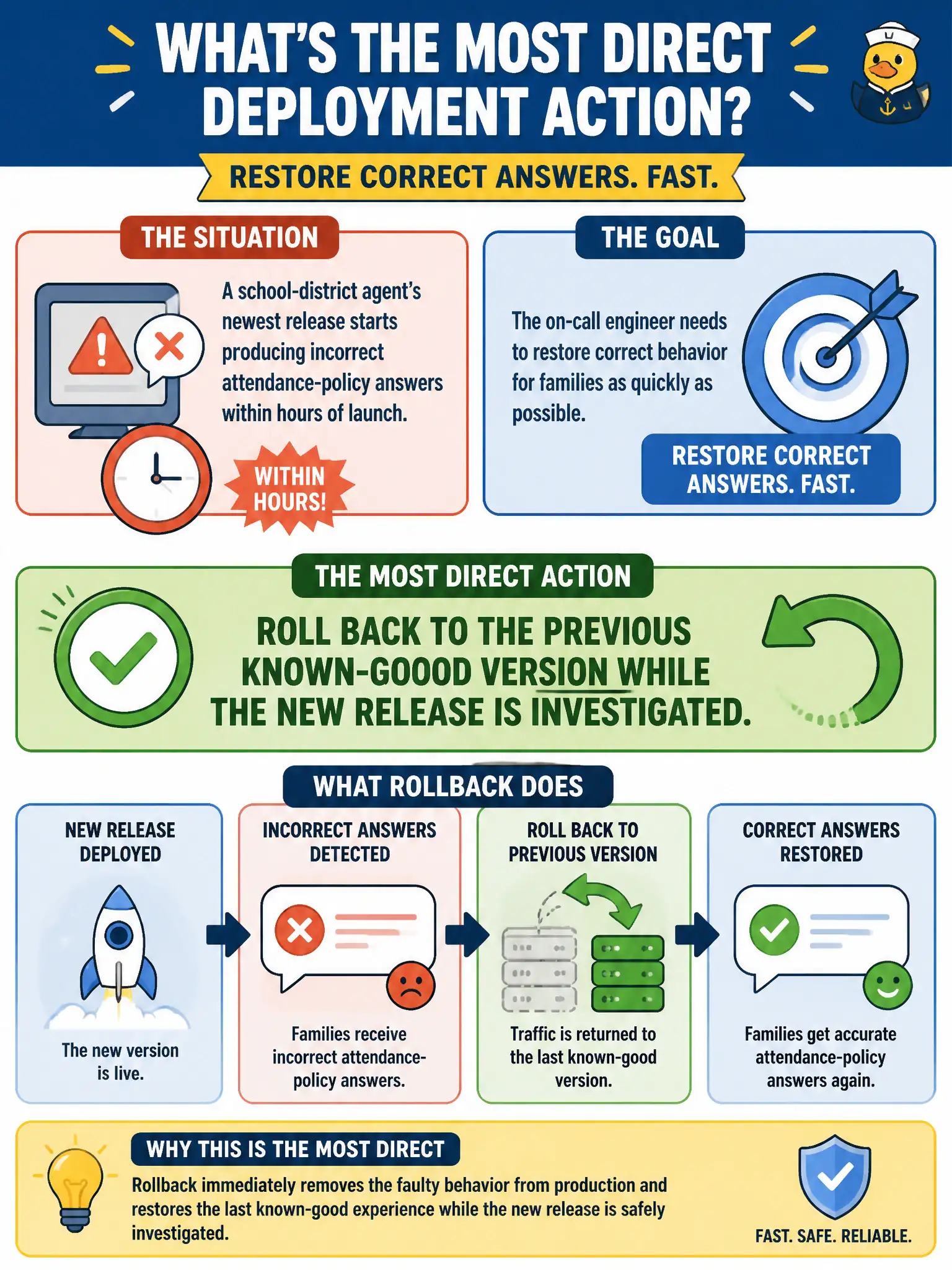
A school-district agent's newest release starts producing incorrect attendance-policy answers within hours of launch, and the on-call engineer needs to restore correct behavior for families as quickly as possible. What is the most direct deployment action to take?
Select an answer to reveal the explanation.
Short Explanation
When a new release starts misbehaving, the fastest fix is often the oldest trick: go back to what worked. Rolling back to the previous known-good version gets families correct answers right now, while the investigation into what broke happens on its own timeline. Scaling up replicas or tightening permissions doesn't touch the actual bug.
Full Explanation
Rollback restores the previously validated version so users immediately get correct behavior again, decoupling "stop the bleeding" from "diagnose the root cause," which is why it's the standard first move when a fresh release regresses in production; investigation into what changed in the new release can then proceed without families continuing to receive wrong answers in the meantime. Re-running the evaluation suite is a useful diagnostic step but doesn't restore correct behavior for current requests while it runs. Adding replicas addresses capacity and load, not correctness, so more instances of the broken version just serve more wrong answers faster. Adjusting a principal access boundary policy is a permissions control, unrelated to why the agent's attendance-policy answers became incorrect. Scope caveat: rollback only works cleanly when the previous version is still deployable and any underlying data or schema changes remain backward compatible, which teams should verify as part of release planning. Operational check: confirm the previous version is serving correct answers again for the same test questions that surfaced the regression before closing the incident.