
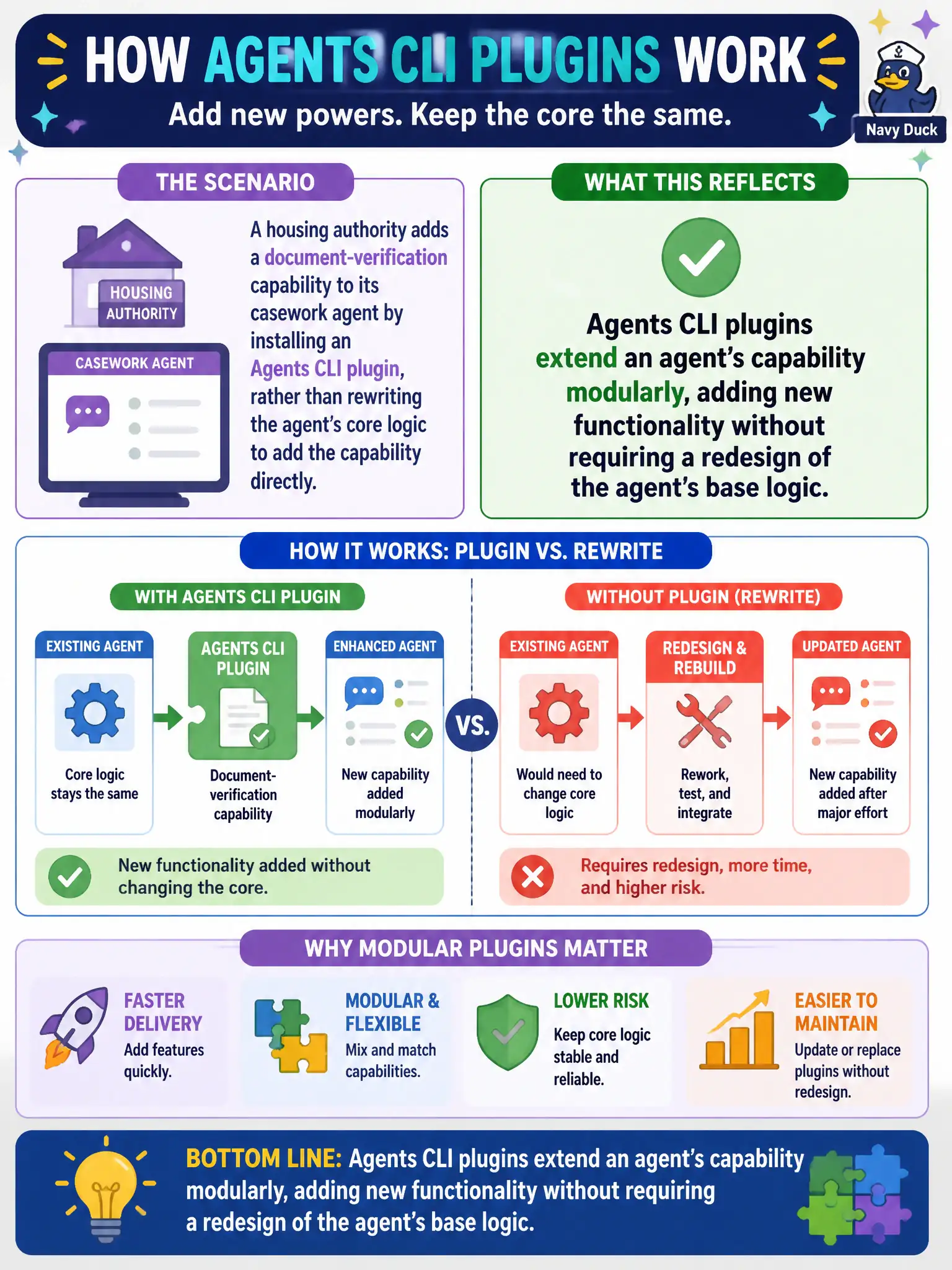
A housing authority adds a document-verification capability to its casework agent by installing an Agents CLI plugin, rather than rewriting the agent's core logic to add the capability directly. What does this reflect about how Agents CLI plugins work?
Select an answer to reveal the explanation.
Short Explanation
Think of it like adding an attachment to a power tool instead of rebuilding the tool from scratch every time you need it to do something new. A plugin gives the casework agent the document-verification capability it needs as an add-on, snapped into place, while the agent's core logic underneath stays exactly as it was. That modularity is the whole point of a plugin.
Full Explanation
Agents CLI plugins are built to extend an agent's capability set modularly, letting a team add functionality like document verification without touching or redesigning the agent's core logic. This is precisely why the housing authority could add the capability by installing a plugin rather than undertaking a rewrite.
Claiming plugins only work after a core-logic rewrite reverses the actual relationship: the plugin model exists specifically so that kind of rewrite isn't necessary. Treating the plugin path and a full rewrite as functionally equivalent, differing only in style, ignores the real practical difference between a modular addition and a redesign of the agent's underlying logic, including the risk and testing burden each one carries. Dismissing plugins as suited only to cosmetic features understates their role, since a document-verification capability, which materially changes what the agent can do, is exactly the kind of substantive functionality plugins are meant to add.
Scope note: a plugin's capability is bounded by what it's built to expose, so a genuinely novel capability outside any available plugin's scope may still require custom development. Operational check: after installing the plugin, run a test case through the casework agent's document-verification step to confirm the new capability is actually reachable in the workflow, not just installed.