
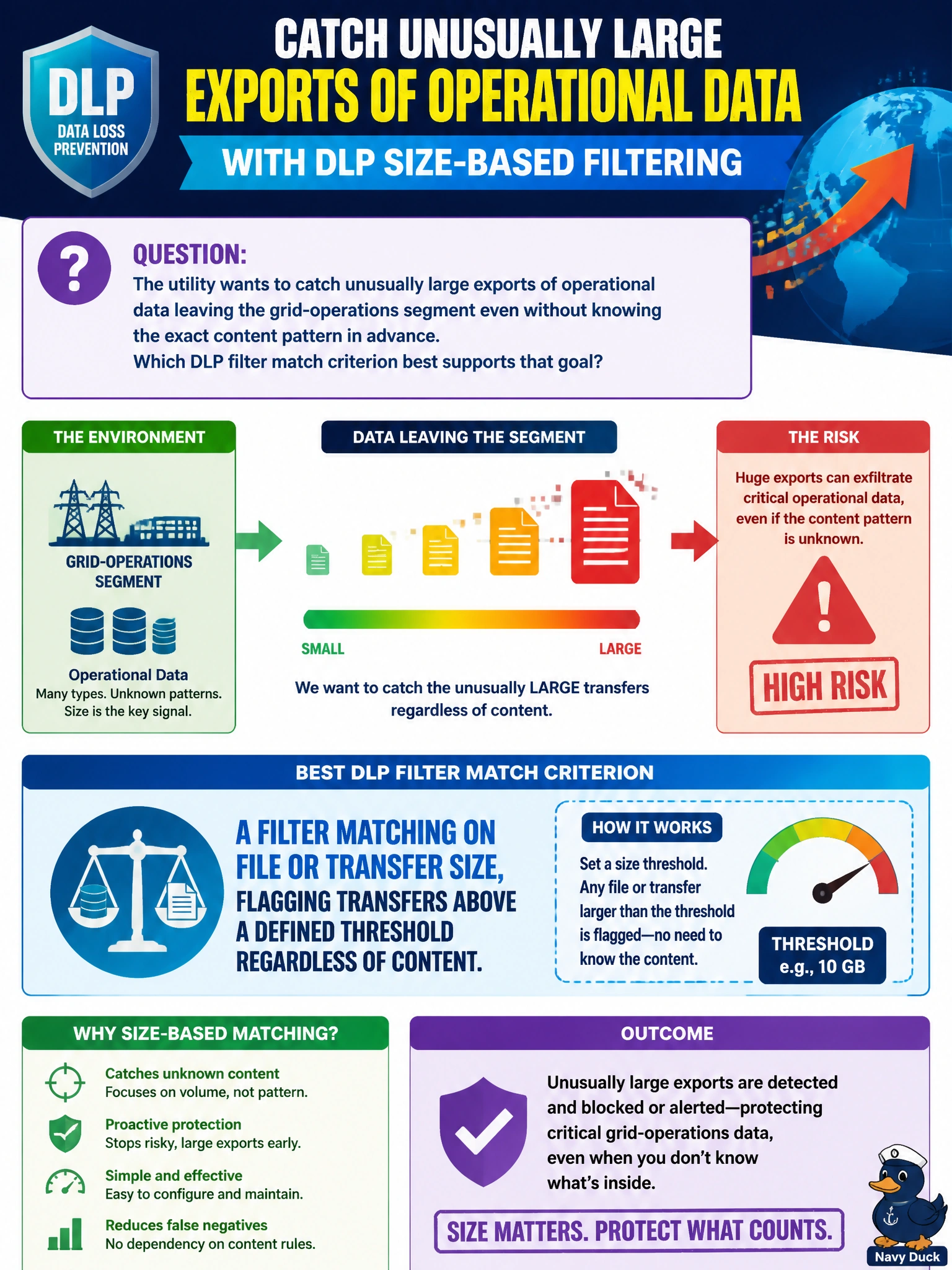
The utility wants to catch unusually large exports of operational data leaving the grid-operations segment even without knowing the exact content pattern in advance. Which DLP filter match criterion best supports that goal?
Select an answer to reveal the explanation.
Short Explanation
You don't need to know exactly what's in a truck to notice it's way bigger than the ones that usually leave the yard. A size threshold catches the anomaly even before you know the content.
Full Explanation
A DLP filter that matches on file or transfer size flags anything above a defined threshold regardless of what the content actually is, which is exactly the right tool when the concern is unusual volume rather than a specific known pattern. This kind of filter complements content-pattern filters by catching bulk exports that might not trip a keyword or data-pattern match at all. Matching only on the sender's IP address identifies who is sending, not how much is being sent, so it tells the team nothing about whether a given transfer is unusually large. Matching only on destination port identifies the type of service being used, not the volume of data moving through it — a normal-sized and an oversized transfer can both use the same port. Matching only on an application's display name identifies which software generated the traffic, again saying nothing about the amount of data involved. A caveat: size thresholds need to be tuned against a realistic baseline of normal utility traffic, such as expected backup or report sizes, or the filter will either miss real anomalies set too high or flood the log with routine large files set too low. To validate the threshold, review the DLP log after a deliberate oversized test transfer and compare the flagged size against a known baseline for legitimate work-order or reporting files.