
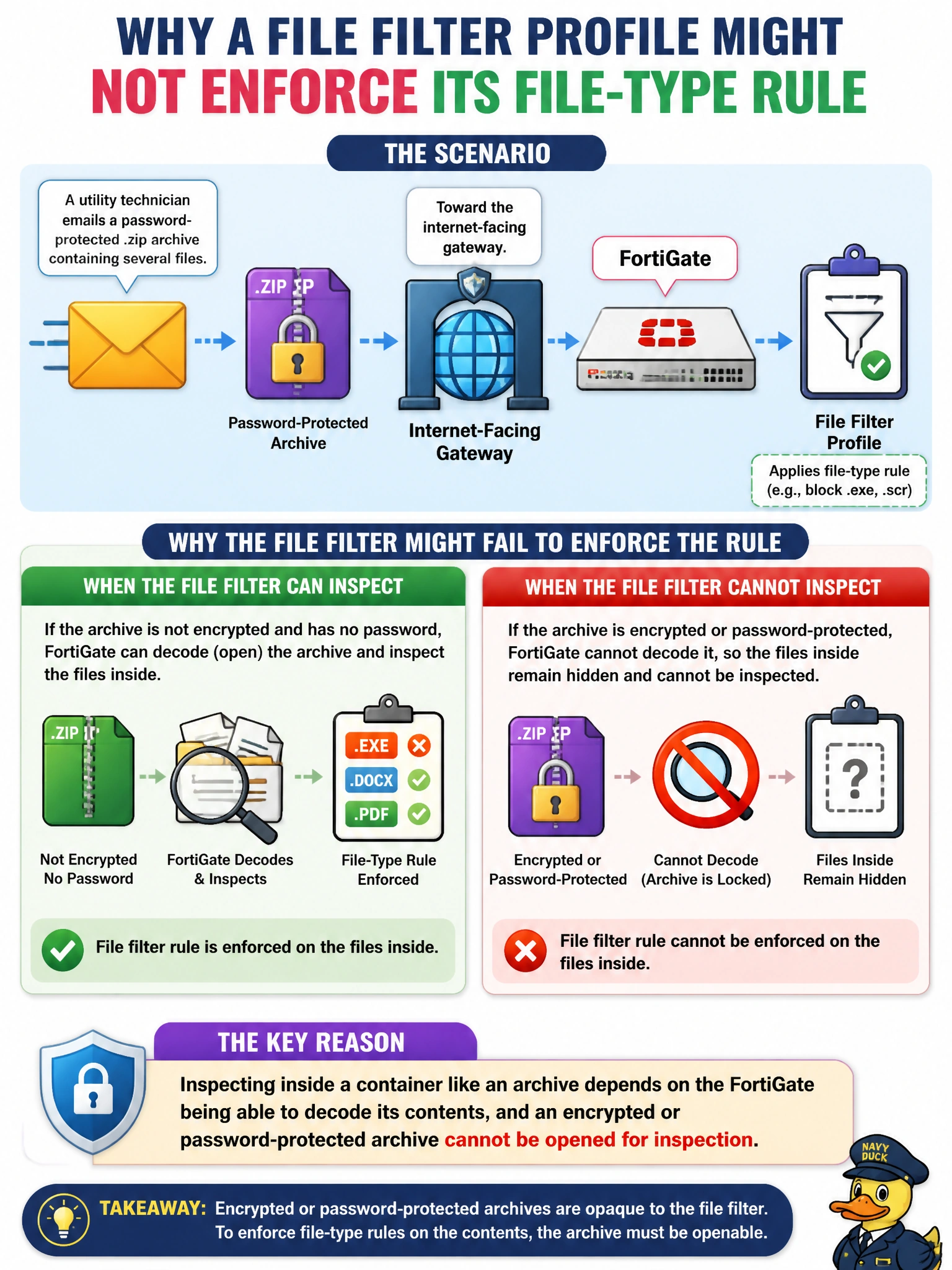
A utility technician emails a password-protected .zip archive containing several files toward the internet-facing gateway. In general terms, why might a file filter profile fail to enforce its file-type rule on the files stored inside that archive?
Select an answer to reveal the explanation.
Short Explanation
A guard can't search a locked suitcase without the key. If an archive is password-protected, the FortiGate hits the same wall — it can only inspect what it can actually open and read.
Full Explanation
Content inspection engines, file filter included, can only evaluate what they are able to decode, and a password-protected or encrypted archive presents exactly the kind of content the FortiGate has no way to open — so the files hidden inside remain unseen and the file-type rule can't be applied to them. This is a practical limit of visibility, not a flaw specific to one feature. The wrong option claiming file filter can never examine any compressed traffic overstates the limitation; ordinary, unencrypted archives are commonly inspectable, so the real issue here is specifically the password protection, not compression itself. The wrong option restricting file filter to VPN traffic only is incorrect — file filter operates across the protocols and policies it's attached to, not a single connection type like VPN. The wrong option claiming file filter only evaluates destination IP address ignores its core function entirely, which is examining file content and metadata, not routing information. A caveat that applies broadly across inspection engines: encryption without a decodable path is a blind spot the FortiGate cannot see past, so policy design for sensitive segments should account for that gap rather than assume every attachment gets inspected. To confirm the behavior, check the file filter log for an unscanned or unmatched result on the password-protected sample compared to a plain, unencrypted archive sent the same way.