
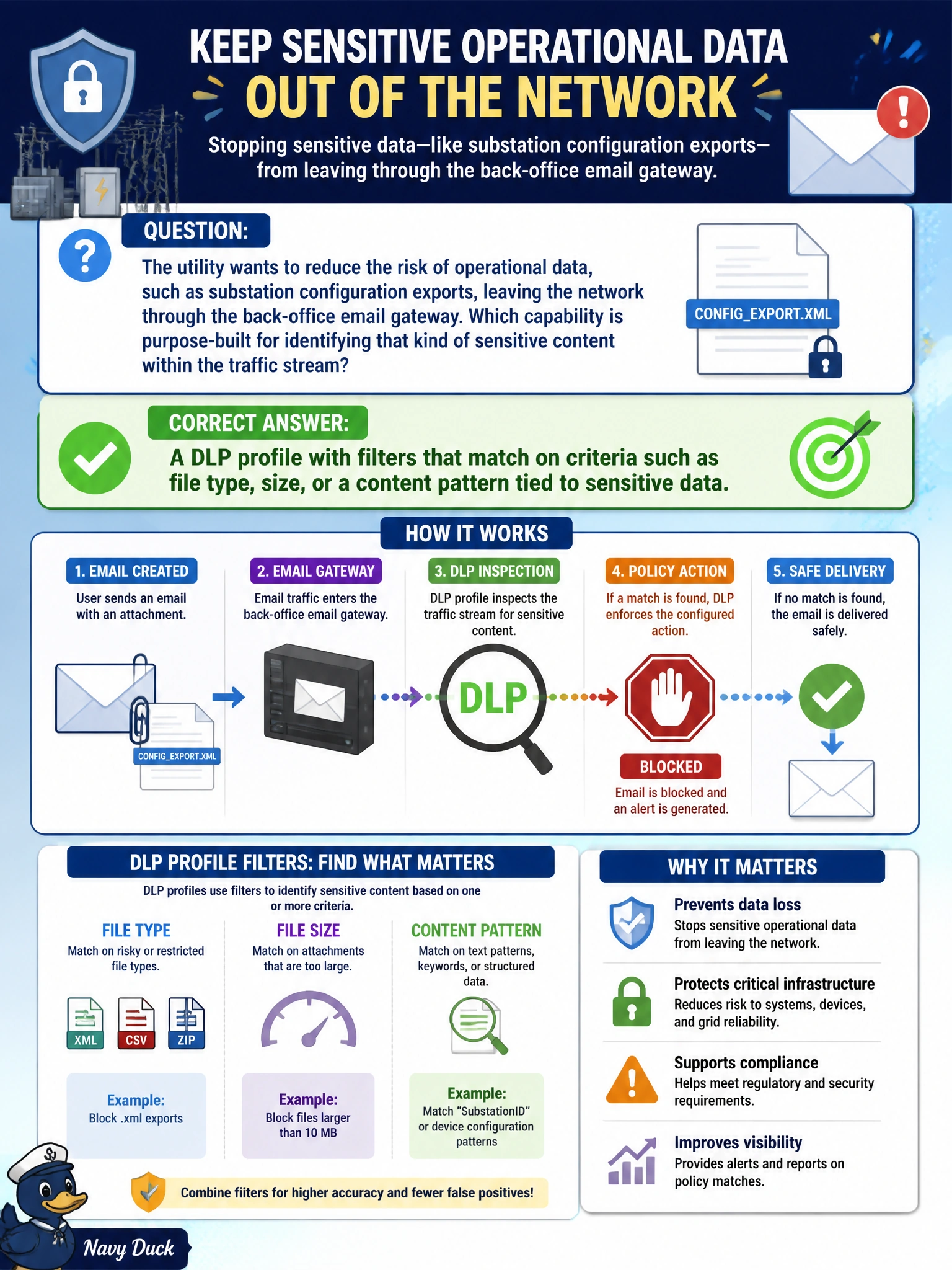
The utility wants to reduce the risk of operational data, such as substation configuration exports, leaving the network through the back-office email gateway. Which capability is purpose-built for identifying that kind of sensitive content within the traffic stream?
Select an answer to reveal the explanation.
Short Explanation
Think of DLP as a guard reading what's actually written on the page as it leaves the building, not just checking who's carrying it or what format the paper is. It's the tool built to notice sensitive content itself.
Full Explanation
DLP profiles exist specifically to identify sensitive content leaving the network by matching filters against characteristics like file type, transfer size, or content patterns associated with data the organization wants to protect — exactly the kind of concern raised by operational data leaving through an email gateway. Application control identifies which application or service generated a session, which says nothing about whether the content itself is sensitive, so it misses the actual goal here. IPS signatures are built to detect known exploit and attack patterns, an entirely different problem from spotting sensitive data in otherwise legitimate-looking traffic. A file filter profile limited to blocking executables addresses a narrower concern — malicious or disallowed file types — and isn't designed to recognize sensitive data patterns inside allowed file types like spreadsheets or text exports. A caveat worth remembering: DLP only catches what its filters are actually built to match, so a filter that isn't scoped to the utility's real sensitive-data patterns will let matching content through unnoticed. To confirm the filter works as intended, send a test transfer containing representative sensitive content and review the DLP log for the expected match before relying on it in production.