
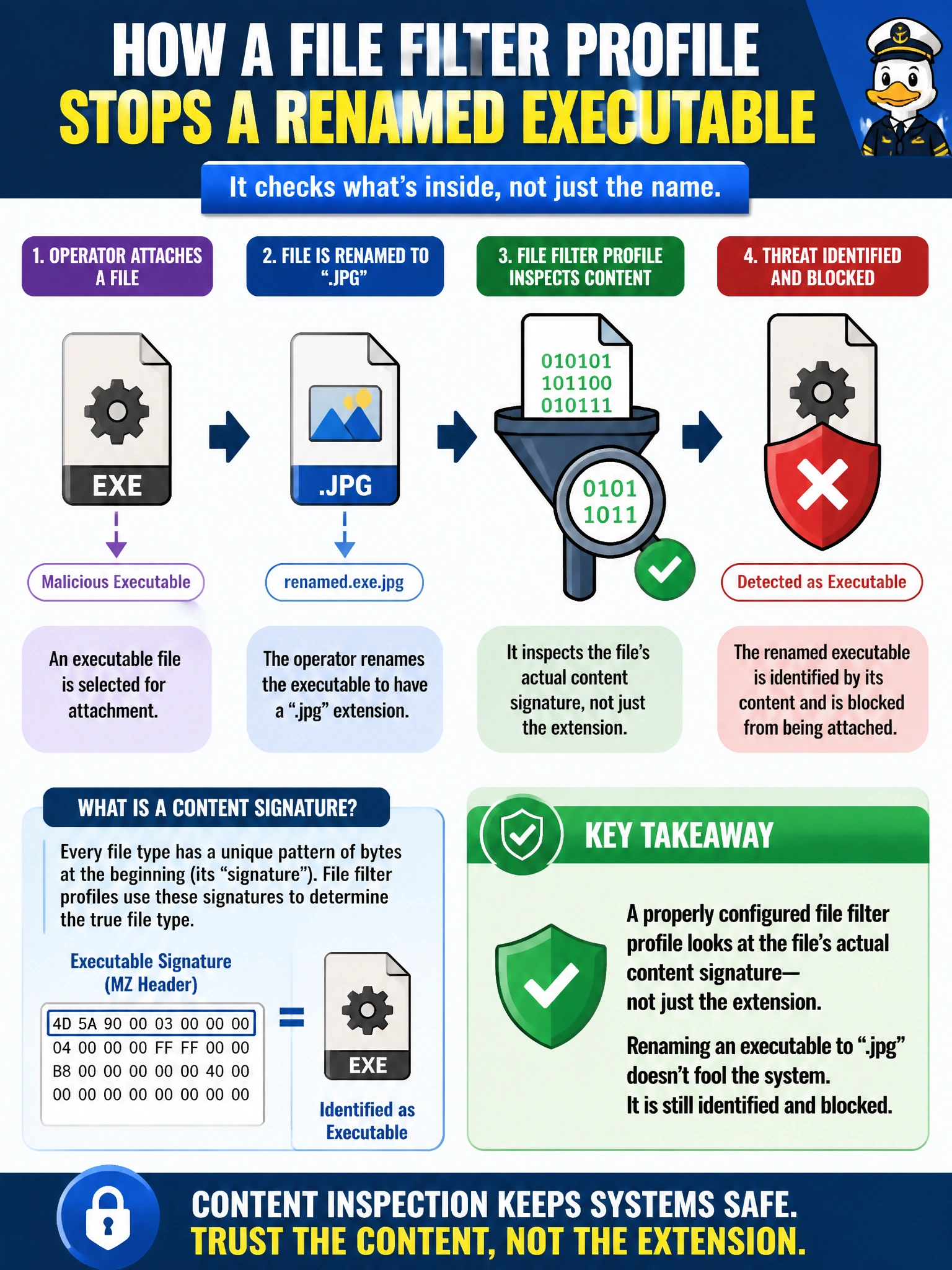
A work-order dispatch system at the utility only accepts image attachments, but an operator renames an executable file to end in ".jpg" hoping to slip it past a simple content check. How does a properly configured file filter profile generally handle this attempt?
Select an answer to reveal the explanation.
Short Explanation
Renaming a file's extension is like putting a fruit sticker on a different box — it doesn't change what's actually inside. A file filter looks at the real contents, so the disguise doesn't fool it.
Full Explanation
File filter profiles are built to identify a file's true type from its actual content rather than trusting the extension in the file name, which is exactly what lets a properly configured profile catch an executable disguised with an image extension. This distinguishes a real content-inspection engine from a naive check that only reads the file name string. The wrong option claiming the file is ignored because the extension matches describes exactly the naive behavior that file filter is designed to avoid, so it gets the mechanism backwards. The wrong option claiming the profile can only read the file name string describes the same naive limitation rather than the actual detection method. The wrong option deferring entirely to antivirus misunderstands the relationship between the two profiles — file filter and AV are separate, complementary engines with their own independent match criteria and actions, not one delegating its job to the other. A caveat: this detection still depends on the FortiGate being able to see the file's actual bytes, which in turn depends on the protocol and inspection path the traffic takes through the policy. To confirm the behavior, review the file filter log entry for the transfer and check that it reports the true detected file type alongside the mismatched extension.