
Which best describes what a file filter profile does within a firewall policy protecting the utility's back-office file-transfer traffic?
Select an answer to reveal the explanation.
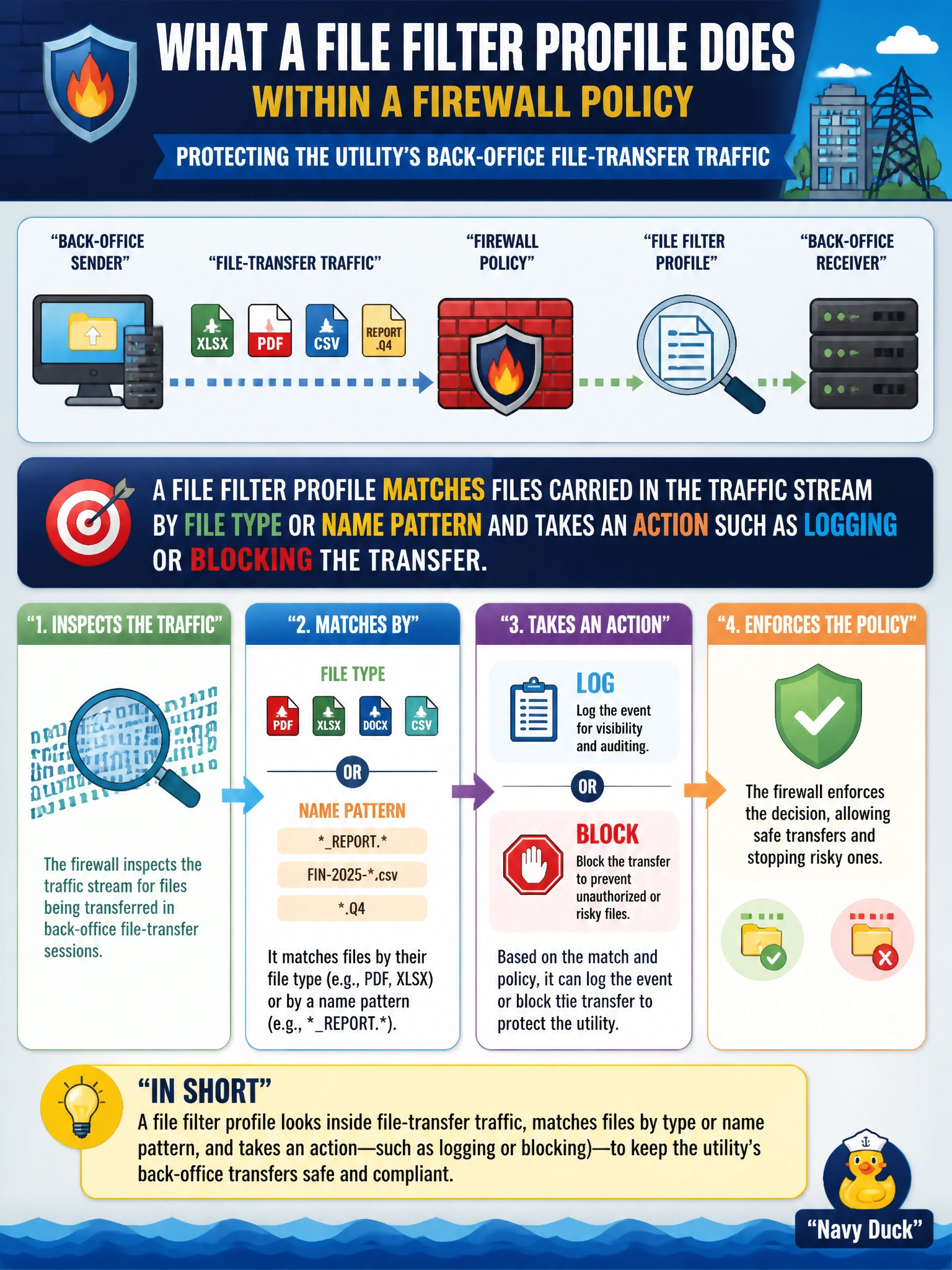
Short Explanation
Picture a checkpoint that only cares about what's inside the box being shipped, not who's shipping it or the road it travels on. That's a file filter — it looks at the file itself and decides whether it's allowed through.
Full Explanation
A file filter profile matches files as they pass through a firewall policy using criteria such as detected file type or file name pattern, then applies a configured action like logging the match or blocking the transfer outright. It is a content-inspection tool focused purely on the file object itself, separate from what protocol carried it or what website it came from. The first wrong option describes SSL/TLS deep inspection, an entirely different profile whose job is decrypting sessions so other engines can see inside them. The second wrong option describes web filtering, which categorizes destination sites rather than examining files being transferred. The third wrong option describes IPS, which looks for known exploit and attack patterns in traffic rather than classifying files by type. A caveat worth remembering for a utility environment: file filter can only act on file content it can actually see, so its effectiveness still depends on the traffic reaching it in a form the FortiGate can decode. To confirm the profile is working as intended, attempt a test transfer of a file matching a configured rule and review the file filter log entry showing the detected type and the action taken.