
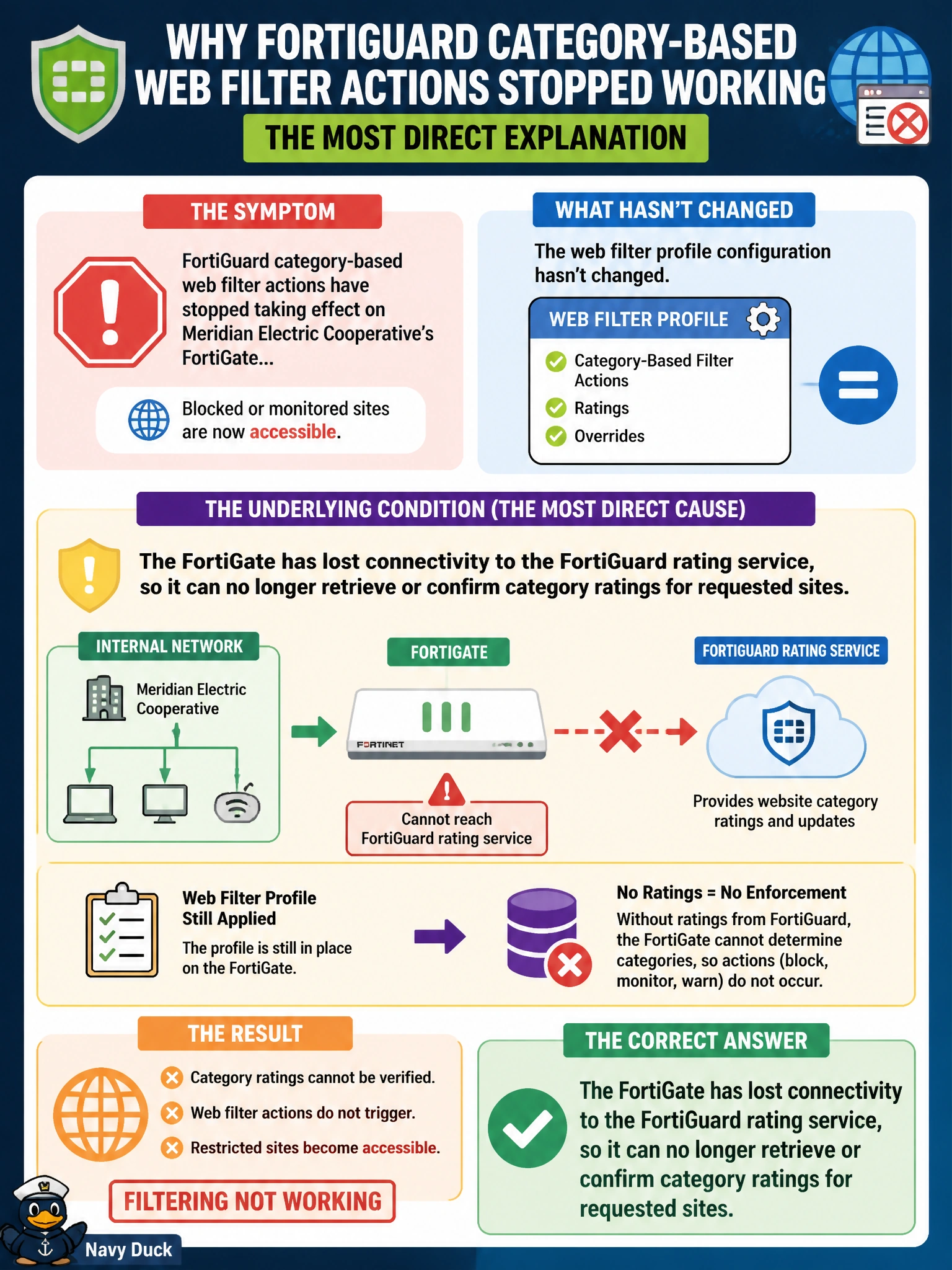
NOC administrators notice that FortiGuard category-based web filter actions have stopped taking effect on Meridian Electric Cooperative's FortiGate, even though the web filter profile configuration hasn't changed. Which underlying condition would most directly explain this symptom?
Select an answer to reveal the explanation.
Short Explanation
FortiGuard category filtering depends on the FortiGate actually being able to reach FortiGuard's rating service to know what category a site belongs to. If that connection drops, the ratings it relies on stop showing up — even though nothing in the profile itself changed.
Full Explanation
FortiGuard category-based filtering depends on the FortiGate being able to query the FortiGuard distribution network for a site's current category rating, whether from cache or a live lookup. If connectivity to that service is disrupted, the FortiGate loses the ability to determine or confirm categories for requests it hasn't already cached, which produces exactly the symptom described — category actions no longer taking effect despite an unchanged profile. Emptying the static URL filter list doesn't disable FortiGuard category filtering as a side effect; the two mechanisms are independent layers within the same web filter profile, and clearing one doesn't touch the other's function. Application control is a separate profile type entirely, evaluating different signatures for different purposes, and disabling it has no bearing on whether FortiGuard category filtering continues to operate. DNS filtering and FortiGuard category-based web filtering are not mutually exclusive; both can run on the same policy without conflict, since they inspect different traffic — DNS queries versus web sessions. The operational check here is straightforward: verify FortiGuard connectivity status and license validity from the FortiGate's system dashboard or diagnostic output, since a lapsed license or a blocked outbound connection to FortiGuard's servers are the most common root causes of this exact symptom.